Email automation that drives revenue on autopilot
Email automation sends the right email at the right moment—automatically—based on behavior (signup, cart, purchase, inactivity). Below you’ll get practical workflows, an ROI estimator, and transparent tradeoffs—so you can launch your first automated email flows today.
What is email automation and who is it for?
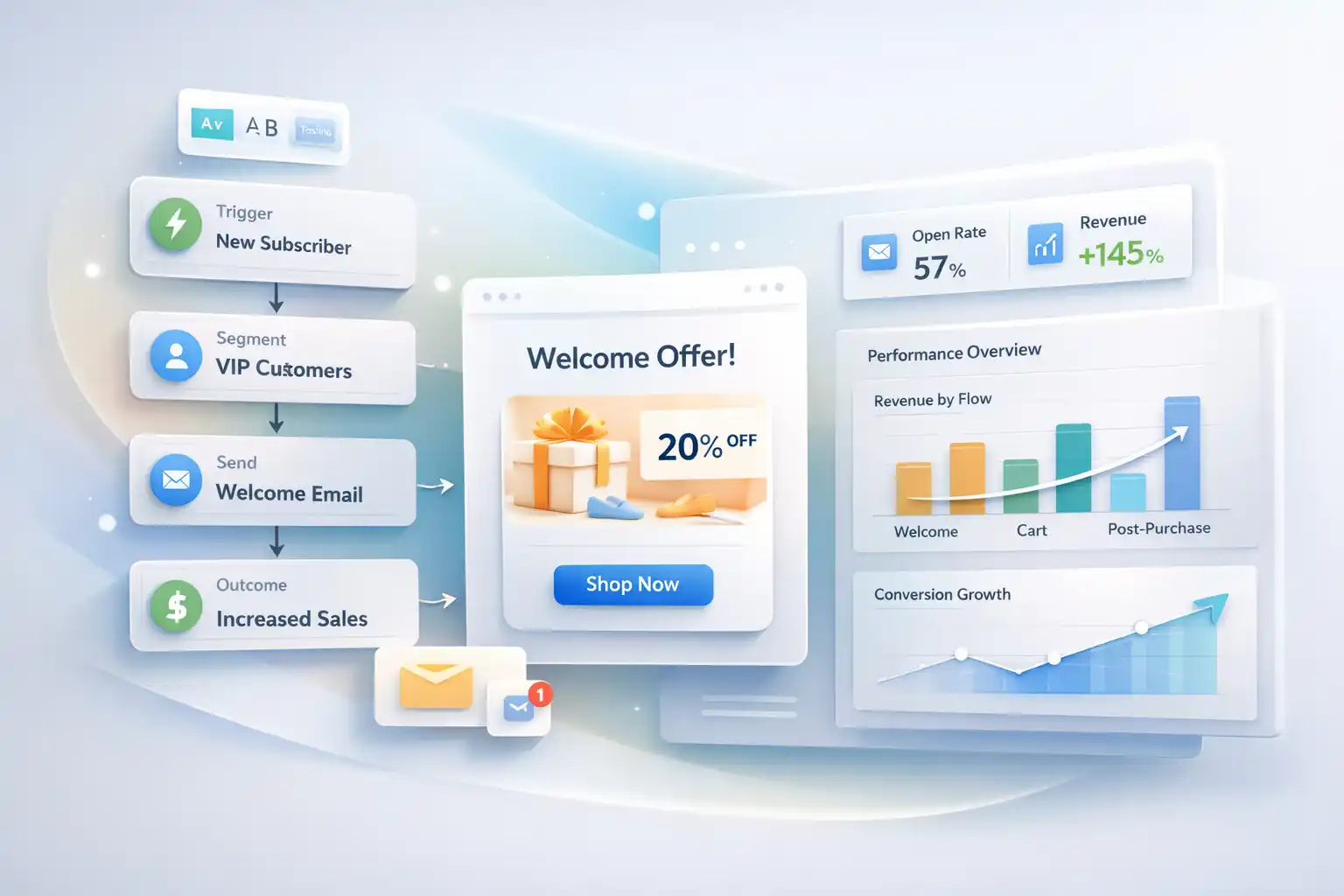
This guide is built for ecommerce owners and growth teams who want predictable results. Instead of sending everything manually, triggered email sequences react to real user actions and keep your follow-ups consistent.
Email automation workflows to build first
Start with the two money flows (Welcome + Abandoned Cart). Then expand into lifecycle email workflows as your store grows.
- ✓Welcome series3–5 emails: quick win → proof → offer → FAQ → CTA.
- ✓Abandoned cart recoveryHighest ROI for most stores—turn “almost buyers” into buyers.
- ✓Browse abandonmentFollow up after product views—great for longer consideration.
- ✓Post-purchase education + upsellReduce refunds, increase LTV with tips and cross-sells.
- ✓Winback / reactivationBring inactive subscribers back with smarter timing.
- ✓SMS add-on (optional)Use when urgency matters. Check SMS pricing explained.
Interactive ROI estimator
Conservative model: baseline revenue × expected lift from automated flows.
Pros & Cons (transparent)
Pros
- ✓Compounding ROINew subscribers enter the same proven journey automatically.
- ✓More relevanceBehavior-based messaging beats generic blasts.
- ✓Less manual workYour system works even when you’re busy.
Cons
- !Bad setup feels spammyWrong timing or irrelevant offers cause unsubscribes.
- !Needs trackingClean events = correct segmentation and reporting.
- !Requires iterationTop results come from testing subject lines and offers.
Manual emailing vs automated flows
A quick comparison that makes the difference obvious.
| Area | Manual | Automated |
|---|---|---|
| Execution | One-off campaigns | Trigger-based sequences |
| Timing | Human-dependent | Instant + consistent |
| Relevance | Generic lists | Behavior + segments |
| Scale | More work as list grows | Same system for every subscriber |
| Best with | Basic sender | Omnisend or similar automation platform |
FAQ
What is email automation in simple terms?
Email automation is a set of trigger-based emails that send automatically when users take actions (signup, cart, purchase). It replaces repetitive manual follow-ups.
Which flows create the fastest ROI?
Welcome + Abandoned Cart usually win first. Then Post-Purchase and Winback.
Do I need paid software?
To run reliable triggers, segmentation, and reporting—yes. Start here: Omnisend free start.
How much should I spend on SMS credits?
Use the SMS calculator and compare with the SMS credits subscription.
Will automations hurt deliverability?
Only if messages are irrelevant or too frequent. Keep consent clean, segment properly, and monitor reputation signals.
Launch your first email automation today
Start with two flows (Welcome + Abandoned Cart). You can build them in under an hour and they keep working 24/7. Don’t wait—every week you delay, you keep paying the “manual tax”.