
How email automation works for ecommerce (explained as a simple story)
If you’re doing €20k+/month (or €50k+/month), the problem is rarely traffic. The problem is follow-up: visitors leave, carts abandon, buyers go quiet — and you pay again to reacquire them.
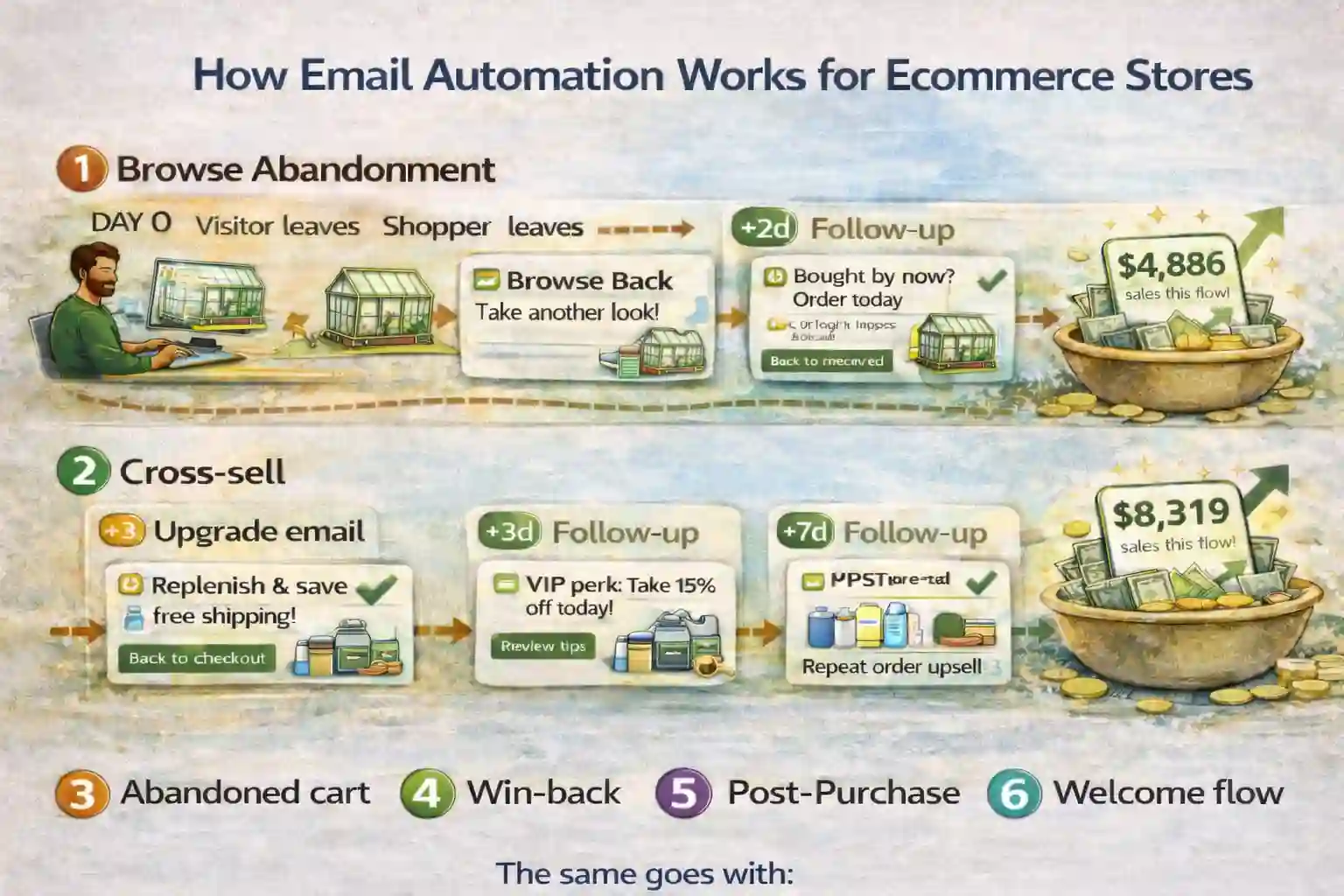
Here’s how email automation works for ecommerce when it’s built as a system: capture intent → recover revenue leaks → build trust after purchase → drive repeat notice-me revenue — automatically, with clean stop rules.
Base package includes 5 flows. Cross-sell is an upgrade.
FOMO: Every week you delay automation is a week of “almost-buyers” you’ll never get back — and you’ll pay again to replace them.
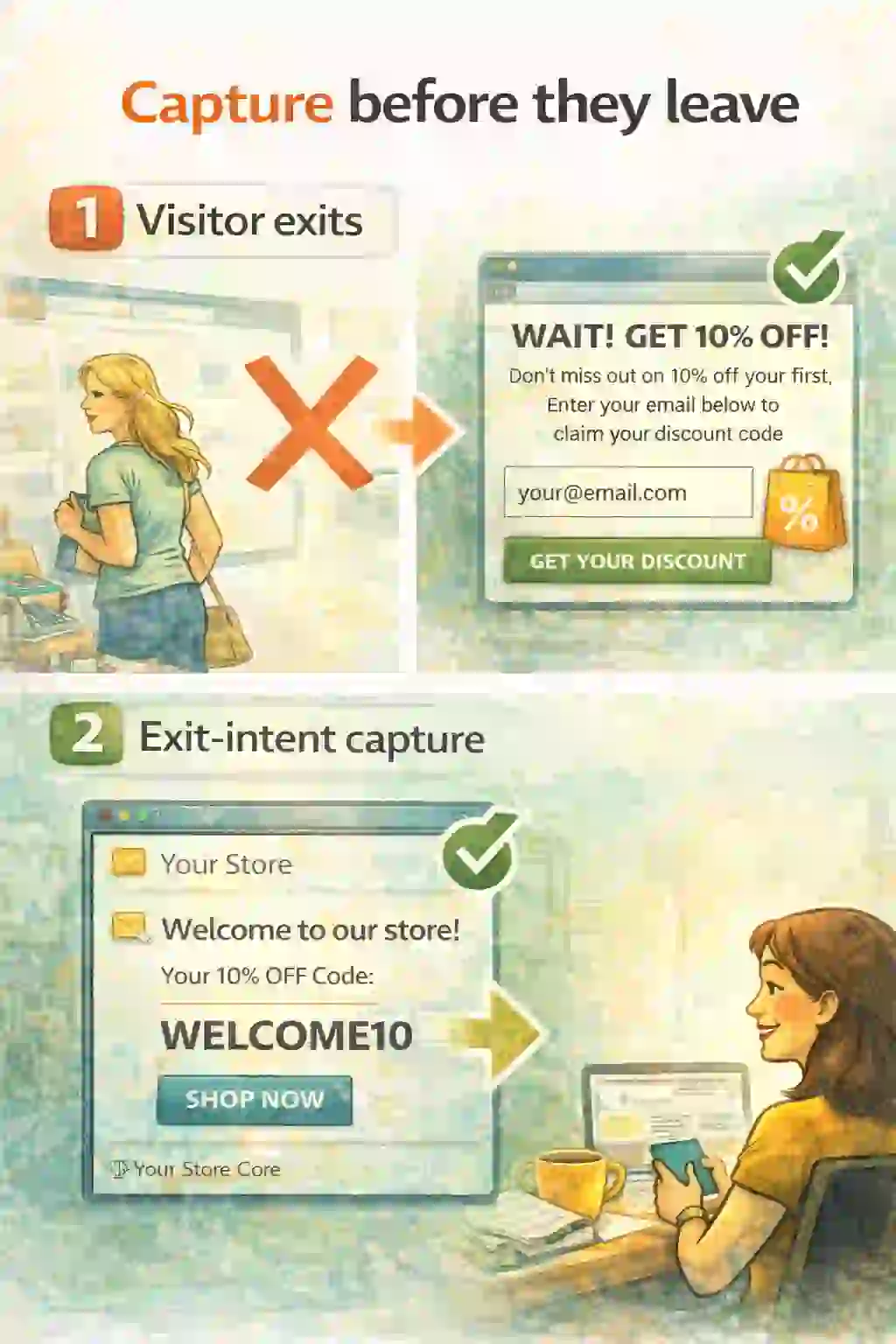
Welcome Flow: capture before they leave
Without capture, there is no follow-up. The story is simple: red ✕ = they leave; green ✓ = you capture and start the welcome sequence.
- Exit-intent capture (example: % discount) → email captured ✓
- Welcome email begins with one clear CTA ✓
- Stop rules prevent overlap with other flows ✓
FOMO: If they leave untracked, you pay again to reacquire the same person later.
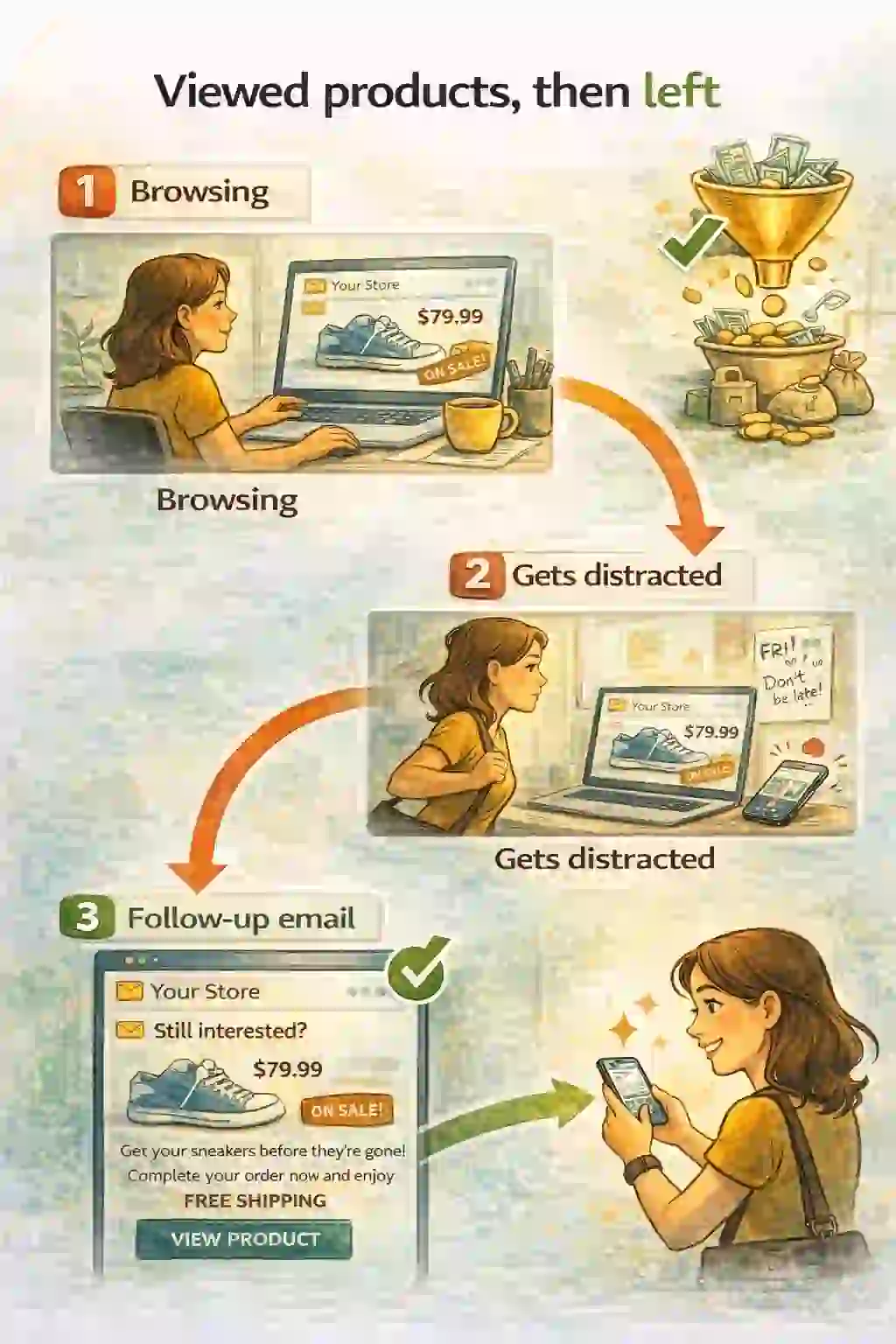
Browse Abandonment: bring warm shoppers back
This is not cart recovery. It’s warm research intent. Show the exact viewed item and a clean “continue browsing” CTA.
- Viewed product/category → distraction ✕
- Reminder email shows the same product ✓
- Offer variety: delivery estimate, reviews, compare options (not always discounts)
FOMO: Warm intent is the cheapest to convert — if you follow up fast and clean.
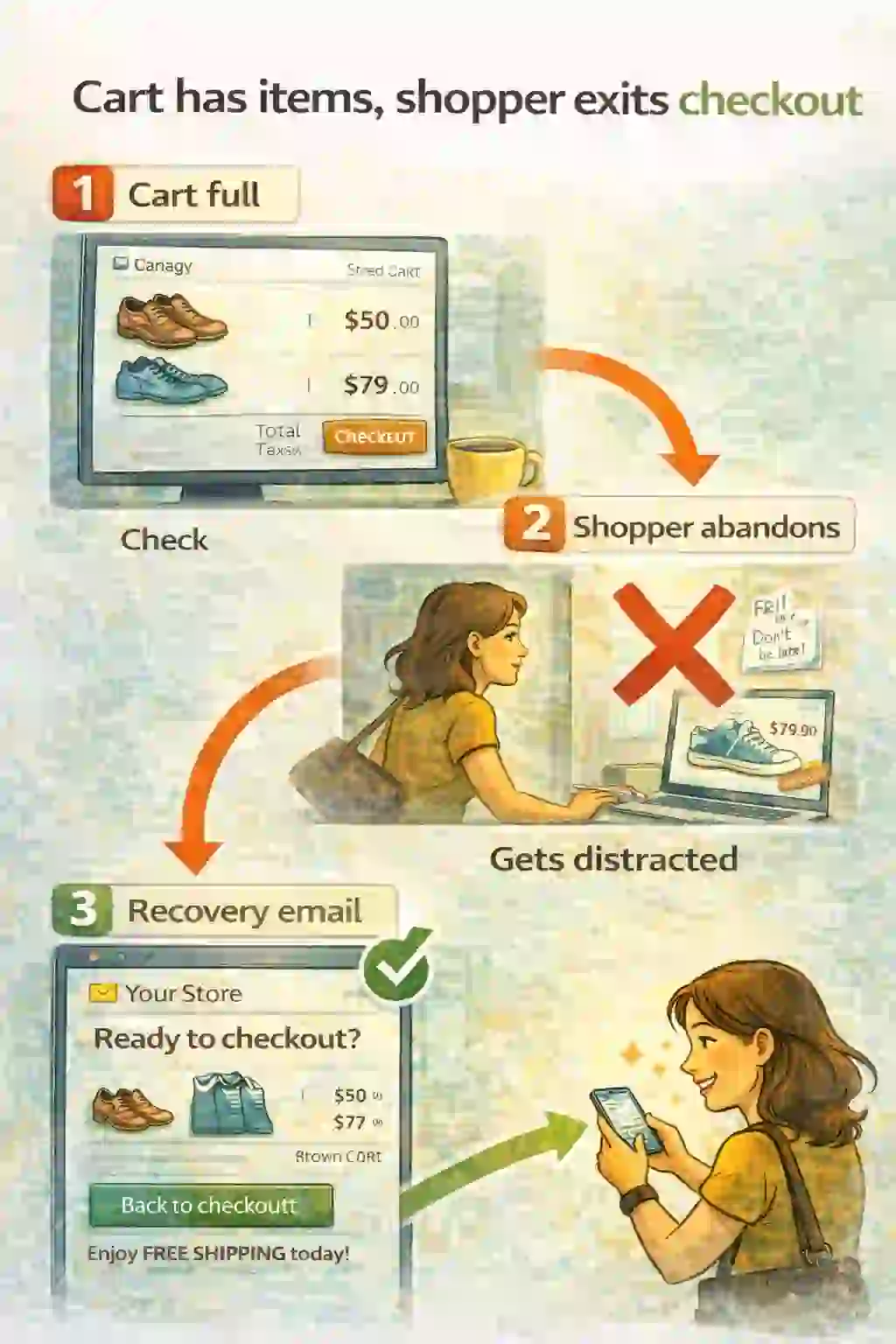
Abandoned Cart: recover the highest-intent sale
The cart must visibly contain items. Red ✕ = abandoned checkout. Green ✓ = recovery email shows the same items and one clear CTA.
- Cart with items + prices → checkout exit ✕
- Recovery email shows cart items + “Back to checkout” ✓
- Incentive variety: free shipping / bundle value (discount is optional)
FOMO: If you don’t recover carts, you’re donating money to competitors.
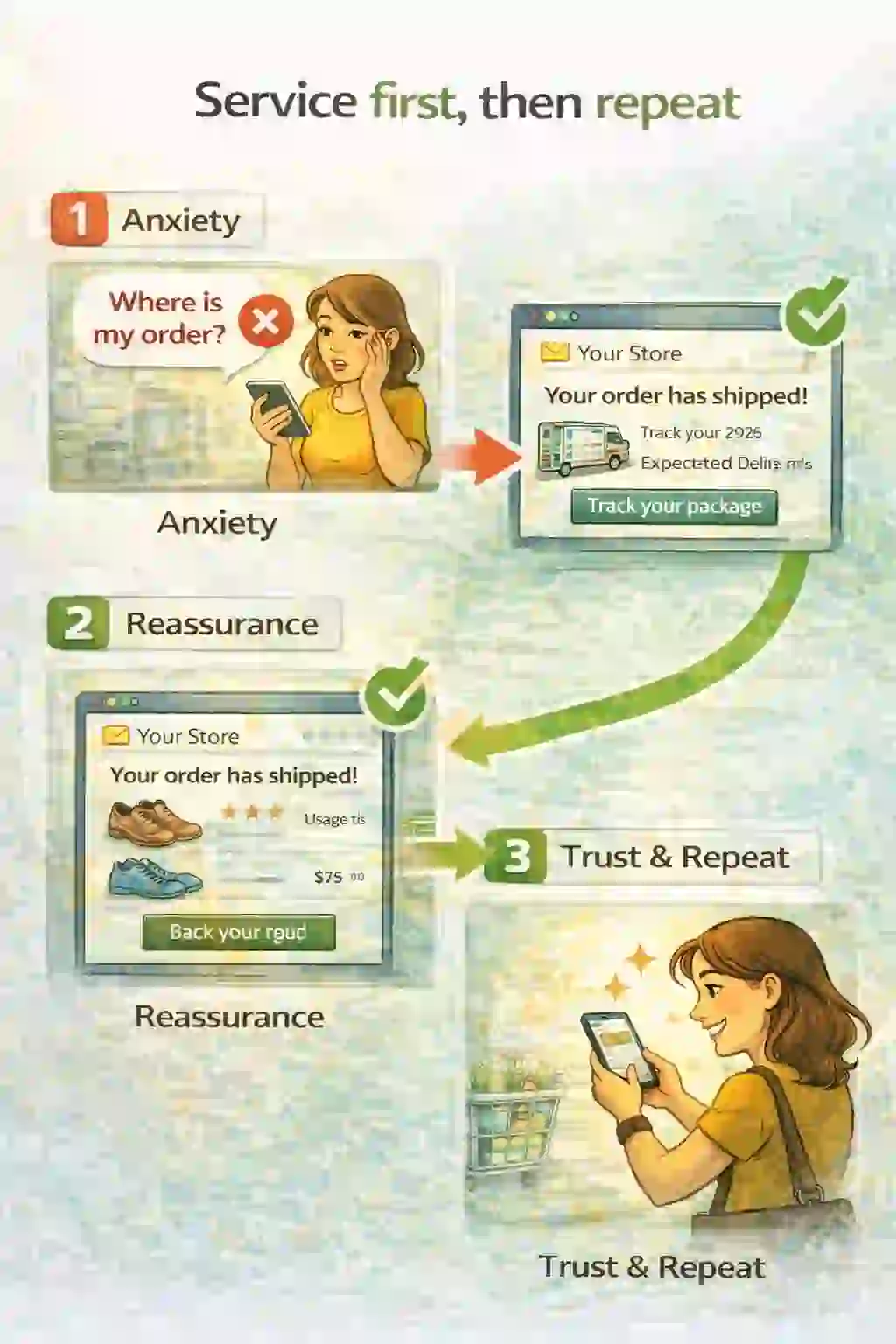
Post-purchase: service first, then repeat
Most stores stop at the receipt. This flow reduces support load and increases repeat orders by making the product succeed.
- “Where is my order?” anxiety ✕
- Tracking + delivery expectations ✓
- Care/how-to tips + review request after delivery ✓
FOMO: If you only send a receipt, you waste the best moment to earn the next purchase.
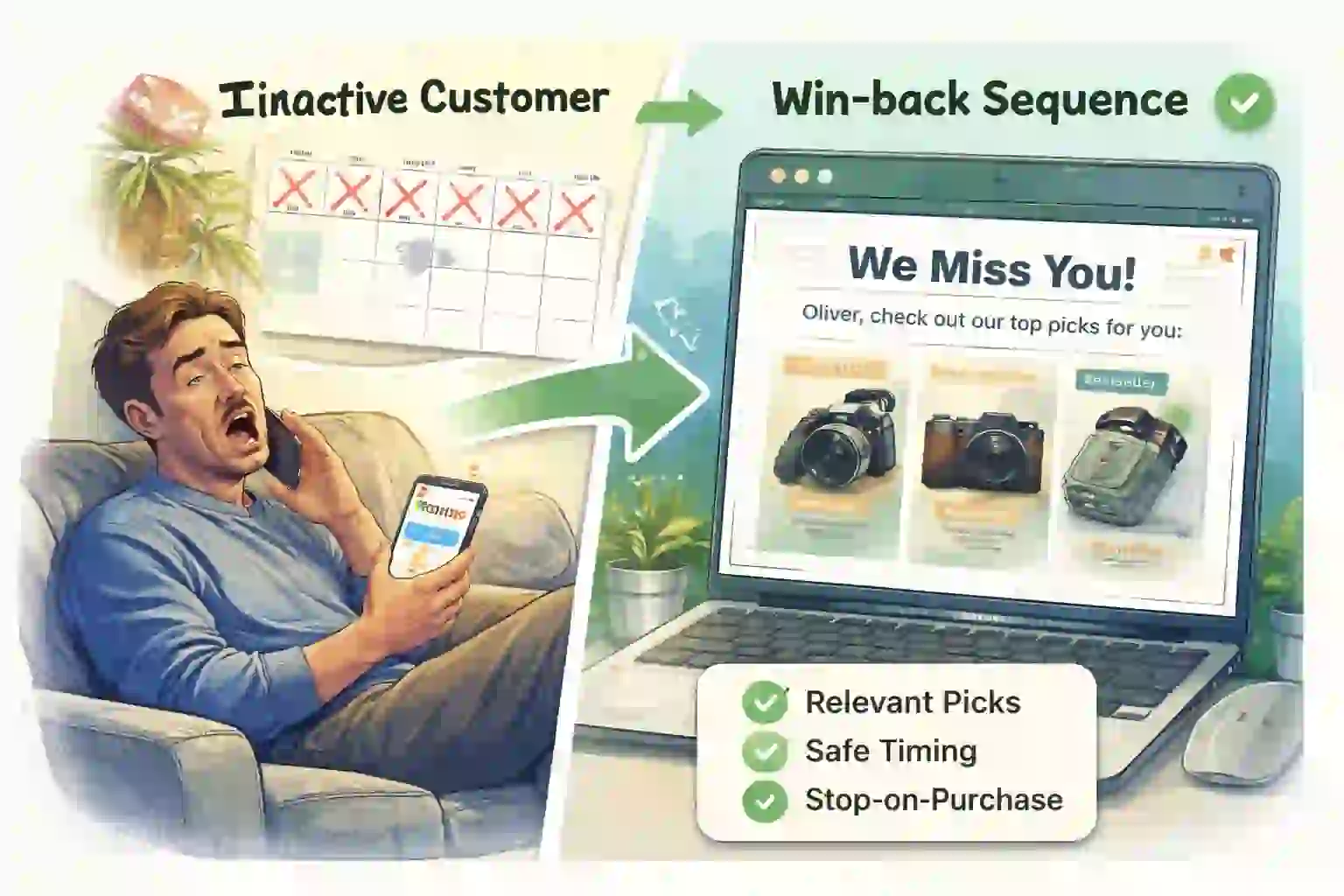
Win-back: reactivate inactive customers safely
Win-back starts only when someone is truly inactive. Relevance first, incentives last — with strict “stop on purchase” rules.
- No order in X days + exclusions ✓
- Relevant picks based on past category ✓
- Frequency caps + stop rules protect deliverability ✓
FOMO: Sloppy win-back annoys active buyers. Safe timing keeps it clean.
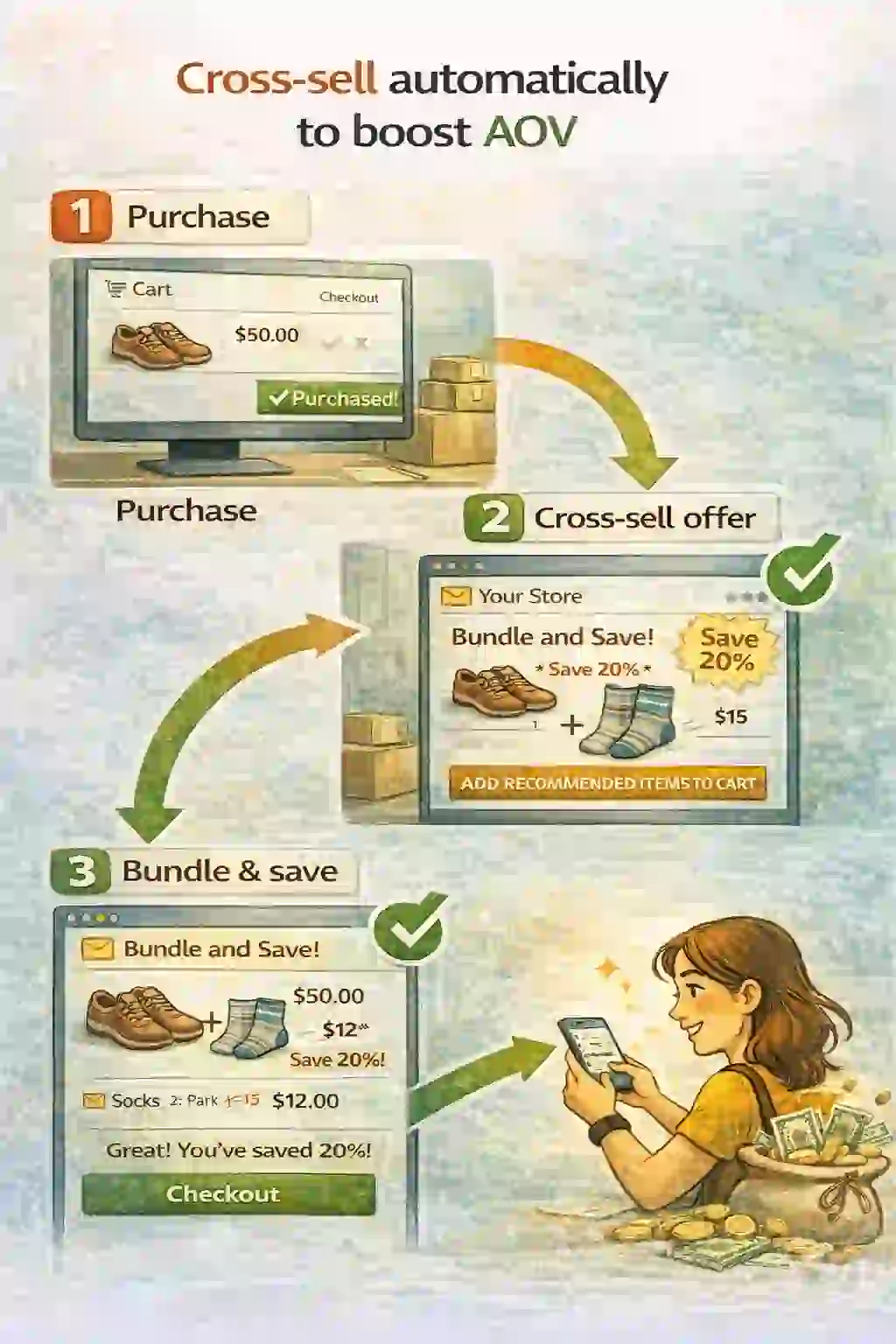
Cross-sell: increase AOV with helpful add-ons
This is the upgrade. It’s not “spam accessories.” It’s the next step that makes the original purchase succeed — timed after delivery.
- Trigger: purchased category/product ✓
- Timing: after delivery/usage window ✓
- Offer variety: bundle value, compatibility tips, free shipping (discount last)
FOMO: Without cross-sell, you leave easy add-on revenue behind.
Now you’ve seen how email automation works for ecommerce — ready to implement?
The base package installs the 5 core flows (Welcome, Browse, Cart, Post-purchase, Win-back). Add Cross-sell as the upgrade when you want higher AOV on autopilot.
- We build it in Omnisend (you don’t touch Flow Builder)
- We add stop rules so customers never get “overlap spam”
- You get clean tracking so you can see revenue per flow
FOMO: If flows aren’t live, you’re paying for traffic that leaks — and paying again to reacquire the same people.
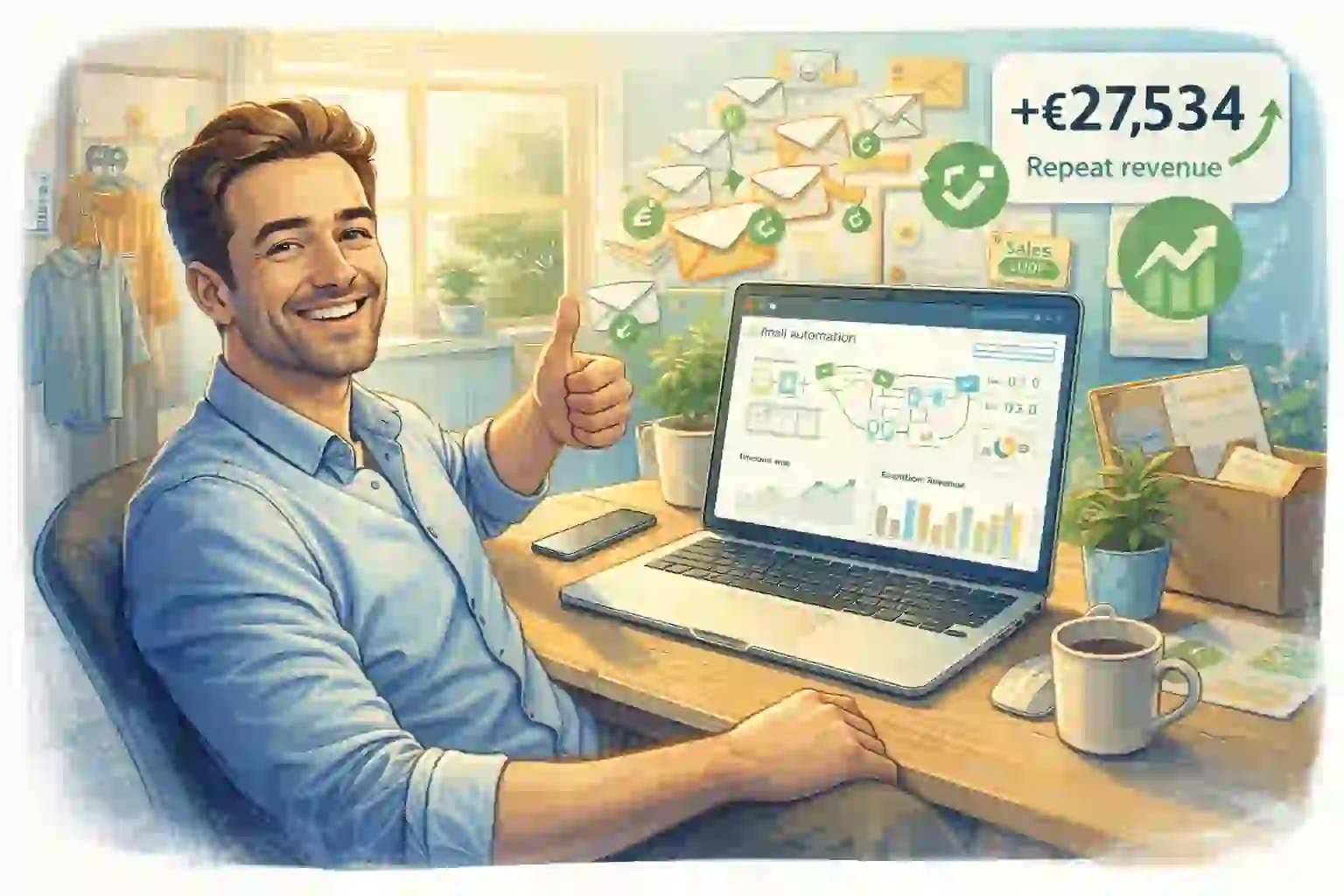
Choose your package — we’ll build the flows for you
This is how email automation works for ecommerce when it’s built correctly: one journey, clean rules, and measurable revenue. Click below to pick the package (base = 5 flows, upgrade = Cross-sell).
Choose your package →Guides: Welcome • Browse • Cart • Post-purchase • Win-back • Cross-sell • Official docs: Omnisend