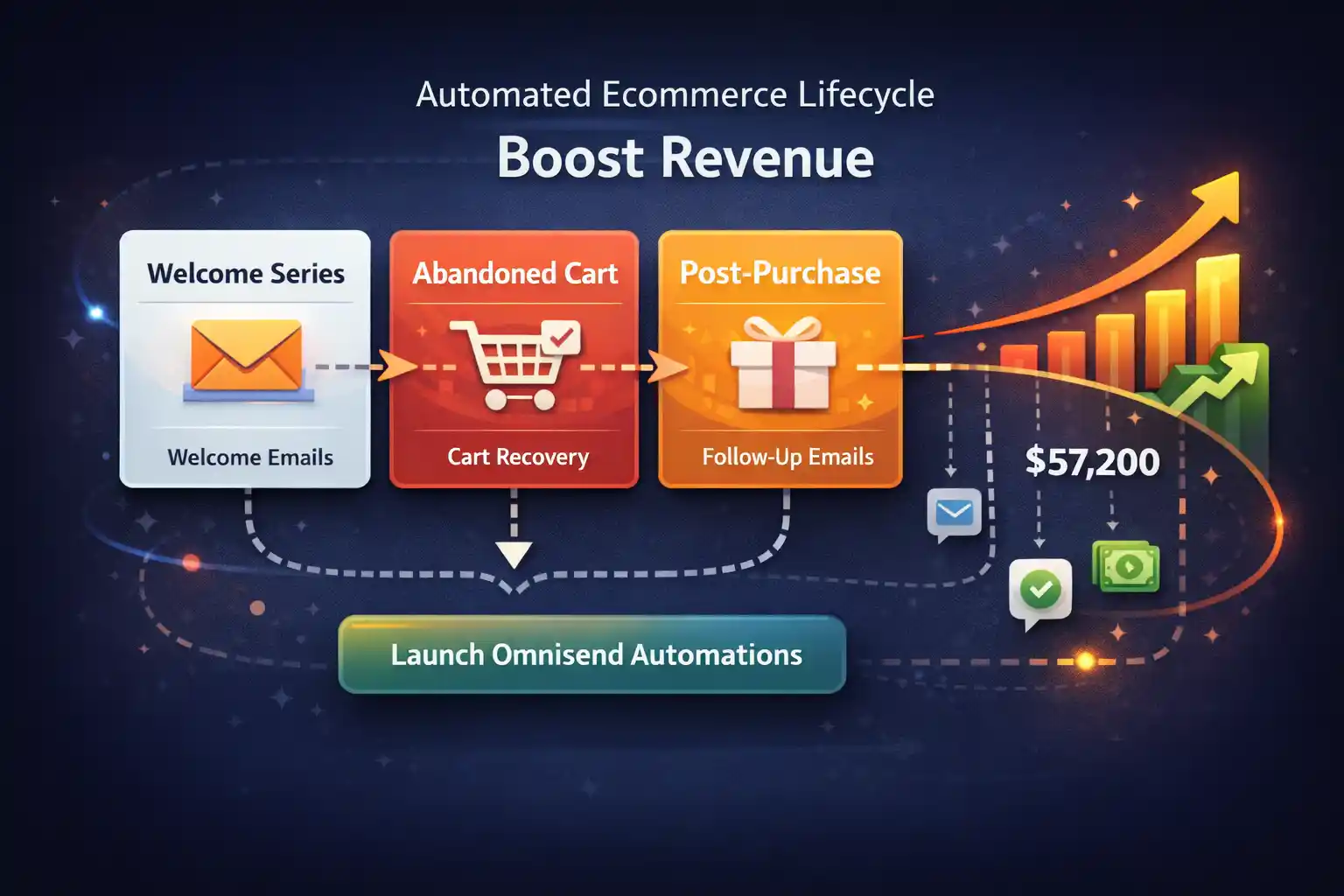
Ecommerce Email Automation
Build an automated lifecycle that converts more first-time visitors into repeat customers—without adding more ad spend. This guide shows how to turn ecommerce email automation into predictable revenue with Omnisend flows.
Why ecommerce email automation matters (and why “manual newsletters” plateau)
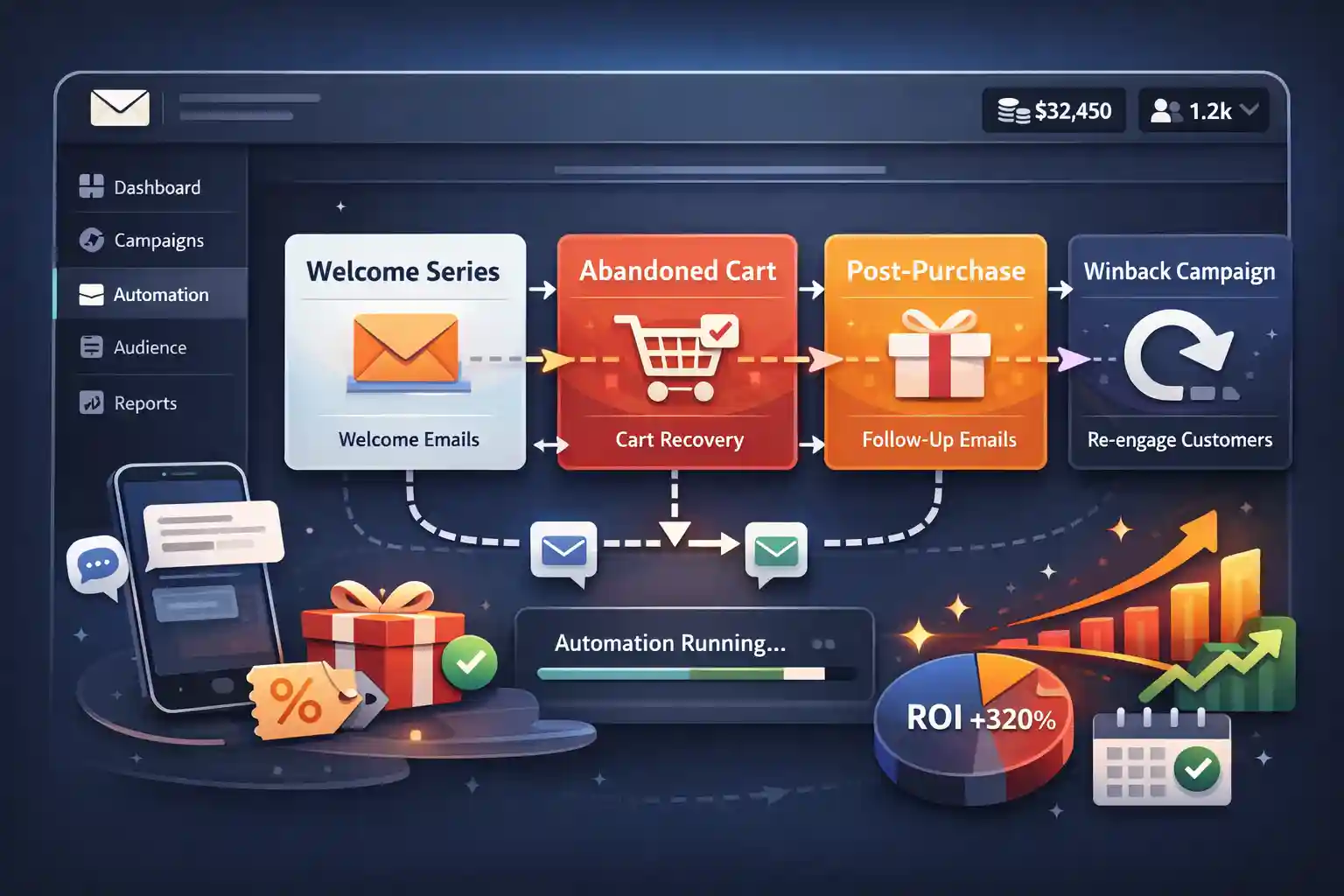
Ecommerce email automation is not “more emails”—it’s the right message triggered by customer behavior at the exact moment it matters: first visit, first purchase, cart abandon, replenishment, and winback. When these flows run 24/7, your revenue becomes less dependent on daily campaign work and more dependent on improving a repeatable system.
Core automations that move the needle
These are the flows that usually generate the fastest lift, with the least operational complexity.
Welcome series (first-time visitor → first order)
Capture new subscribers, set expectations, and deliver a fast “first purchase” reason—without discounting your margin away.
Abandoned cart (recover intent)
Bring shoppers back with timing + reassurance (shipping, returns, social proof). Works best when personalized by product + category.
Post-purchase (repeat orders + referrals)
Turn buyers into repeat customers: education, usage tips, cross-sell, and review requests—sequenced after delivery.
Browse abandon (warm traffic → conversion)
If they viewed but didn’t add to cart, you can win them with “category guidance” and product recommendations.
Winback (reactivation)
Re-engage lapsed customers with relevance, not spam: category-based reactivation and personalized timing windows.
Consent-first SMS layer
Add SMS only where it truly helps: cart urgency, delivery updates, and winback—then measure incremental lift.
UAU moment: quick automation ROI estimator (copy/paste output)
Enter your numbers to generate a simple, realistic baseline for what ecommerce email automation could add monthly.
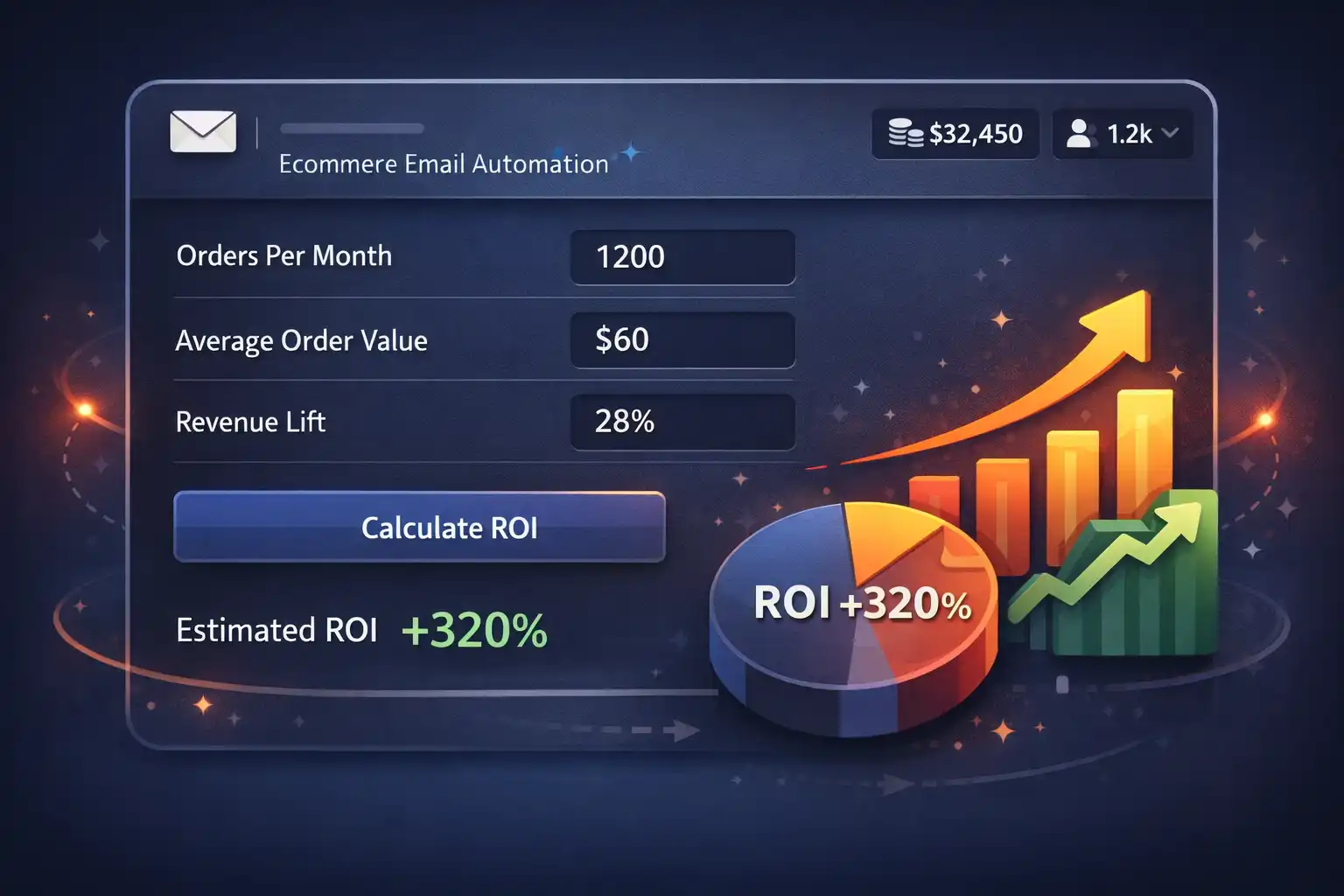
Fill in the fields and click Calculate.
Implement Ecommerce Automations in Omnisend
If you want plug-and-play starting points, use these implementation templates and adapt the copy to your brand voice and offer.
Welcome series template
Best for: new subscribers → first order. Includes timing + messaging structure.
Post-purchase flow
Best for: repeat orders, reviews, education, cross-sell. Designed around delivery timing.
Abandoned cart (WooCommerce)
Best for: recovering high-intent carts with reassurance + urgency.
SEO booster: build your “automation cluster”
Connect your core pages into a clear internal map. Start from the homepage, then branch into Shopify email automation and WooCommerce email automation. This keeps the structure obvious for both users and Google.
Pros & cons (real talk)
Pros
- Predictable revenue layer that runs 24/7
- Higher repeat purchase rate via post-purchase + winback
- Better personalization than “one-size-fits-all” newsletters
- Improves margins by reducing reliance on paid traffic
Cons
- Setup takes focus: segmentation, timing, and copy need iteration
- Deliverability depends on list hygiene and engagement
- Attribution isn’t perfect—use blended metrics + cohorts when possible
- Best results come from continuous testing, not “set and forget”
Automation vs manual campaigns (quick comparison)
| Area | Manual newsletters | Lifecycle automations |
|---|---|---|
| Timing | Batch-based (when you remember) | Triggered (when intent is highest) |
| Personalization | Broad segments | Behavior + purchase + category signals |
| Workload | Constant manual effort | Front-loaded setup, then optimize |
| Revenue stability | Spiky | More consistent baseline |
Trends shaping ecommerce automation (2025-ready)
- Deliverability-first strategy (engagement, suppression, smarter sends)
- Omnichannel sequencing (email + SMS only where it adds incremental lift)
- First-party data and consent-driven personalization
- Lifecycle segmentation by category, margin, and repeat probability
- Privacy-safe measurement (blended KPIs + cohort comparisons)
FAQ
What is ecommerce email automation?
It’s a set of triggered messages (email/SMS) sent based on customer behavior—like subscribing, abandoning cart, or purchasing—so you convert more without manual sending.
Which automations should I launch first?
Start with Welcome, Abandoned Cart, and Post-purchase. They cover the biggest intent moments and usually produce the fastest lift.
Do I need discounts for automations to work?
No. Discounts help in some cases, but reassurance, social proof, and category guidance often recover more margin-friendly sales.
How long until results show up?
Often within days for cart recovery and within weeks for post-purchase and winback. The bigger gains come from improving segmentation and copy over time.
Does this work for Shopify and WooCommerce?
Yes. The flow logic is the same; the implementation details differ by platform and tracking signals.
About this page (E-E-A-T)
Written & reviewed by CEM — focused on practical ecommerce lifecycle systems (welcome → purchase → repeat). Some links on this page are affiliate links. If you use them, we may earn a commission at no extra cost to you.
Ready to turn ecommerce email automation into a system?
Start with a clean baseline: Welcome + Cart + Post-purchase. Then iterate segmentation and copy every week. You’ll build a revenue layer that keeps growing as your list grows.