
Omnisend Pricing (2026): Plans, Limits & the Real Cost (So You Don’t Overpay)
If you’re choosing between Free, Standard, Pro, or Custom, the “real cost” comes down to two things: billable contacts and email/SMS limits. This page gives you the fastest way to pick the right plan—without guessing.
Quick verdict (for most ecommerce stores)
Winner for most: Standard if you mainly do email and your sending volume is reasonable.
Winner when you scale: Pro if you send a lot (or want SMS in your core flows) and you hate email caps.
Exception: stay on Free only if you’re truly tiny (or validating fast), and go Custom only when you’re big enough to negotiate.
Disclosure: Some links are affiliate links (they help fund testing). Pricing and limits can change—always verify your tier before checkout.
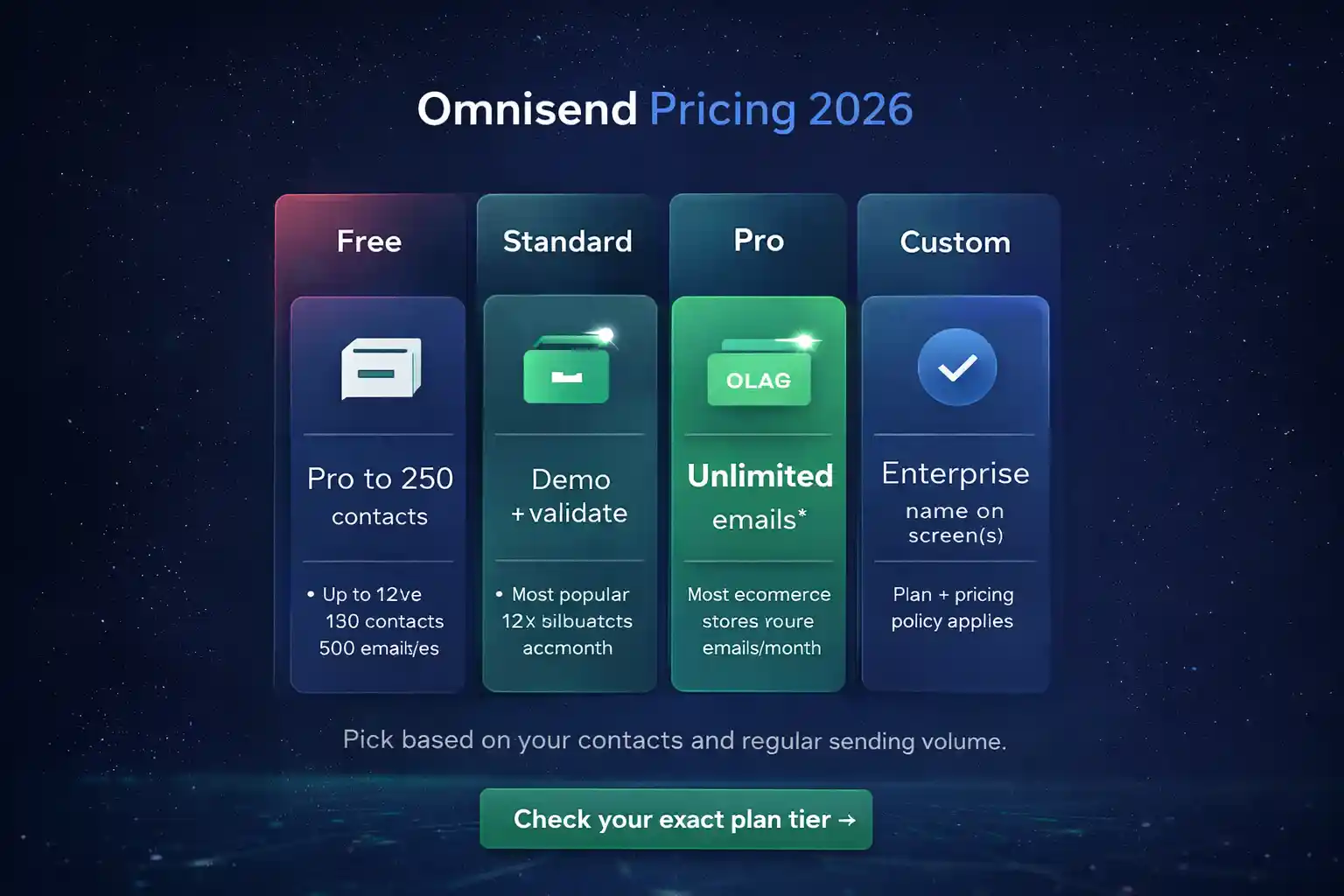
Omnisend pricing plans in 2026 (Free vs Standard vs Pro vs Custom)
Omnisend is ecommerce-first (Shopify/WooCommerce/BigCommerce). Your plan decision is mostly a math problem: how many billable contacts you have, and how many emails/SMS you realistically send in a month.
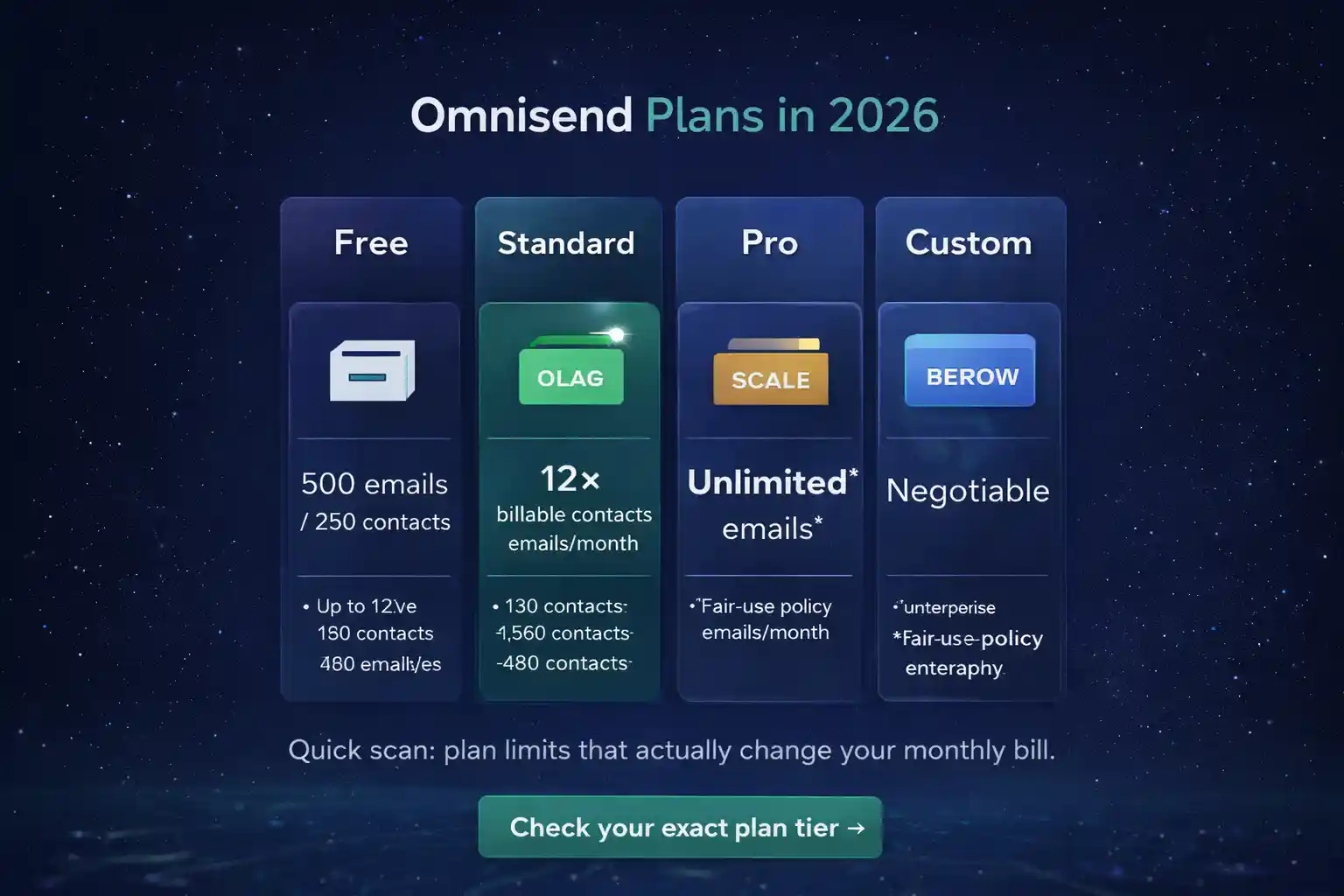
| Plan | Best for | Email sending limit | SMS credits | What to watch |
|---|---|---|---|---|
| Free validate | Testing Omnisend, tiny lists, “prove ROI before paying” | 500 emails/month to up to 250 contacts | Trial/bonus credits (small), then you buy credits | If you run even 2–3 basic automations + a newsletter, you’ll hit 500 fast. |
| Standard most stores | Most SMB ecommerce stores focused primarily on email | 12× billable contacts per billing cycle (credits model) | Small monthly bonus credits, then you buy credits | Sending volume can outgrow 12× sooner than you think if you do many broadcasts. |
| Pro scale | High-volume senders + stores using SMS seriously | Unlimited emails* (fair-use policy) | Bonus SMS credits equal to your plan price each month | Pro is the “remove limits” plan—usually wins when you scale flows + campaigns. |
| Custom enterprise | Large lists, special needs, negotiated volumes | Custom negotiated | Custom negotiated | Only worth it if your list is big enough to negotiate real savings. |
Want an external sanity check that Omnisend is widely used in ecommerce? Here’s the (non-affiliate) listing: Omnisend on the Shopify App Store.
The “real cost” of Omnisend pricing (what actually moves your bill)
If you only read one section, read this. Most stores don’t overpay because they chose the wrong plan name—they overpay because they misunderstand: billable contacts and how credits/limits work.
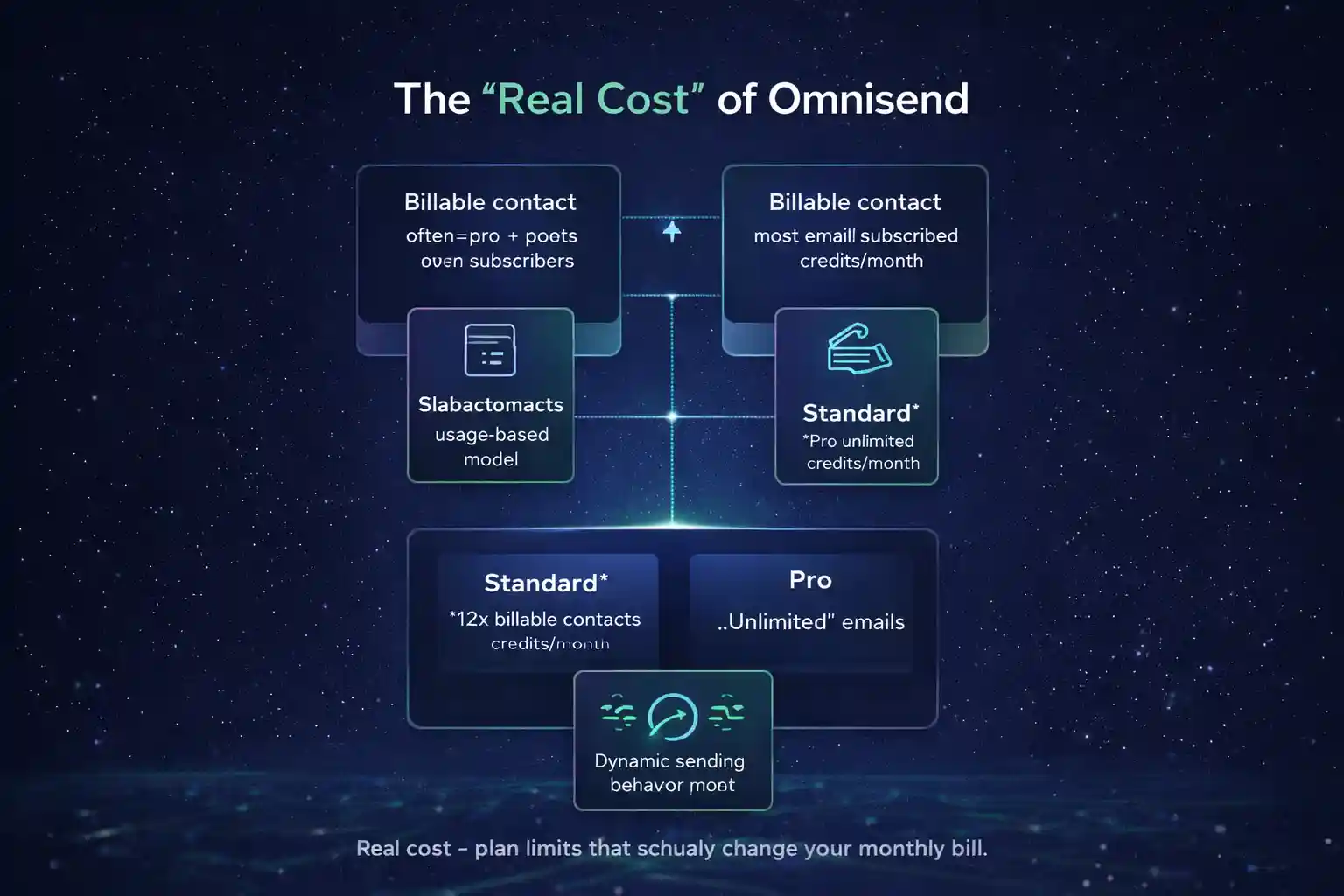
Omnisend pricing bills based on the number of subscribed + non-subscribed contacts in your account (because non-subscribed contacts can still receive important automated messages).
- Meaning: your “newsletter list size” can be smaller than your billable contact count.
- If you import huge historical lists, you can push yourself into a higher billing tier.
Standard uses an email-credits model: billable contacts × 12 gives you your credits for the billing cycle.
- Example: 2,500 billable contacts → 30,000 email credits.
- If your monthly strategy is “lots of campaigns,” you can outgrow 12× quickly.
Billing tiers are automatically adjusted as your list grows/shrinks, and upgrades can be triggered when you try to send a campaign beyond your current tier. That’s why list hygiene (and controlling what you import) is not “nice to have”—it’s a pricing lever.
Quick list hygiene actions that reduce cost (without hurting revenue)
- Do not import old, unengaged lists “just in case.” Import only what you can re-activate intentionally.
- Segment dormant contacts and run a one-time re-permission campaign, then stop sending them.
- Keep transactional/automation messaging clean: send only to those who need it (not “everyone”).
- If you run multiple stores: consider whether each store needs its own Omnisend account (often yes, for clarity).
2-minute Omnisend pricing plan picker (no fluff, just math)
This mini tool doesn’t try to guess your exact monthly price (tiers vary). It does the important part: tells you whether you’ll hit limits on Free/Standard and when Pro becomes the “less stressful” choice.
Your estimated monthly email sends: —
Free cap: 500 emails + 250 contacts
Standard cap: contacts × 12
Pro: unlimited emails (fair-use)
If SMS matters to you, compare: SMS credits vs SMS pricing explained.
This Omnisend pricing calculator uses the Free cap and Standard “contacts × 12” model, then flags when Pro typically becomes rational. Exact dollar amounts depend on the tier you’re in.
SMS Omnisend pricing: what you actually pay (and why Pro can be cheaper)
SMS is never “free forever,” but it can be profitably predictable when you treat it like a performance channel. Omnisend uses an SMS credits system. On Free/Standard, once bonus credits are used, you typically buy an SMS credits subscription. On Pro, you get monthly bonus SMS credits equal to your plan price—which often covers core flows for SMBs.
- Abandoned cart (time-sensitive)
- Back-in-stock / price drop
- Shipping updates (where allowed)
- VIP launches / limited drops
- Long messages (splits into multiple parts)
- Frequent promos to the entire list
- International destinations (varied rates)
If you want a quick benchmark: in US/Canada, Omnisend has referenced SMS around $0.015 per recipient (varies by country and message length). That’s why even “small” improvements in conversion rate can cover the channel.
If you only want SMS “sometimes,” stay Standard and buy credits as needed. If SMS is part of your core lifecycle (cart/browse/winback + promos), Pro is often simpler—and can be effectively cheaper once you factor in included credits.
Next step if you’re on Shopify: Omnisend Shopify setup. (Correct setup prevents tracking gaps that make your automations underperform—which is the most expensive “pricing problem” of all.)
3 expensive mistakes (that inflate your Omnisend pricing cost)
1) Importing everything “because it might be useful”
Billable contacts can include subscribed + non-subscribed contacts. Importing large historical datasets can push you into a higher tier before you’ve earned the ROI. Import lean, then intentionally re-activate in stages.
2) Underestimating email volume on Standard
Standard is great—until you run high-frequency campaigns, resends, multiple segments, and heavy automation. If your projected monthly sends exceed “contacts × 12,” you’ll feel the ceiling. When the ceiling becomes your weekly headache, Pro usually wins.
3) Using SMS without guardrails
SMS can print money, but only if you set rules: segment by engagement, cap frequency, keep messages short, and measure revenue per send. If you want to go deeper, use the SMS calculator and track ROI weekly.
FAQ (fast answers)
Does Omnisend pricing have a free plan in 2026?
Yes. The Free plan is designed for testing/starting out, with a strict monthly email cap (500 emails/month) and a limit of 250 contacts for sending. It’s best used to validate your first flows and see if you can generate revenue quickly.
How does the Standard plan email limit work?
Standard uses an email credits model. A common way to think about it is: billable contacts × 12 = your email credits for the billing cycle. If you plan frequent broadcasts + automation, you can outgrow Standard sooner than expected.
Is Pro really “unlimited emails”?
Pro is marketed as unlimited emails, but fair-use policies exist to protect deliverability and enforce anti-spam standards. In practice, for most legitimate ecommerce senders, Pro removes the “credits ceiling” and simplifies planning.
What are billable contacts?
Billable contacts generally include both subscribed and non-subscribed contacts in your account, because non-subscribers can still receive important automated messages. If your bill looks higher than your newsletter list, this is often why.
When should I choose Custom pricing?
When you have a large list, unusual sending patterns, or requirements that justify a negotiated plan. If you’re still in SMB territory, Custom usually doesn’t outperform the simplicity of Standard/Pro.