
Email + SMS send-time planner
Use this Email + SMS send-time planner to generate a realistic weekly schedule (day + time), based on timezone, promo frequency, and SMS quiet hours—so you send when customers actually buy.
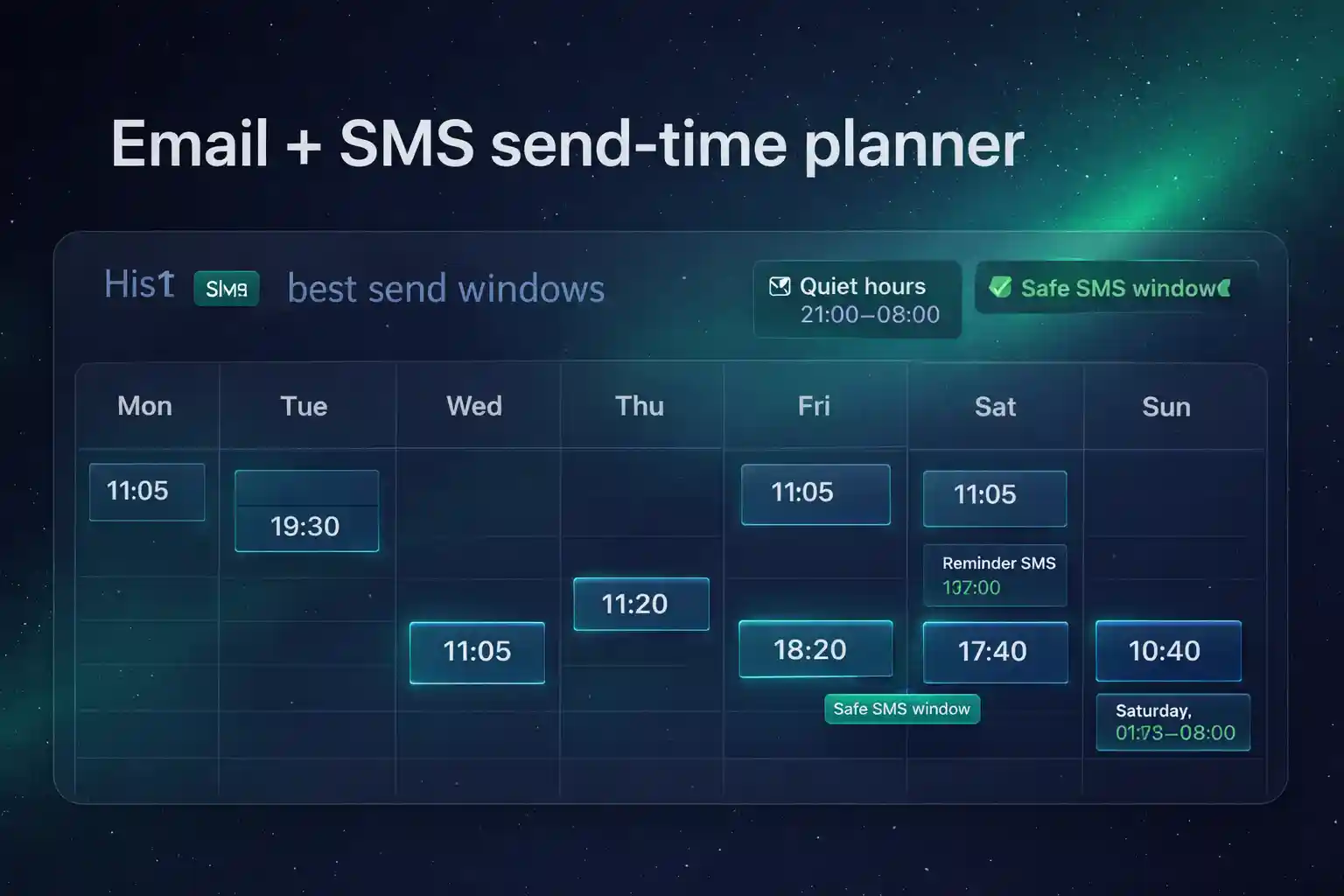
How the Email + SMS send-time planner builds your 7-day schedule
Answer a few quick questions about cadence and quiet hours. This Email + SMS send-time planner outputs recommended send windows for campaigns plus a simple 7-day optimization checklist.
Fill the inputs and click “Generate schedule”.
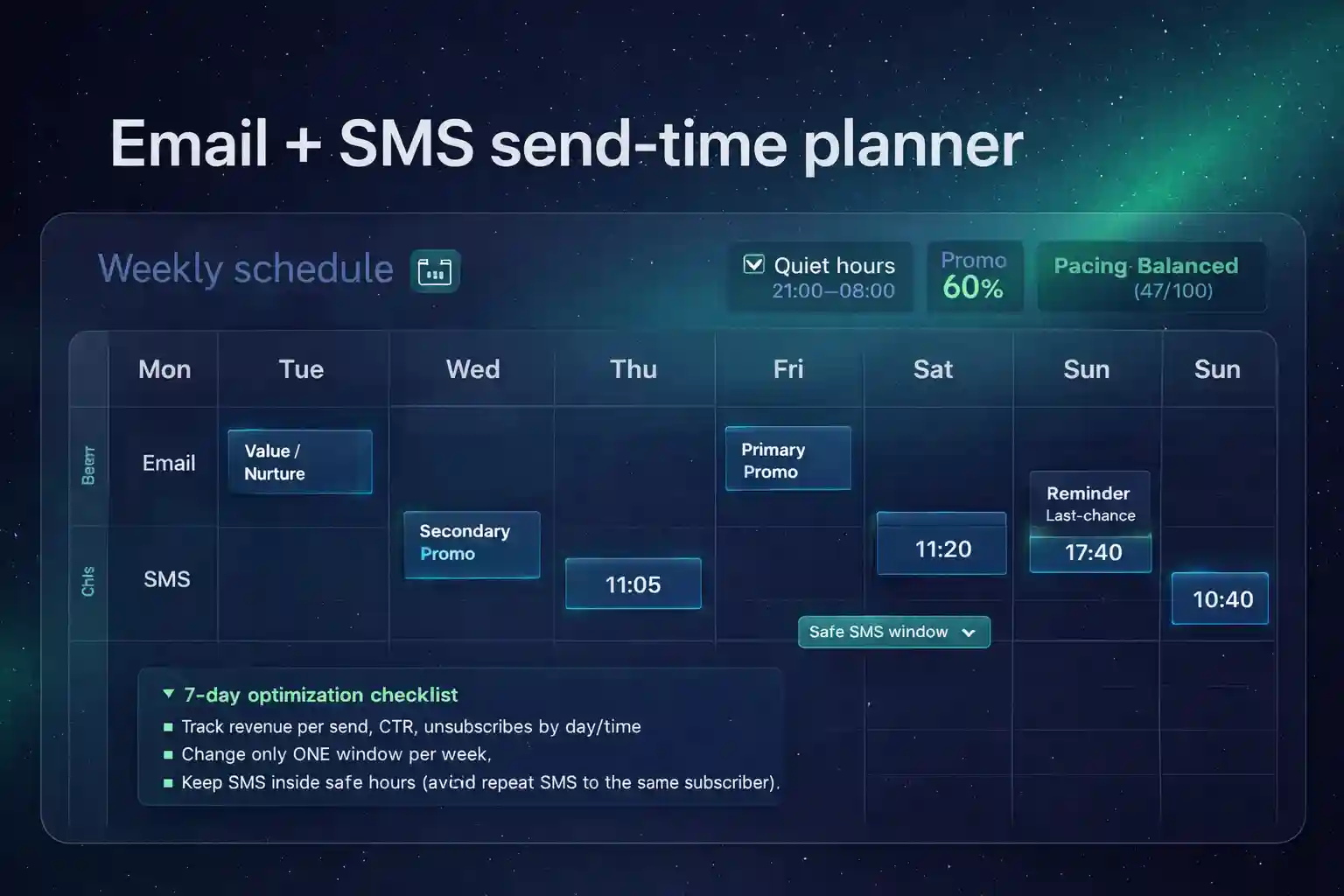
If you want to go from plan → implementation, continue with our Omnisend hub on /, learn timing rules for SMS in /sms-marketing-automation/, and follow the step-by-step setup in /omnisend-sms-automation-setup/. This Email + SMS send-time planner is designed to keep cadence consistent and SMS timing compliant.
Reference (follow): CTIA — Messaging Principles & Best Practices
What a “good” send-time system looks like
- One primary promo day (email) + a supporting reminder (SMS) if needed.
- One value/nurture touch to protect engagement and deliverability.
- Segment-aware timing: VIP earlier, lapsed later, engaged midday.
- Quiet-hours safe SMS (no late-night surprises).
Use the same baseline weekly rhythm for at least 2–3 weeks, then test one change at a time.
Common mistakes this tool helps you avoid
- Stacking multiple promos on the same day without spacing.
- Sending SMS at risky hours or too close to email sends.
- Running “random times” that prevent learning and optimization.
- Overusing SMS for revenue and damaging trust.
Ready to automate SMS properly? Use SMS credits and check SMS pricing explained.
How accurate is this schedule?
It’s a proven baseline schedule for ecommerce. Your best send-time improves after a few weeks of consistent cadence and testing. Use this plan as the default and adjust one variable at a time.
How do I choose email vs SMS for the same promo?
Use email for the full story and product depth. Use SMS for urgency—last chance, low stock, or a short reminder—inside quiet hours.
Does this work for EU/GDPR?
Yes. Ensure you have valid consent for SMS, respect quiet hours, and keep unsubscribe options clear.
What should I test after 7 days?
Compare revenue per send, click-through rate, and unsubscribe rate for each day/time block. Move only one send window per week so results are attributable.
Can I implement this in Omnisend?
Yes—build automations for daily revenue, then use campaigns to amplify outcomes. This Email + SMS send-time planner gives you the campaign layer that complements automations.
Make your weekly cadence consistent (and profitable)
Start Omnisend, set up SMS + email flows, then use your schedule to amplify results.
Start Omnisend Free