
CRM-Style Email Automation for Ecommerce: Segments + Lifecycle
CRM email automation for ecommerce works when you treat your list like a living customer database: trigger-based events, behavior segments, lifecycle flows, and one north-star metric—repeat revenue. This page gives you a clean framework and the exact next steps to implement it in Omnisend.
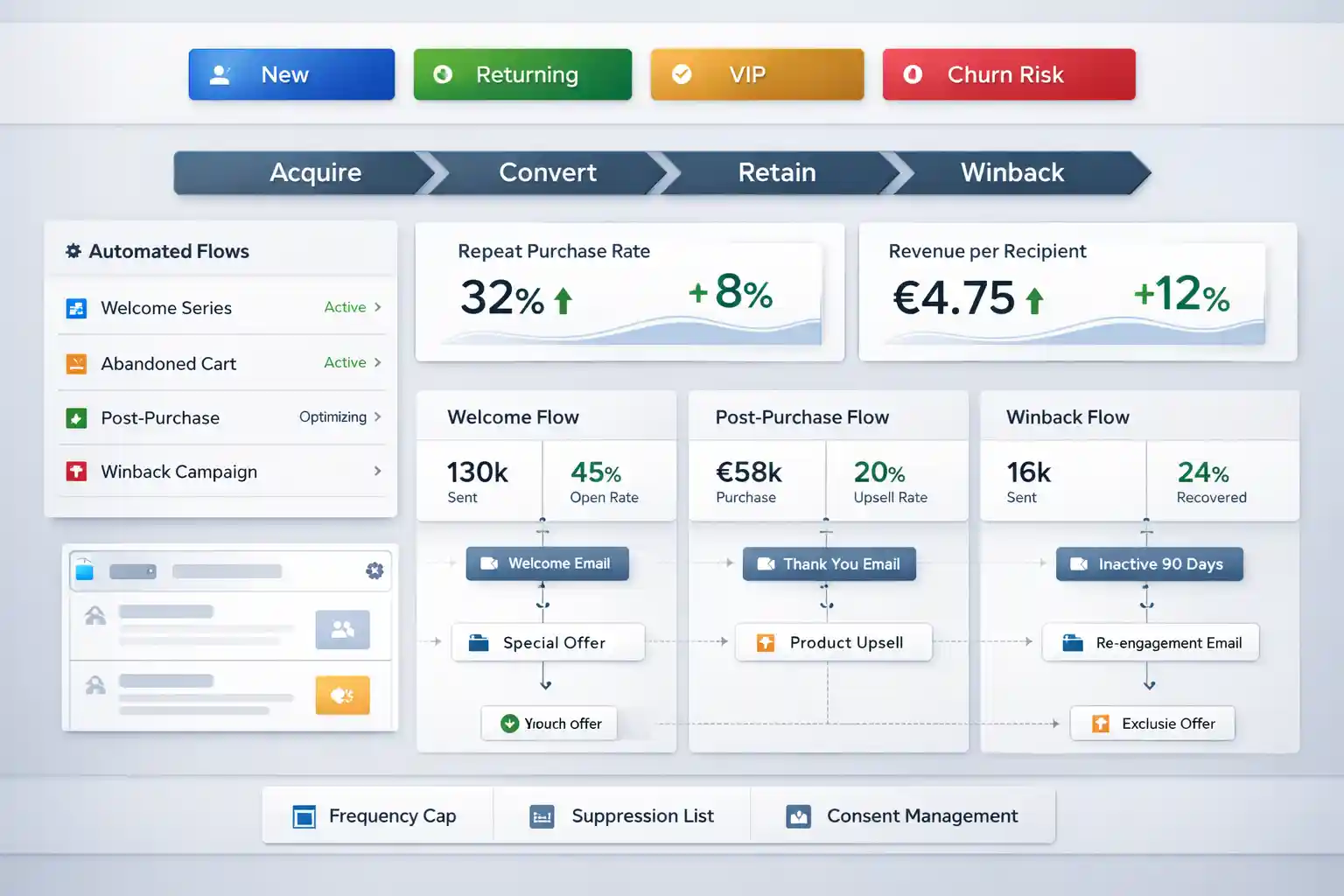
What “CRM-style” means in ecommerce (in one sentence)
CRM email automation for ecommerce is the practice of using customer data (events + attributes + behavior) to deliver the right message at the right lifecycle moment—so your store earns more repeat purchases with less manual work.
The big difference: newsletters treat everyone the same; CRM-style automation treats your list like a segmented customer database. That means you don’t “blast” — you respond: browse, cart, first purchase, second purchase, inactivity, VIP behavior.
Want the broader lifecycle hub? Continue here: Lead nurturing automation.
Start with a clean consent path, then automate post-purchase, then winback. That sequence usually improves deliverability and repeat revenue before you even touch advanced segmentation.
Deliverability reference (external, dofollow): Google Workspace Admin Help (SPF/DKIM/DMARC)
The 5-part framework for CRM email automation for ecommerce
Build the system in this order, then iterate based on metrics (not opinions).
Behavior or event: signup, browse, cart, purchase, inactivity.
Who is it: new vs returning, high intent, VIP, churn risk.
Content + offer: reassure, educate, convert, retain, winback.
RPR/LTV, revenue per recipient, deliverability, conversion rate.
Test timing, content, segmentation rules, and suppression.
Lifecycle map: Acquire → Convert → Retain → Winback
CRM email automation for ecommerce becomes simple when you map flows by phase. The goal is not “more emails” — it’s coverage.
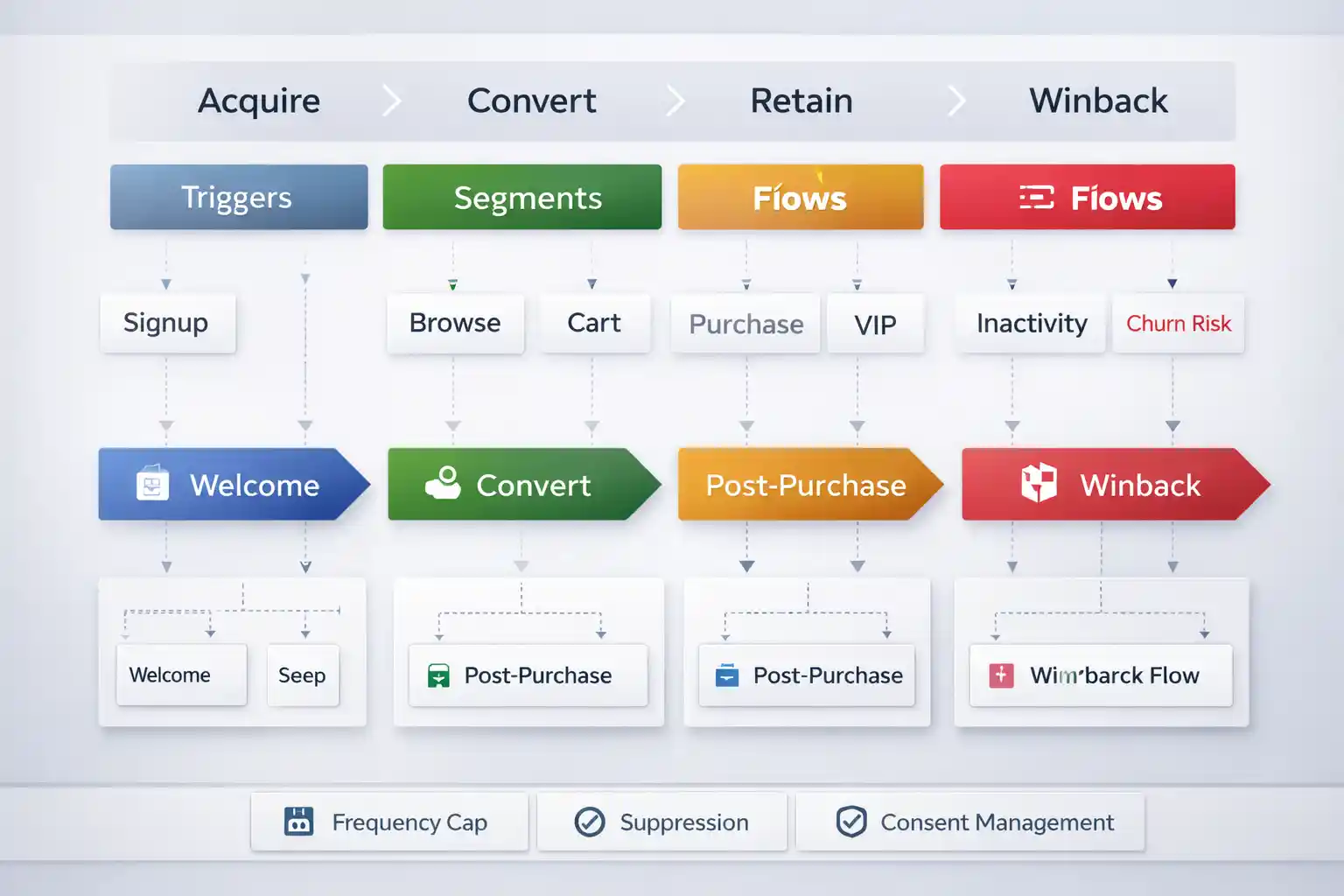
Tip: keep a frequency cap and suppression rules (recent buyers, recent complaint/unsub, cooldown windows).
Flows that make CRM-style automation profitable
Implement these core flows first, then expand segmentation depth.
Welcome + consent path
Set expectations, confirm consent (EU), and prime first purchase intent.
Implement double opt-inPost-purchase (repeat revenue engine)
Education, cross-sell, reviews, and timing by product type.
Implement post-purchaseWinback (churn recovery)
Inactivity logic + suppression rules so you don’t spam recent buyers.
Implement winbackImplement this CRM-style lifecycle in Omnisend (fast)
Shortest path from “framework” to “live flows”: consent → post-purchase → winback.
Omnisend for ecommerce lifecycle automation
Best fit if you want email + SMS automation, segmentation, and prebuilt flow logic for Shopify/WooCommerce.
Disclosure: some links are affiliate links (no extra cost to you).
Lifecycle Planner: what to launch first (in your store)
Answer 4 quick inputs and you’ll get a recommended launch order. This keeps CRM email automation for ecommerce focused on ROI.
Your recommended launch order
- Double opt-in + consent — required for EU consent + cleaner list
- Post-purchase — fastest path to repeat purchases
- Winback — recover churn without blasting
CRM automation vs manual campaigns vs basic newsletter tools
This table is intentionally about the concept. It shows why CRM email automation for ecommerce is different from “sending newsletters”.
| Approach | Best for | What happens in reality | Risk |
|---|---|---|---|
| Manual campaigns | Small list, occasional promos | Inconsistent timing; messages don’t match lifecycle moments | Revenue depends on constant effort |
| Basic newsletter tool | Content newsletters, simple broadcasts | Limited event logic; weak lifecycle coverage | “Blasts” increase unsub/complaints over time |
| CRM-style ecommerce automation | Lifecycle growth + repeat revenue | Event triggers + segments drive relevant flows (post-purchase, winback) | Needs hygiene + suppression to stay healthy |
Next step: see your tooling options here → /email-automation-tools/
FAQ: CRM email automation for ecommerce
Quick answers to common objections and “what should I do first?” questions.
Do I need a “real” CRM to do CRM-style automation?
Where do I go next from this page?
Choose your path (toolbox or start Omnisend)
Primary = internal next step. Secondary = Omnisend trial for people who are already decided.