
Ecommerce Email Benchmarks Dashboard
This ecommerce email benchmarks dashboard compares open rate, click rate, and revenue performance in under 60 seconds — then outputs a copy-ready checklist to improve the metric that actually limits your revenue.
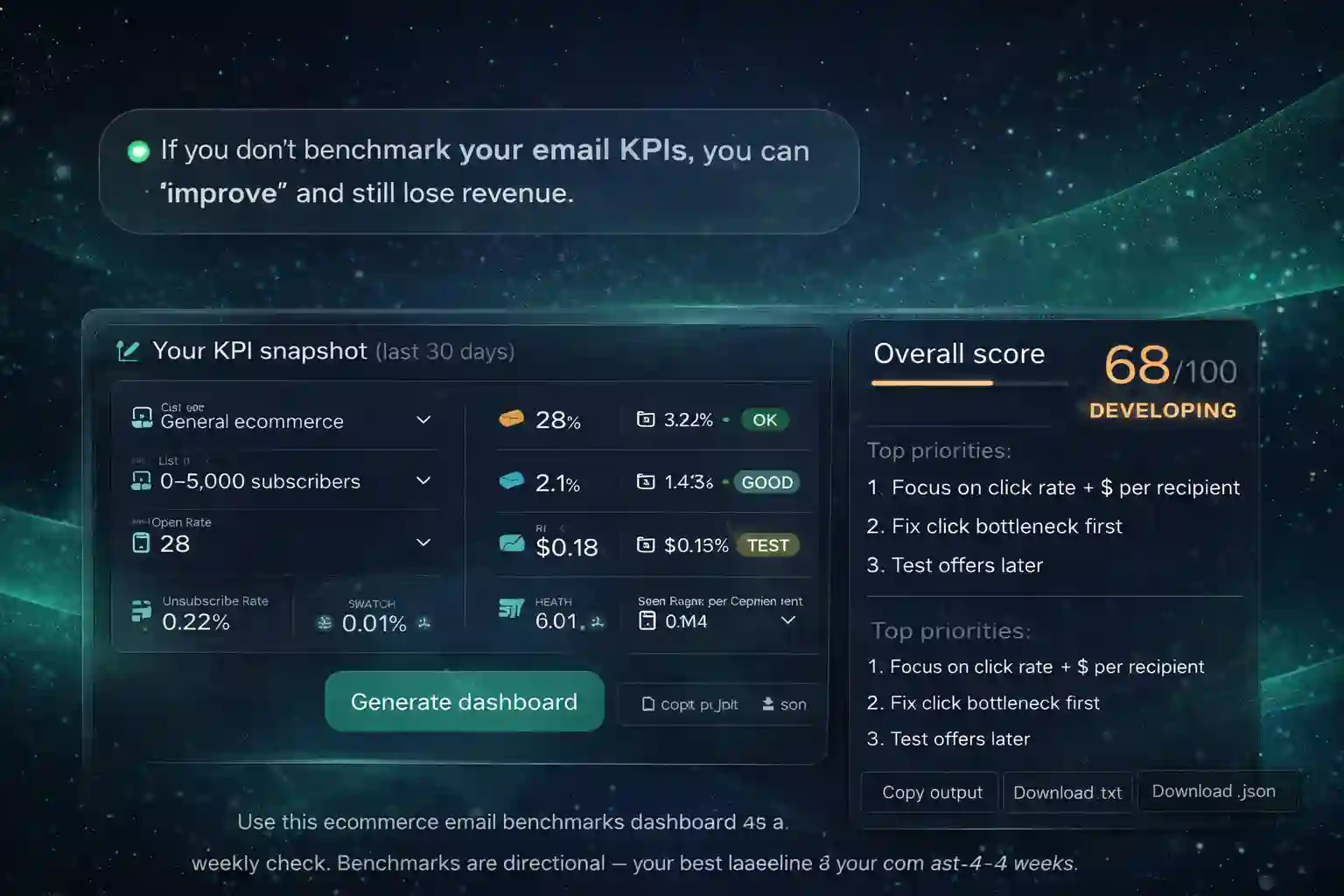
Use the ecommerce email benchmarks dashboard as a weekly check. Benchmarks are directional — your best baseline is your own last 4–8 weeks.
Enter your metrics
The ecommerce email benchmarks dashboard uses transparent reference ranges. Pick your store context, enter your KPIs, and get a prioritized plan you can copy today.
Your dashboard
The ecommerce email benchmarks dashboard outputs a clear status for each KPI plus a short plan you can paste into your team docs.
Want to raise revenue, not just opens? Use the ecommerce email benchmarks dashboard to pick ONE constraint, then implement the fix with automations and better segmentation in Omnisend.
Build it in OmnisendDashboard-style preview (full width)
This is how a clean weekly KPI review should look. The ecommerce email benchmarks dashboard is designed for quick comparisons and shareable decisions.
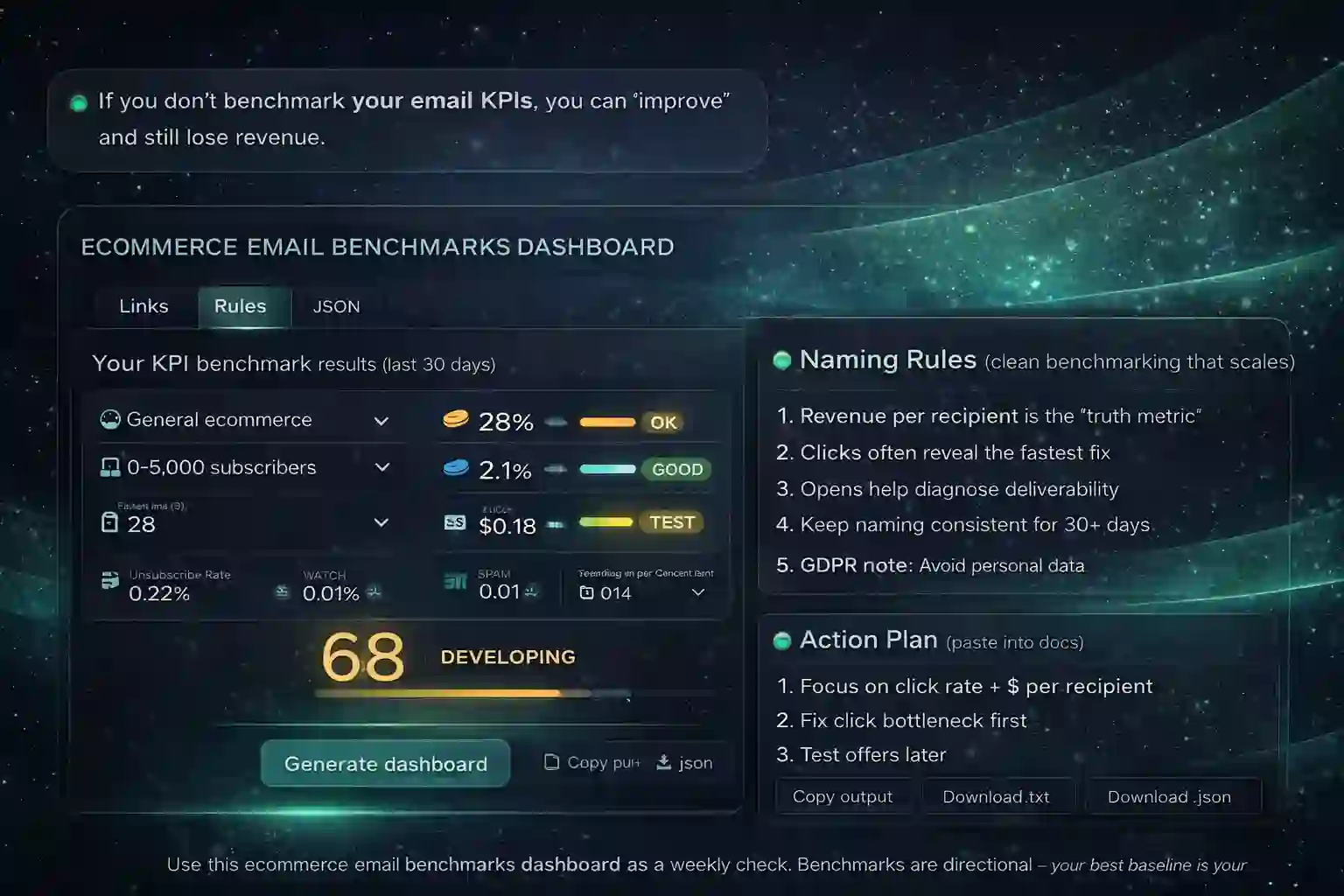
How to use this ecommerce email benchmarks dashboard
Run the ecommerce email benchmarks dashboard weekly using your last 30-day numbers. Start by fixing the biggest constraint (deliverability → clicks → revenue), then move from analysis to implementation using your Omnisend hub on ChooseEmailMarketing.com. For execution structure, continue with ecommerce email automation, and keep a reference page of target ranges on ecommerce email benchmarks.
FOLLOW reference (non-affiliate): Email marketing benchmarks overview (Mailchimp).
Why we built this
We built this ecommerce email benchmarks dashboard for ecommerce operators who want fast KPI checks — plus an action plan that maps to real execution.
Affiliate disclosure
Some links may be affiliate links (for example, Omnisend). If you use them, it helps keep these tools free at no extra cost to you.
FAQ
Quick answers about using this ecommerce email benchmarks dashboard and interpreting results.
How accurate are the benchmark ranges?
They are directional reference ranges. Your most accurate benchmark is your own historical baseline from the last 4–8 weeks. Use the dashboard to identify the biggest constraint quickly.
Which KPI matters most: opens, clicks, or revenue?
Revenue per recipient is the outcome KPI, while clicks often reveal the fastest fix. Opens help diagnose deliverability and list health.
Does this work for EU/GDPR brands?
Yes. It uses aggregated KPIs only and collects no personal data.
What should I test after 7 days?
Pick one constraint and run one test: CTA placement/segmentation for low clicks, offer/landing page for low revenue, or frequency/targeting for high unsub or spam.
How do I implement improvements in Omnisend?
Start with core flows (welcome, browse/cart abandon, post-purchase, winback), then segment campaigns by intent and value. Use the action plan output to choose the next best step.
Turn benchmarks into revenue
Use the ecommerce email benchmarks dashboard to choose one KPI constraint — then build the automation and segmentation that moves revenue, not just engagement.