Email automation software: choose the right platform fast
Email automation software helps you build triggered email sequences that run 24/7—welcome, cart recovery, post-purchase, and winback—without manual sending. On this page you’ll get a selection framework, a requirements checklist, and a quick estimator so you can pick a platform confidently and start seeing results this week.
Why choosing the right software matters
Most “automation failures” come from the tool mismatch: missing triggers, weak segmentation, poor reporting, or limited integrations. If you already understand the concept, see the core guide on email automation. If you want options, jump to email automation tools.
Selection criteria: how to pick email automation software
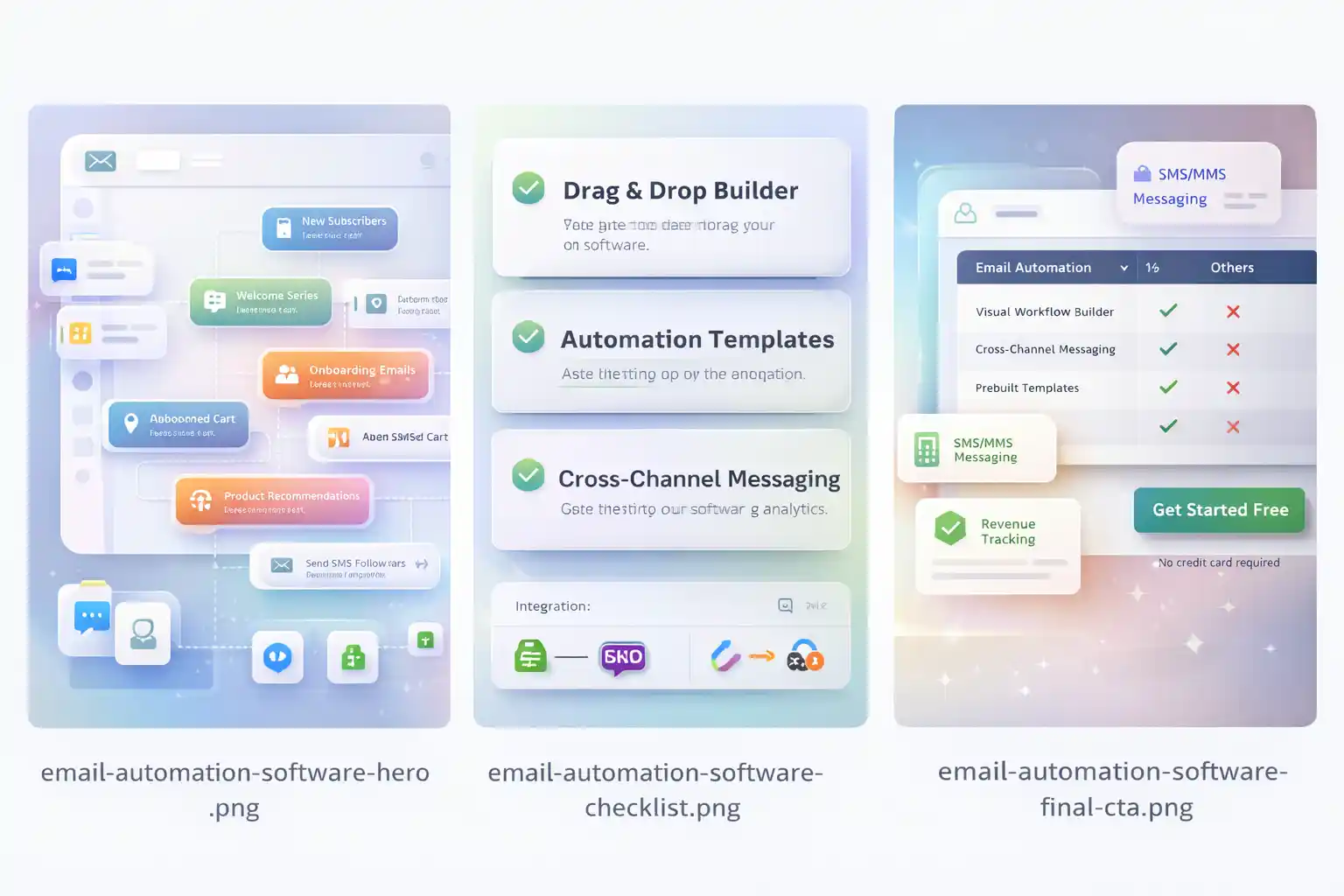
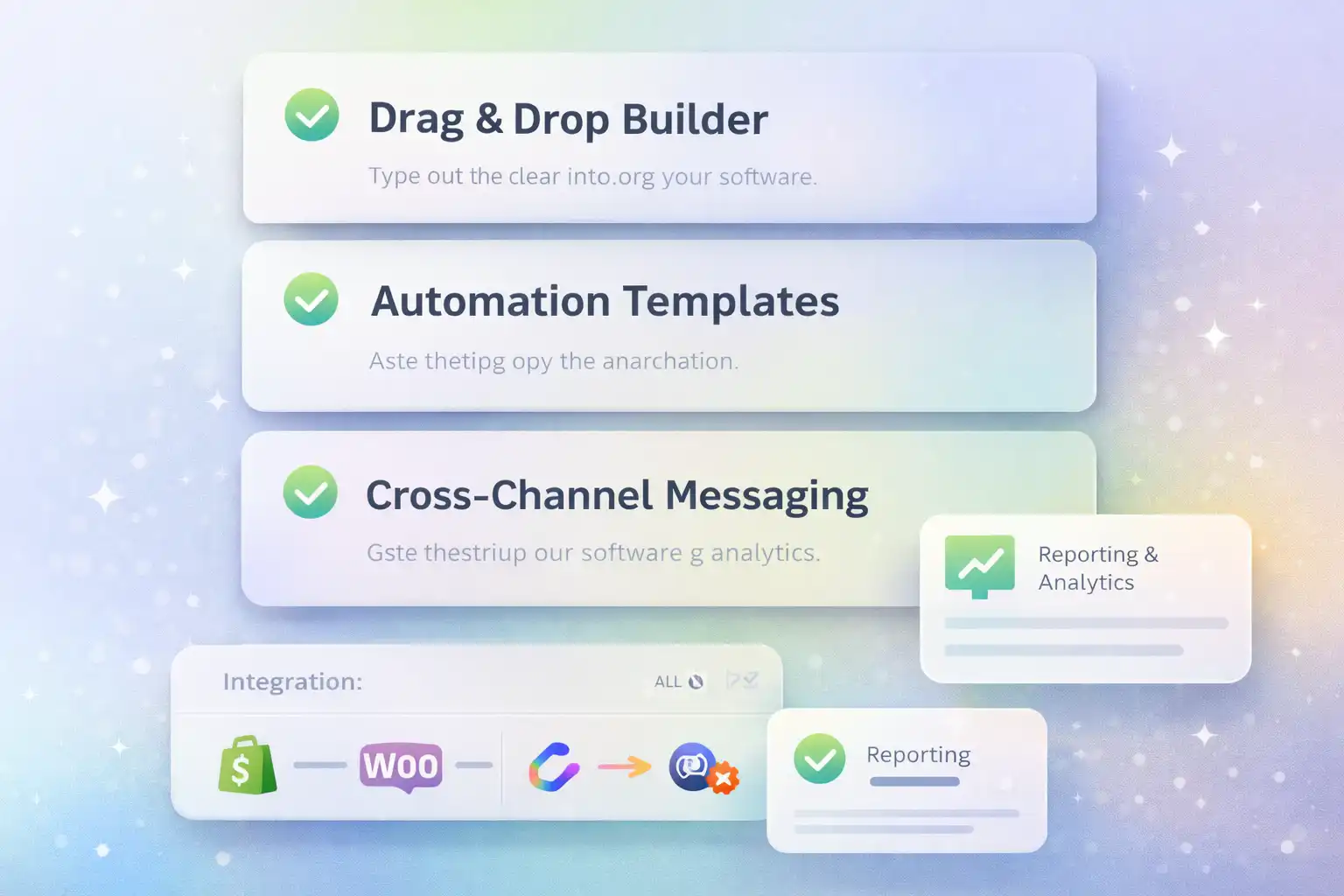
Use this checklist before you pay. It prevents “cool UI, no results” tools. AI features are a plus, but they don’t replace fundamentals—see AI email automation for what actually matters.
- ✓Automation builderVisual flow editor + conditional logic + easy testing.
- ✓Triggers & eventsSignup, cart, purchase, browse, inactivity, tags, custom events.
- ✓SegmentationBehavior + purchase history + dynamic segments.
- ✓Reporting & attributionRevenue by flow, conversion lift, cohort view.
- ✓TemplatesReady-made workflows to launch in hours, not weeks.
- ✓IntegrationsShopify/WooCommerce + ads + forms + SMS (if needed).
Interactive “Software Fit” scorer (on-page)
Answer 6 questions and get a quick recommendation level.
What “good” looks like (software vs cheap tools)
This is the fastest way to avoid the wrong purchase. For fundamentals, revisit email automation.
| Capability | Basic sender | Email automation software |
|---|---|---|
| Triggers | Limited | Full behavior + custom events |
| Workflow builder | Simple autoresponders | Visual journeys + conditions |
| Revenue reporting | Weak/none | Revenue by flow + attribution |
| Segmentation | Static lists | Dynamic segments + lifecycle rules |
| Ecommerce | Basic | Cart, product, purchase data |
| AI features | Minimal | Optional (see AI email automation) |
Pros & Cons (honest)
Pros
- ✓Compounding resultsOnce built, flows keep generating revenue without extra campaigns.
- ✓Real reportingYou can see revenue by automation, not just opens/clicks.
- ✓Lifecycle segmentationTarget by behavior + purchase intent, not broad blasts.
Cons
- !Setup still mattersWrong timing and offers can feel spammy.
- !Requires trackingEvents must be correct for segmentation and reporting.
- !Monthly optimizationBest teams iterate, not “set and forget”.
FAQ
What is email automation software?
It’s a platform that lets you build triggered email sequences with segmentation, templates, and reporting—so key flows run automatically.
What features matter most for ecommerce?
Cart/purchase events, workflow builder, segmentation, and revenue attribution. Tools vary—compare options via email automation tools.
Is AI email automation required?
AI can help with personalization and optimization, but fundamentals matter more. See AI email automation for practical use cases.
When do I need CRM email automation?
If your lifecycle is complex or sales cycle is longer, CRM data improves targeting. Explore CRM email automation.
What’s the fastest way to get ROI?
Launch Welcome + Abandoned Cart first, then add post-purchase and winback sequences.
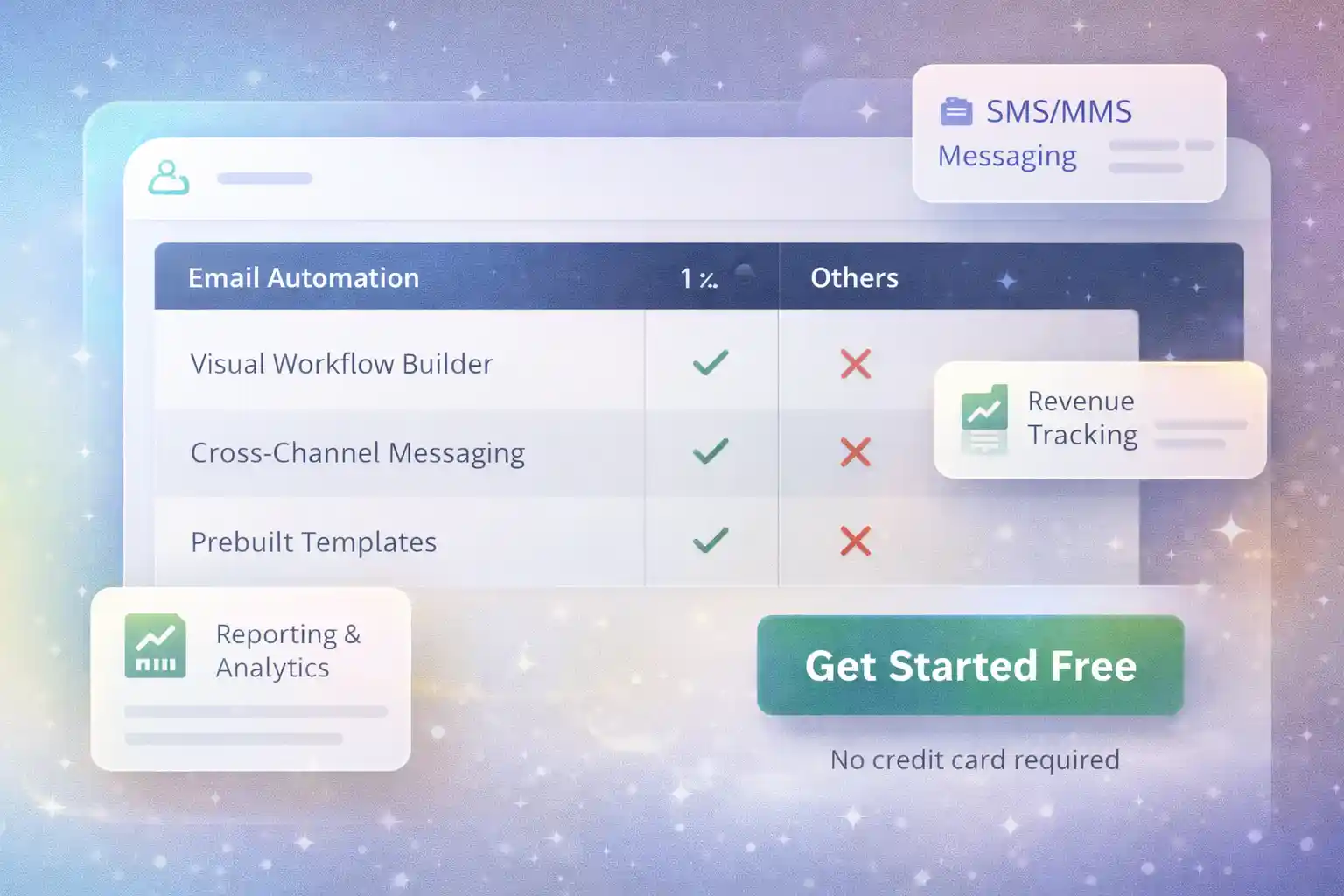
Pick your platform and launch in 60 minutes
Start with templates, turn on tracking, and ship your first two workflows today. If you want the “done-for-you” starting point, the fastest path is a dedicated platform with ecommerce events + reporting.