
Omnisend Abandoned Cart ROI Calculator
Use the omnisend abandoned cart roi calculator to estimate extra monthly sales from higher cart recovery. You get uplift numbers plus an implementation-ready checklist (copy + download).
Realistic FOMO: many stores recover less than they could — small recovery gains often move revenue more than another “newsletter”.
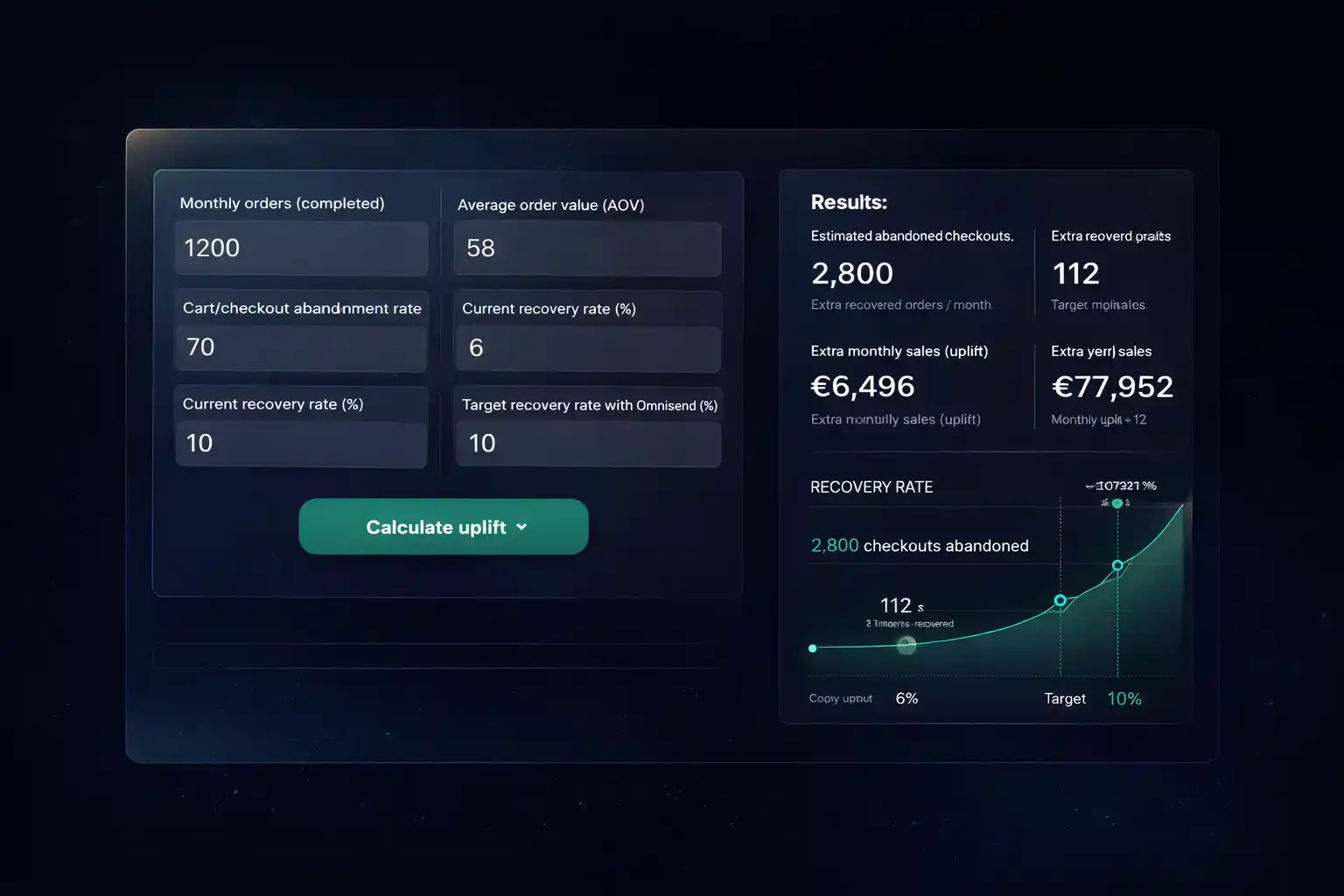
Use the Omnisend Abandoned Cart ROI Calculator
Enter your baseline and your target recovery improvement. The omnisend abandoned cart roi calculator estimates additional recovered orders and extra monthly sales.
Inputs
Your results
Implementation-ready output
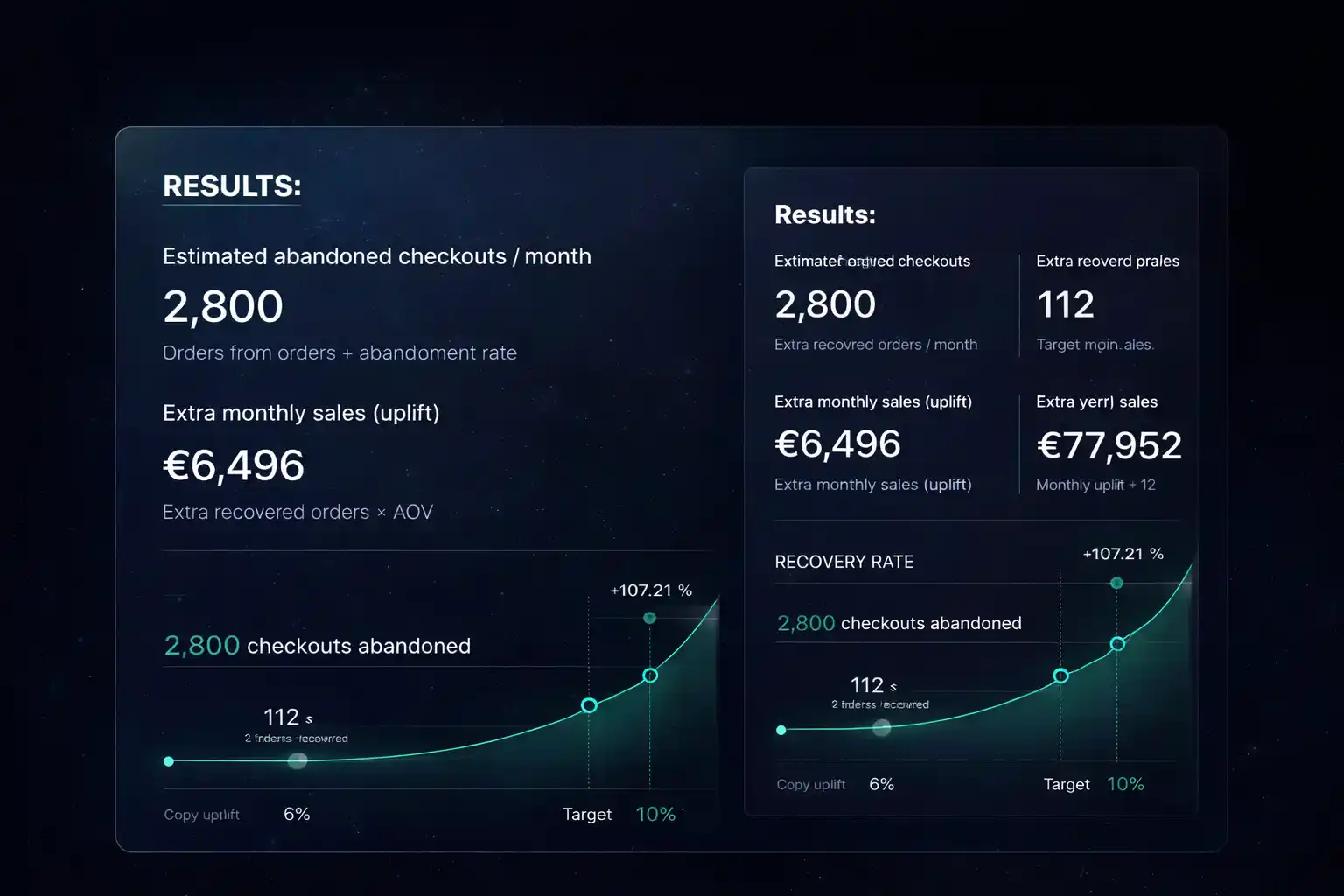
If you want to go from estimate → implementation, start with our Omnisend hub /, then read the strategy on /ecommerce-email-automation/, and follow the step-by-step setup guide: /omnisend-abandoned-cart-woocommerce/.
How this calculator works (transparent)
The omnisend abandoned cart roi calculator uses a simple estimate: completed orders → estimated checkout starts → abandoned checkouts → recovered orders. It’s designed for fast planning, not perfect forecasting.
What this tool is best for
- Deciding if cart recovery is worth prioritizing this month.
- Setting a realistic goal (current → target recovery rate).
- Generating an implementation checklist your team can execute.
- Explaining ROI internally (marketing ↔ finance) in plain numbers.
Reference (FOLLOW, non-affiliate)
If you track your funnel in GA4, you typically rely on ecommerce events like begin_checkout and purchase. Official reference: GA4 event reference.
Affiliate disclosure
Some links are affiliate links (like Omnisend). If you sign up through them, we may earn a commission — it helps keep these tools free. Our calculations and recommendations stay independent.
FAQ
How accurate is this uplift estimate?
It’s directional. Use it to prioritize and set targets. Real uplift depends on traffic quality, offer strength, and flow execution.
What do I need to input?
Monthly completed orders, AOV, abandonment rate, and your current vs target recovery rate. That’s enough for a solid planning number.
Does this work for EU/GDPR stores?
Yes. You can run abandoned cart automation with compliant consent practices and transparent messaging.
How do I implement this in Omnisend?
Start with a 3-email abandoned cart flow, validate tracking, then optimize timing and incentives. Add SMS only if consent and costs fit your margins.
What should I test after 7 days?
Subject lines, send timing, incentive logic, and segmentation. Change one variable at a time so you know what moved recovery.
Where do I check pricing and SMS costs?
Use pricing, credits info and the SMS calculator resources.
Turn your estimate into real revenue
Start free, publish the abandoned cart flow first, then iterate. That’s the shortest path from ROI estimate → sales.
No credit card needed · Cancel anytime · Start in 2 minutes