
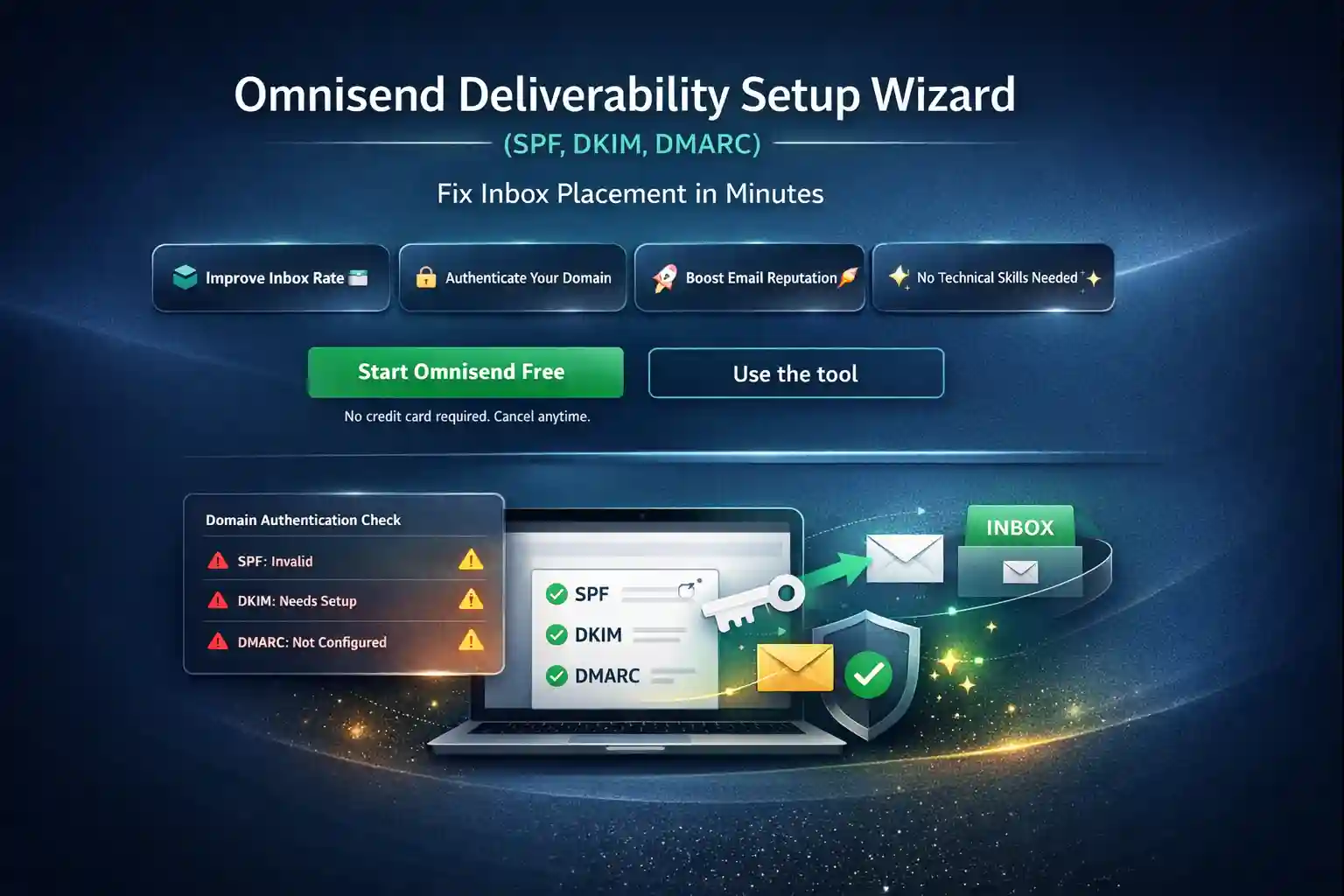
Omnisend Deliverability Setup Wizard
The Omnisend Deliverability Setup Wizard generates a safe SPF, DKIM and DMARC plan you can implement without breaking existing sending. You’ll get a clean checklist, validation steps, and a 7-day review routine to improve inbox placement.
Real-world note: most deliverability “mysteries” are authentication or alignment issues — fix fundamentals first, then optimize.
No credit card required. Cancel anytime.
Use the Omnisend Deliverability Setup Wizard
Enter your sending domain and (optionally) the From email, then generate a plan. The output is practical: what to add in DNS, what to double-check before replacing anything, and how to validate the same day. This keeps you out of the classic trap: “I added SPF and suddenly everything stopped delivering.”
What you’ll get
A safe baseline plus a verification sequence you can execute today:
This tool doesn’t scan your DNS automatically — instead, it shows you how to add records safely and validate them end-to-end. For the DMARC standard reference (follow link), see: RFC 7489.
Tip: treat SPF as “one TXT record only”. Merge includes instead of creating multiple SPF records.
How to implement safely (and what to verify)
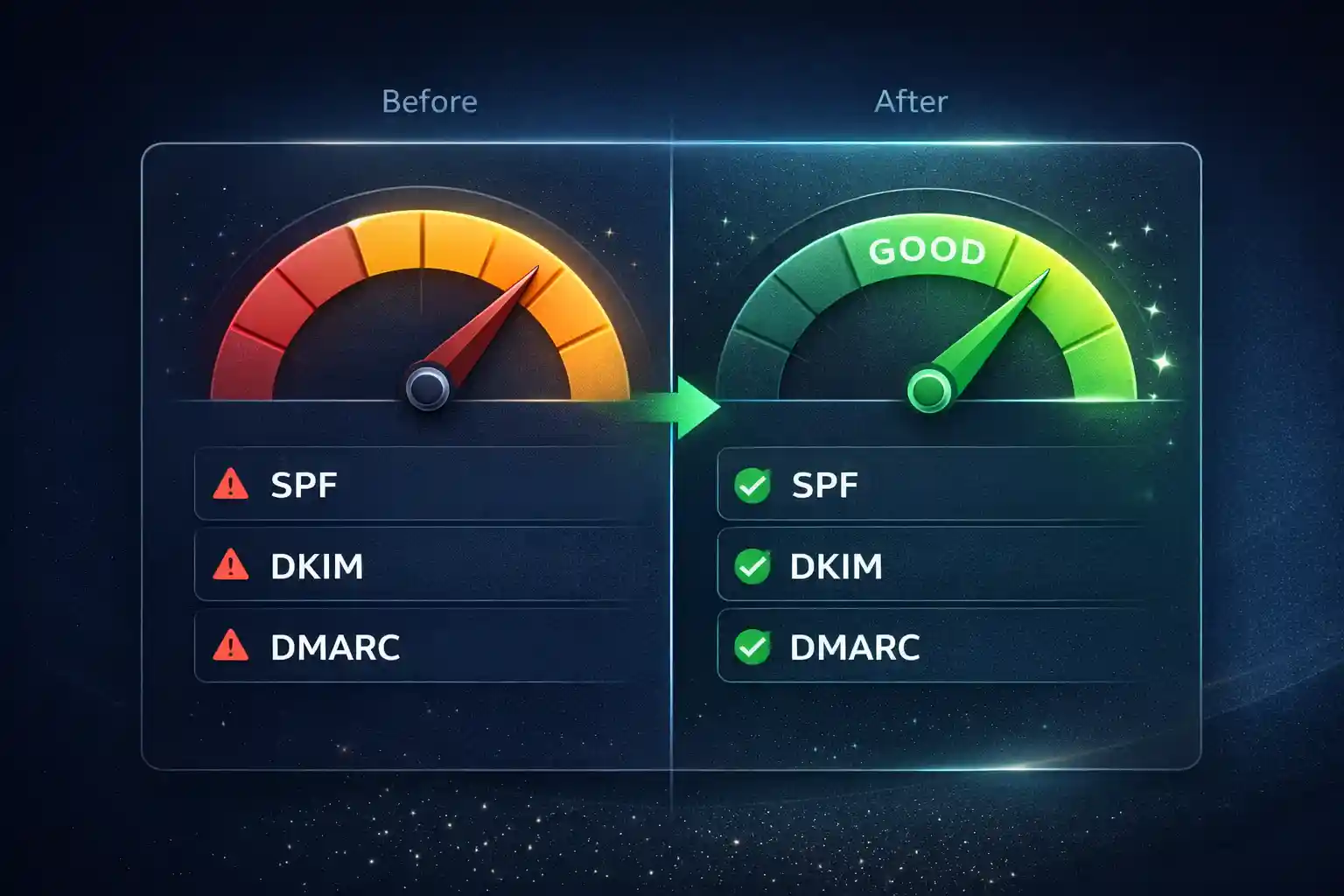
Implement in this order: (1) confirm your From identity, (2) publish SPF safely, (3) enable DKIM signing, (4) start DMARC in monitoring mode, then (5) validate and monitor for 7 days. If you later tighten DMARC, do it gradually and watch impact.
If you want to go from “plan” → “implementation”, jump to the Omnisend hub on /, explore the broader landscape in Email Automation Software, and use this step-by-step guide for Omnisend-side setup: Omnisend SPF + DKIM + DMARC Setup.
We built this tool for ecommerce operators who want consistent inbox placement and reliable reporting. Some links are affiliate links (clearly marked) — it helps keep the tools free and updated.
FAQ
It’s a safe baseline plus a validation sequence. Because we don’t scan your DNS automatically, compare the recommendations with what already exists before publishing changes — especially SPF, which should remain a single record.
Your sending domain and optionally the From email. Provider selection helps prioritize checks, but you can use the tool even if you’re not sure.
SPF/DKIM/DMARC are authentication standards, not consent mechanisms. Pair authentication with proper opt-in flows and unsubscribe behavior.
Generate the DNS plan here, then follow the Omnisend-side verification steps in the implementation guide. The Omnisend Deliverability Setup Wizard is meant to bridge “what to publish” with “what to verify.”
Check that core automations (welcome, abandoned cart, post-purchase) deliver consistently, then consider tightening DMARC if everything stays stable.
Ready to turn “setup” into inbox wins?
Start Omnisend free, authenticate your domain, and run your first week of clean reporting. This is the foundation that makes every automation perform better.
Start Omnisend FreeNo credit card required • Cancel anytime • Takes ~2 minutes to start