
Omnisend integration Shopify 2025: 10-min setup checklist
Omnisend integration Shopify 2025 lets ecommerce teams launch revenue-driving email + SMS automations in about 10 minutes.
This practical checklist shows how to connect Shopify, sync customers and products, verify tracking events, and enable the core flows that pay back fastest.
Whether you’re migrating from another ESP or starting fresh, this Omnisend × Shopify integration focuses on time-to-value:
install, authorize, sync, turn on flows, and push your first promo with confidence.
Pricing pages and UI labels change — confirm live if a button name looks different.
TL;DR
- Install Omnisend from the Shopify App Store → Authorize permissions.
- Sync customers & products, verify events (views, carts, purchases).
- Enable flows: Welcome discount, Abandoned Cart (email+SMS), Browse Abandonment, Post-purchase.
- Publish a popup, send a first promo, and monitor revenue attribution daily.
Omnisend integration Shopify 2025 setup steps
| Step | Owner | Checklist |
|---|---|---|
| Install Omnisend app (Shopify App Store) | Admin | Click Add app → Install → approve permissions |
| Authorize & connect | Admin | Confirm store URL, account email, and data access |
| Initial data sync | Admin | Customers + products appear in Omnisend; orders sync |
| Tracking smoke test | Admin | View product → add to cart → checkout → purchase/test order |
| Enable core flows | Marketer | Welcome, Abandoned Cart (email+SMS), Browse, Post-purchase |
| Launch | Marketer | Publish popup and first promo; monitor attribution |
Validate revenue in weeks, not months. No dev team required — ready ecommerce flows.
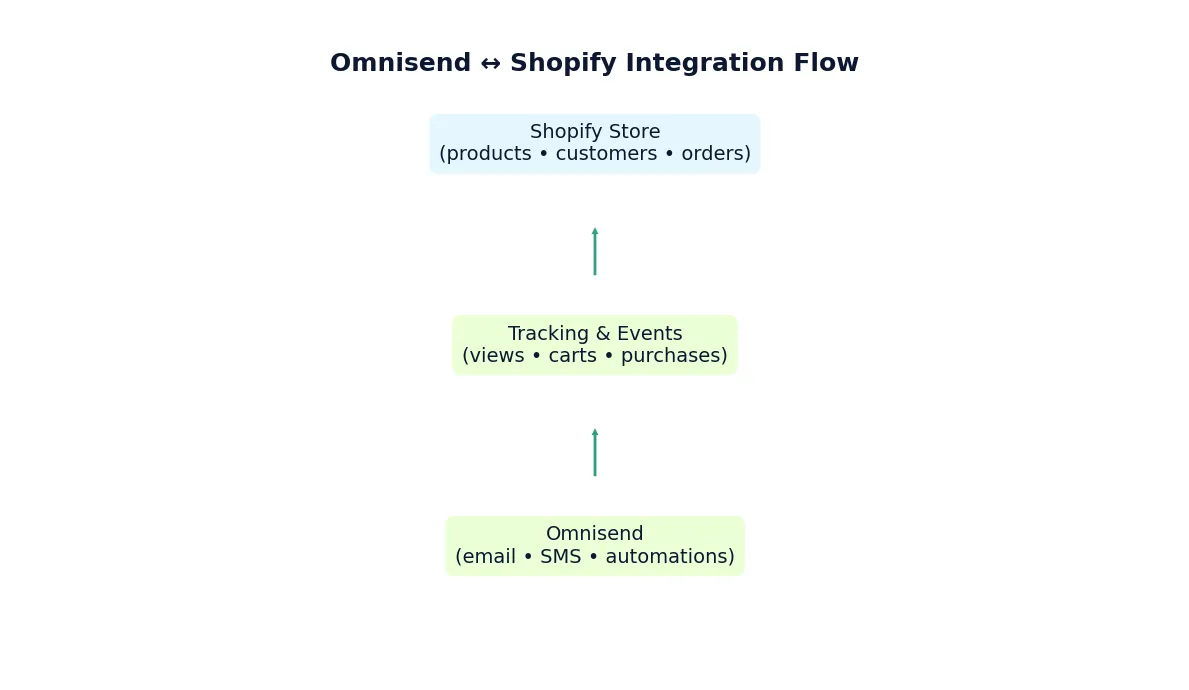
Automation = revenue while you sleep. Set once, sell daily.
10-minute checklist (copy → run)
- Install the Omnisend app from the Shopify App Store and grant permissions.
- Authorize & connect: confirm store URL, user role, and data access.
- Initial sync: wait for customers + products to appear in Omnisend. Large catalogs may take longer; you can proceed to basic setup in parallel.
- Tracking smoke test:
- Open a product page → confirm “product view” event.
- Add to cart → confirm “cart” event.
- Start checkout → confirm checkout started.
- Use a test order to validate “purchase” event and revenue attribution.
- Enable core flows (publish right away):
- Welcome series – deliver incentive and bestsellers.
- Abandoned Cart – email + SMS: send #1 in 1–2h, #2 in 20–24h.
- Browse Abandonment – remind products viewed (3–6h).
- Post-purchase – review request and cross-sell by AOV/time since purchase.
- Signup popup: 10–15% or free shipping incentive; connect to the Welcome flow.
- Branding: use headers #0c1831 and accents #179679 to match your store branding.
- Compliance: consent text, unsubscribe links, and domain authentication (SPF/DKIM).
- Test send to an internal seed list; confirm inbox placement, links, and coupon logic.
- Go live: publish flows & popup; send a first promo; review attribution daily.
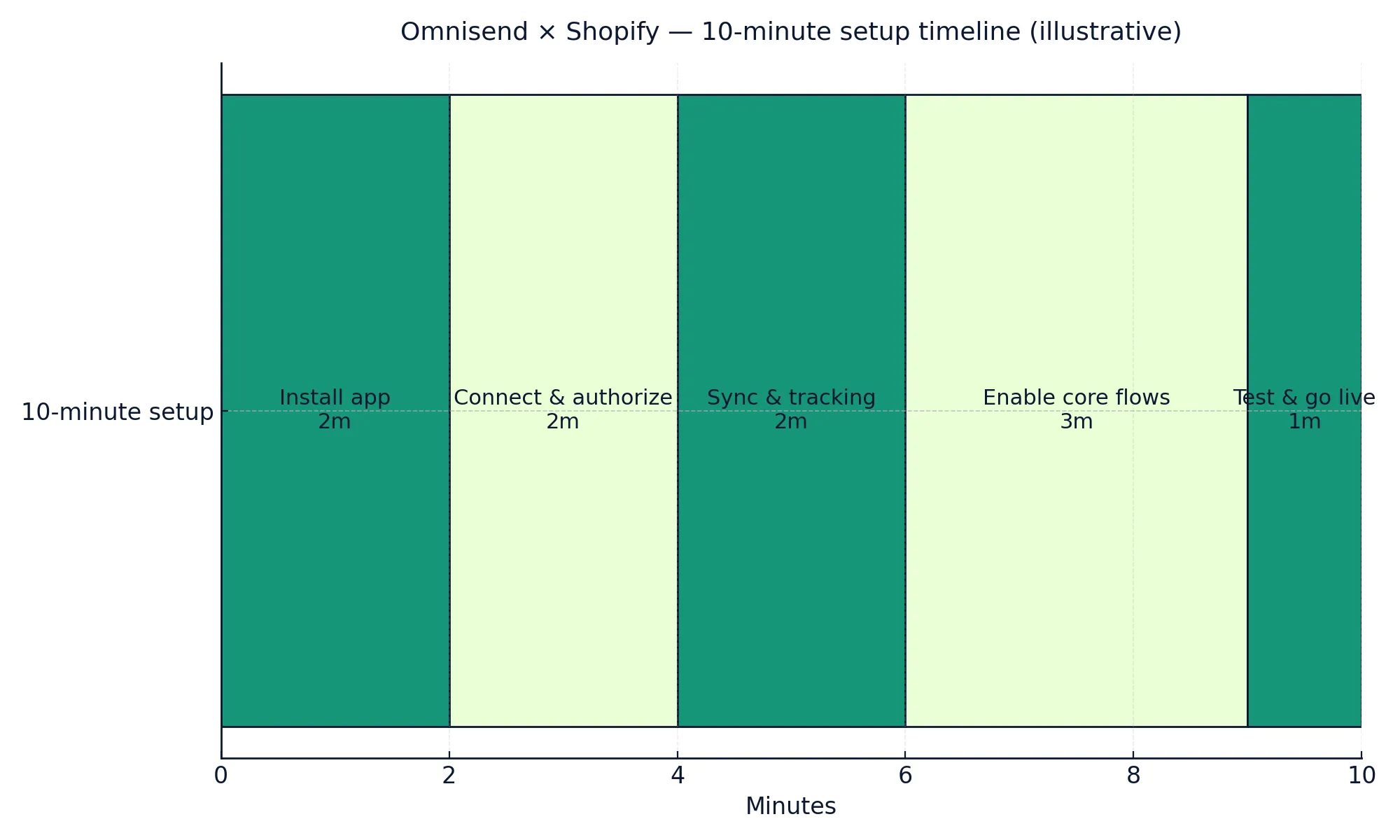
What to enable right away (revenue flows)
| Flow | Channel | Timing & goal |
|---|---|---|
| Welcome series | Send within minutes of signup; deliver incentive and bestsellers | |
| Abandoned Cart | Email + SMS | 1–2h then 20–24h; recover warm carts |
| Browse Abandonment | Email (+SMS) | Within 3–6h; remind products viewed |
| Post-purchase review / cross-sell | 3–7 days after delivery; reviews + related items |
QA & troubleshooting
- No events? Refresh after a few minutes; ensure app is installed and not blocked by cookie banners. Test in an incognito window.
- Coupons not applying? Re-sync promo codes; verify channel split (email vs SMS) and discount conditions in Shopify.
- Low cart recovery? Add SMS step and a reminder email; test 2-step vs 3-step timing; personalize by product/category.
- Deliverability dip? Warm gradually; authenticate domain (SPF/DKIM), prune inactive subscribers, use segmentation by engagement.
For reference, see the official
Shopify app installation guide
Validate revenue in weeks, not months. No dev team required — ready ecommerce flows.
Final notes
Once your Omnisend integration Shopify 2025 setup is live, you’ll see data sync, automation triggers, and revenue reporting work seamlessly.
Track ROI in your Omnisend dashboard within the first week and iterate: subject tests, a third cart nudge, and VIP segments by AOV and recency.
Related: Omnisend Pricing 2025 · Omnisend Automation Templates · Shopify Email & SMS Best Practices