
Omnisend UTM CTA Link Builder
The omnisend utm cta link builder generates clean, trackable links in under 60 seconds — with consistent UTMs, CTA variants, and GA4-friendly formatting you can paste into Omnisend today.
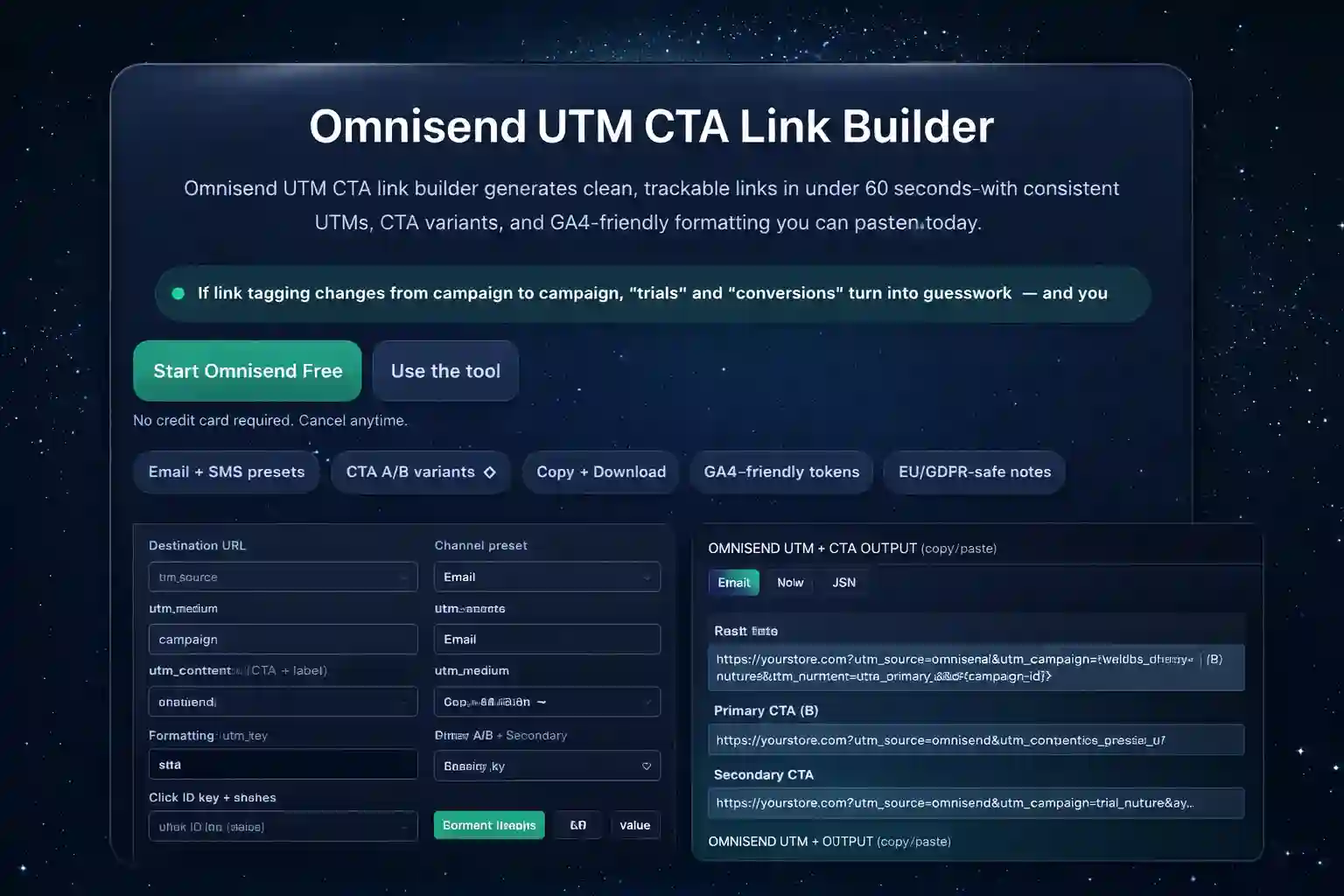
Quick rule: keep utm_campaign stable and change only utm_content to measure CTA tests cleanly. The omnisend utm cta link builder follows this by default.
Generate trackable links
Use the omnisend utm cta link builder to standardize attribution across newsletters, automations, and SMS — so your reporting stays comparable week to week.
If you want clean attribution for 30+ days, keep the same naming template. The omnisend utm cta link builder makes it easy to enforce that habit.
Output (copy/paste)
The omnisend utm cta link builder creates a main link plus CTA variants, so you can track clicks and conversions per button — without breaking GA4 reporting.
Want accurate trials + purchases? Run one consistent UTM standard everywhere and only change utm_content for CTA tests. The omnisend utm cta link builder keeps your structure consistent.
Launch in OmnisendTemplate preview (full width)
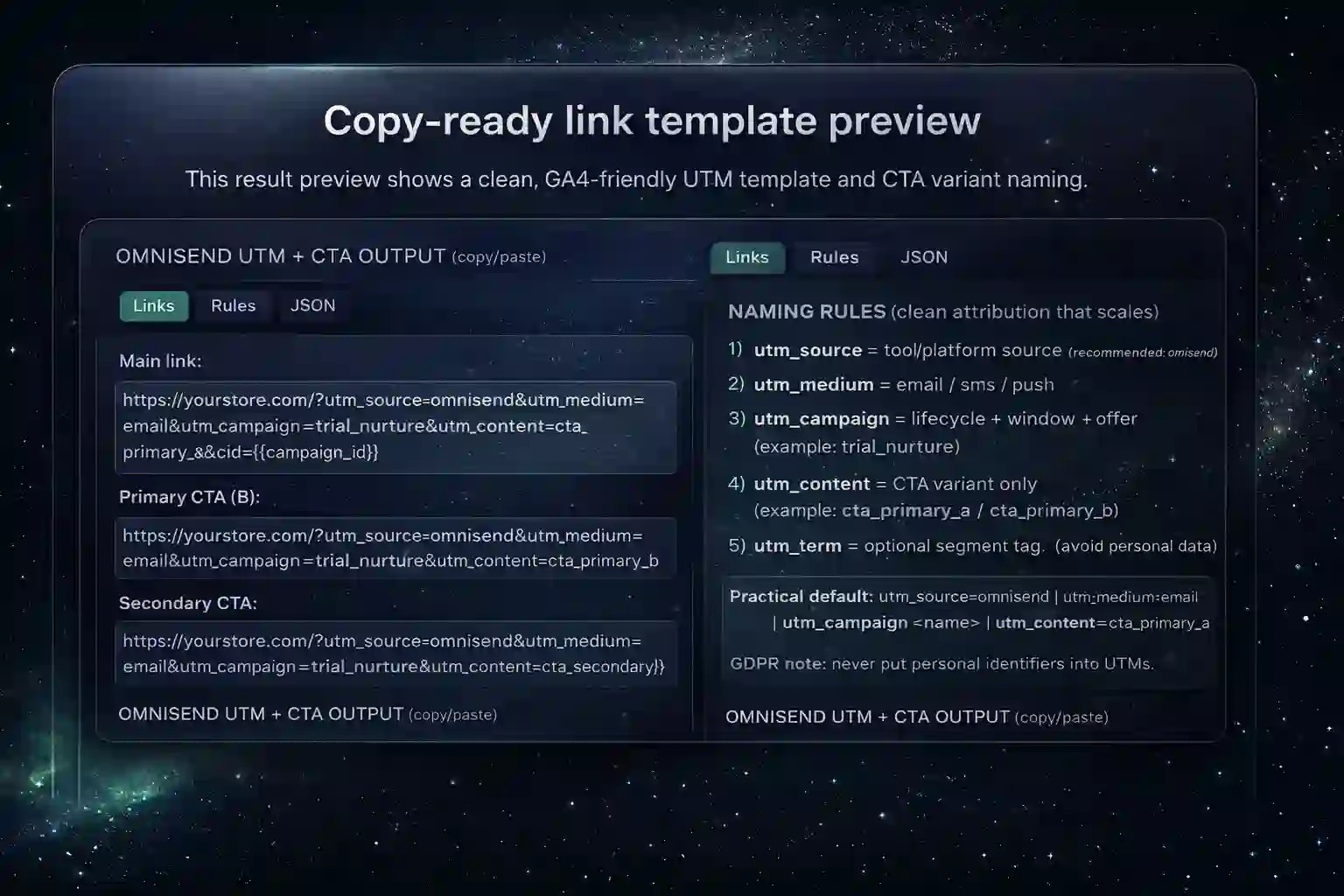
This preview shows a clean, auditable structure you can stick to. Keep your omnisend utm cta link builder template stable for a full campaign window to compare results properly.
How to use this Omnisend UTM CTA link builder
Use this omnisend utm cta link builder to standardize tagging across campaigns, automations, and SMS. Then connect execution with ChooseEmailMarketing.com, implement stronger flows via email automation, and evaluate performance using email automation metrics.
FOLLOW reference (not affiliate): Google Analytics — Add campaign parameters to URLs.
Why we built this
We built the omnisend utm cta link builder for ecommerce operators who want reliable attribution without spreadsheets and messy naming.
Affiliate disclosure
Some links may be affiliate links (e.g., Omnisend). If you use them, it helps keep the tools free at no extra cost to you.
FAQ
Answers for the omnisend utm cta link builder and GA4 campaign tracking best practices.
What UTMs should I use for Omnisend?
Start with utm_source=omnisend and utm_medium=email (or sms). Keep the same baseline for every send.
How do I A/B test CTAs without messy attribution?
Keep utm_source, utm_medium, and utm_campaign identical, and change only utm_content for each CTA variant.
Is this GDPR-safe?
Yes if UTMs contain no personal data. Avoid emails, names, phone numbers, and any user identifiers.
Do UTMs affect deliverability?
No. UTMs are URL parameters and do not impact deliverability. Deliverability depends on sending practices and reputation.
What should I test after 7 days?
Compare CTA variants (utm_content), landing page performance, and purchase rate by campaign window — then keep the winner and iterate one variable at a time.
Track trials and conversions properly
Set one consistent template, reuse it across flows, and finally trust your reporting. The omnisend utm cta link builder helps you scale without breaking attribution.