
Omnisend Winback Flow
Omnisend Winback Flow — build a simple 3-email reactivation sequence for customers who went quiet. You’ll set the right audience window, timing, copy/paste templates, and a “done” checklist in under 45 minutes.
This is part of your retention engine — see lead nurturing automation.
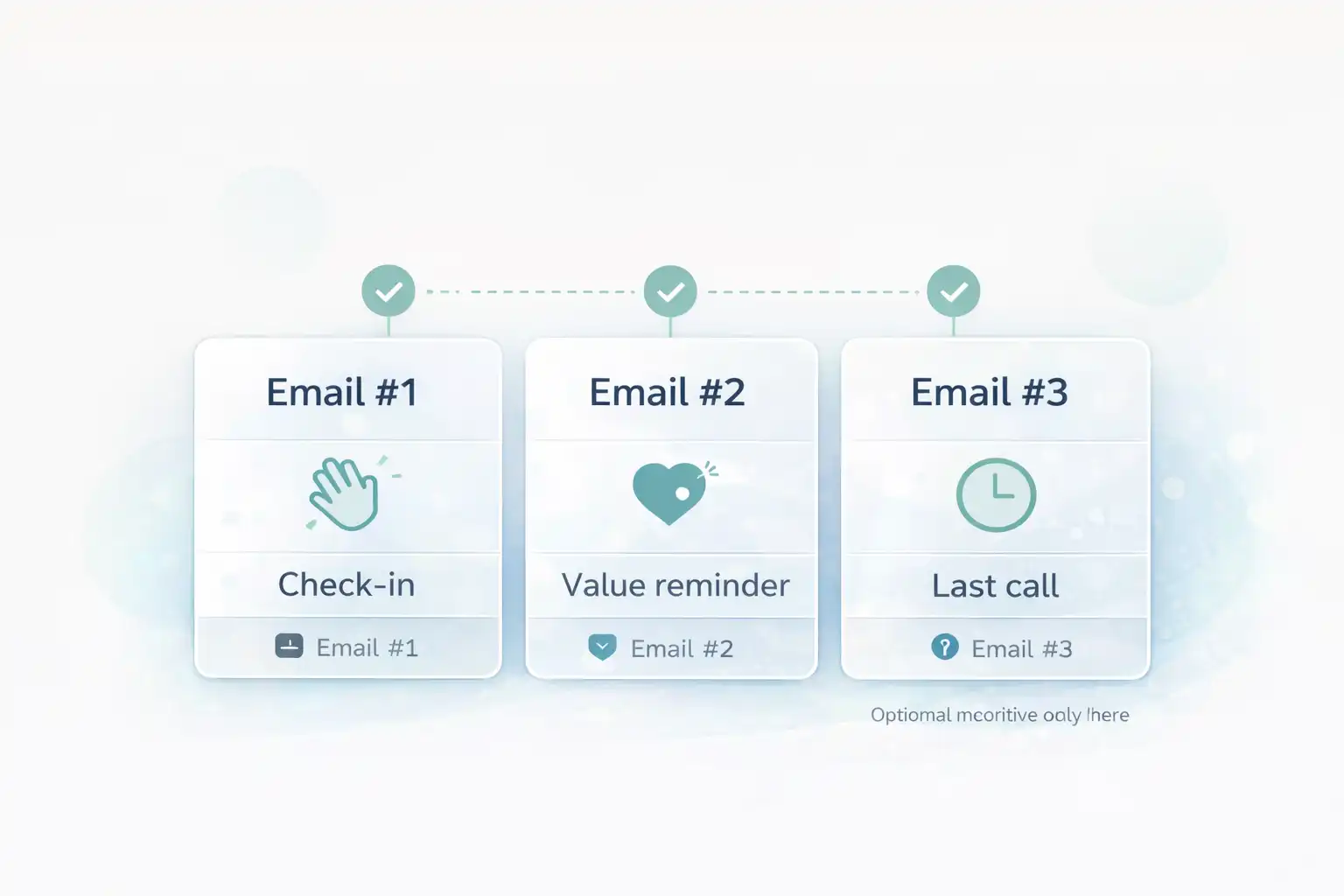
Omnisend Winback Flow template (timing + intent)
Winback works when it’s targeted. The biggest mistake is emailing everyone who ever purchased. Instead, pick a clean “inactive window” and keep the copy human.
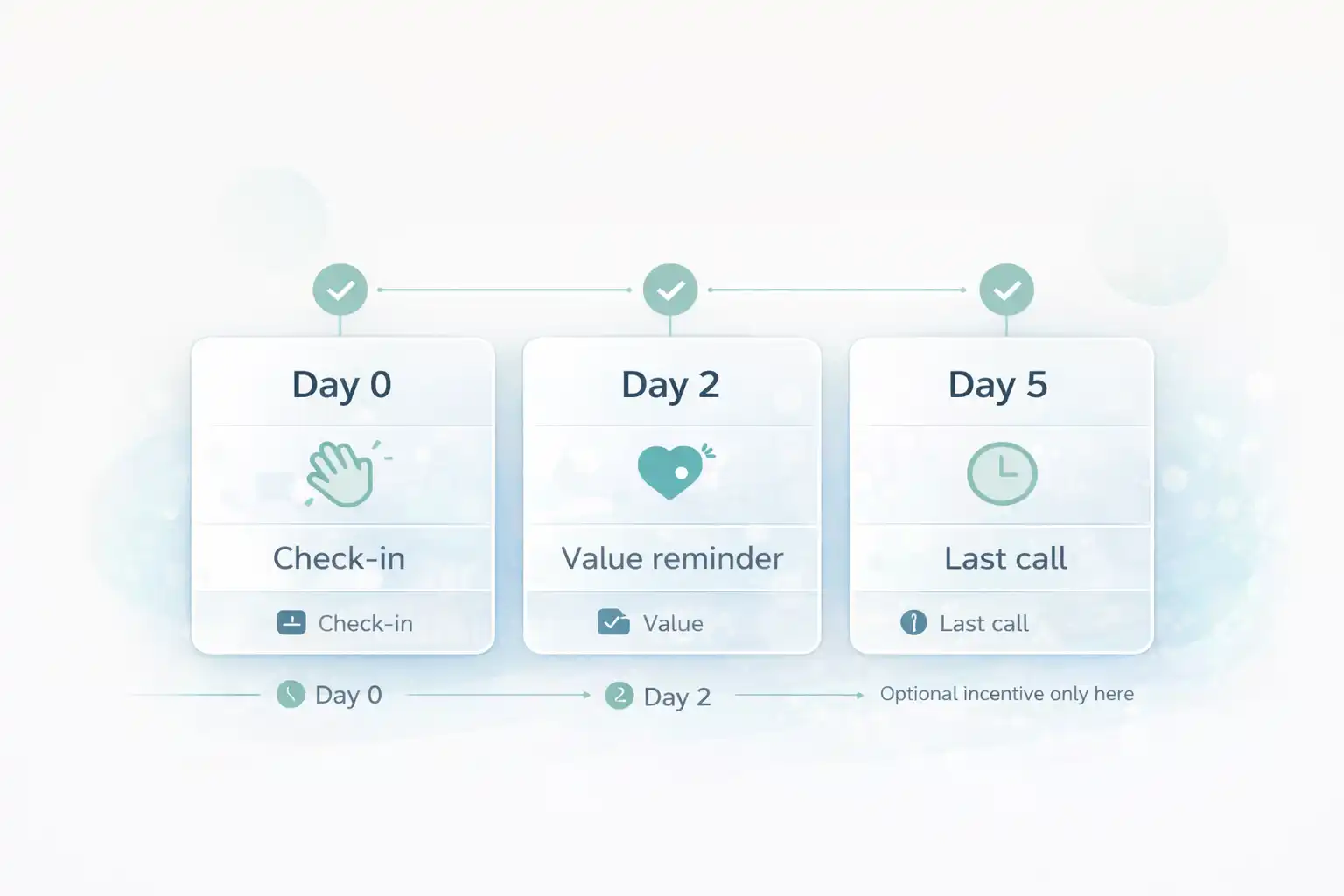
- Email #1 (Day 0): friendly check-in (“Still interested?”) + easy CTA.
- Email #2 (Day 2): remind value (best sellers / new arrivals / useful content).
- Email #3 (Day 5): last call (optional incentive only here).
Before you start Omnisend Winback Flow
Make 3 quick decisions so the build is fast:
- Define “inactive”: e.g., no purchase in 60–120 days (depends on your product cycle).
- Exclude: customers who purchased in the last 30 days.
- Choose the content: best sellers, new arrivals, or 1 short “help” piece.
Ready? Open Omnisend and create a new workflow.
Open OmnisendCommon mistakes (that waste hours)
- Bad window → if your product is replenishable, don’t wait 180 days.
- Incentive too early → you train “wait for a discount”.
- Too many CTAs → one CTA per email wins.
- No exclusions → VIP/wholesale gets winback spam.
- Never pruning → re-sending to dead leads hurts deliverability.
Omnisend Winback Flow Step-by-step: build the winback
Step 1/6 — Define the audience (inactive window)
Goal: targetThe winback audience should be “inactive but still real.” Start with a clean purchase-based window.
Recommended v1 windows
- Replenishable: 60–90 days no purchase
- Mid-cycle: 90–120 days no purchase
- High-ticket: 120–180 days no purchase
Copy/paste segment notes
Include: customers with no purchase in [X] days
Exclude: purchased in last 30 days
Optional: exclude VIP/wholesale
Optional: include only email engaged in last 90 days (deliverability-safe)
Step 2/6 — Set timing (3 emails, spaced)
Goal: gentleWinback is a nudge, not a blast. Space emails so it feels human.
Timing template (v1)
- Email #1: Day 0
- Email #2: Day 2
- Email #3: Day 5
Deliverability quick check (FOLLOW)
Keep sending reputable (don’t hit dead addresses). Use official guidance when you audit practices:
Keep going. Next you’ll paste the 3 email templates and publish.
Start Omnisend FreeStep 3/6 — Email #1: friendly check-in
Goal: restartThis email should feel like a human message. Keep it short and curiosity-driven.
Subject lines (copy)
Still looking for [category]?
Quick check-in 👋
Copy/paste body (short)
Hey [First name] — quick check-in.
Are you still looking for [category/goal]?If yes, here are the best places to start:
• Best sellers
• New arrivals
• Customer favoritesCTA: See what’s new
Step 4/6 — Email #2: value reminder
Goal: trustRemind them why customers buy from you: proof, guarantees, and a clean “start here” path.
Subject lines (copy)
Why customers choose [Brand]
Customer favorites (quick view)
Copy/paste skeleton
Headline: Still thinking about it?
Blocks:
• 3 short proof bullets (reviews / guarantee / support)
• 3 best sellers (image + 1 line benefit)
CTA: Shop favorites
Step 5/6 — Email #3: last call (optional incentive)
Goal: closeIf you use an incentive, use it only here. Keep the message direct, with one CTA.
Subject lines (copy)
Last call — still want this?
A small nudge (ends soon)
Copy/paste skeleton
Headline: Your next step
Line: If you still want [benefit], here’s the easiest way to start.
Optional: incentive (expires in 48h)
CTA: Shop now
P.S.: Link to best sellers / new arrivals
Step 6/6 — Test, publish, and measure for 7 days
Goal: validateRun one real test, verify emails land in inbox, and publish the workflow. Then measure for 7 days before changing anything.
Testing checklist
- Add yourself to the winback segment (or create a test segment)
- Send to a real inbox (Gmail)
- Check mobile formatting
- Confirm CTA destination and tracking
What to measure
- Revenue per recipient
- Unsubscribe rate (segment too broad)
- Clicks on “start here” links
- Conversions per email (Email #3 often wins)
Flow diagram (timing + intent)
Visual reference for your 3-email winback schedule.
Omnisend Winback Flow Done checklist (you’re finished when…)
- Your inactive audience window is defined (and recent buyers excluded).
- Email #1 is human and short with one CTA.
- Email #2 reinforces value with proof + best sellers.
- Email #3 is last call (optional incentive only here).
- All links work and mobile formatting is clean.
- The workflow is ON (not draft) and a test inbox succeeded.
- You’ll review performance after 7 days (one variable at a time).
Publish your winback today
You now have a clean reactivation sequence with the right audience window and timing. Open Omnisend, publish v1, and optimize after 7 days of real results.
No credit card required • Cancel anytime • Publish first, optimize later