
Post-purchase flow: 7 effortless wins after checkout
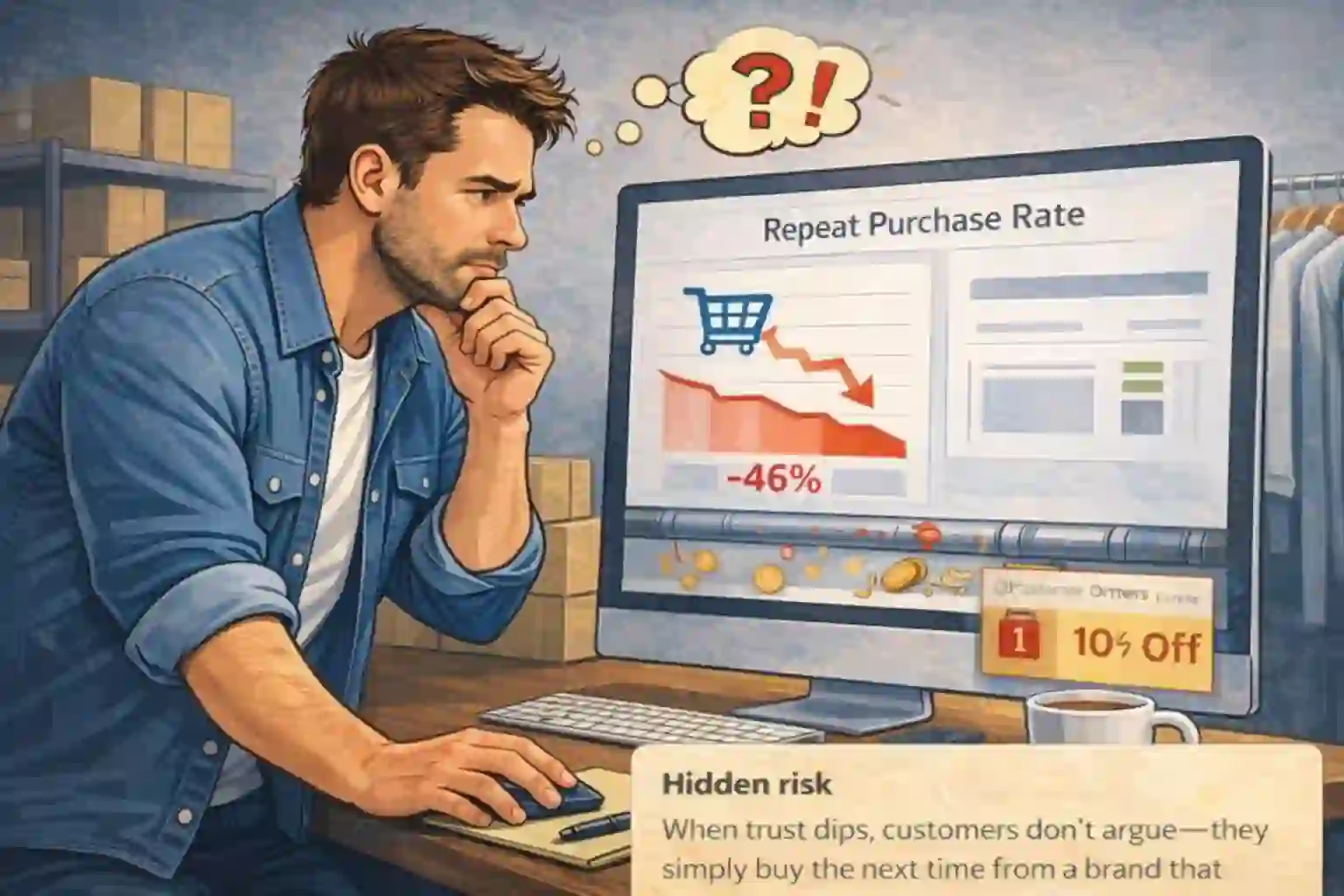
You open your dashboard and see a familiar pattern: first-time orders are fine, but the repeat line is flat. Nothing “breaks” — revenue just leaks quietly after checkout.
This page shows a post-purchase flow you can build in Omnisend to keep buyers informed, reduce support tickets, and create a natural second order without spamming or giving away margins.
- One clear trigger (no messy hacks)
- A simple message map that feels like service
- Rules that protect profit while increasing LTV
- Measurement that proves what’s working
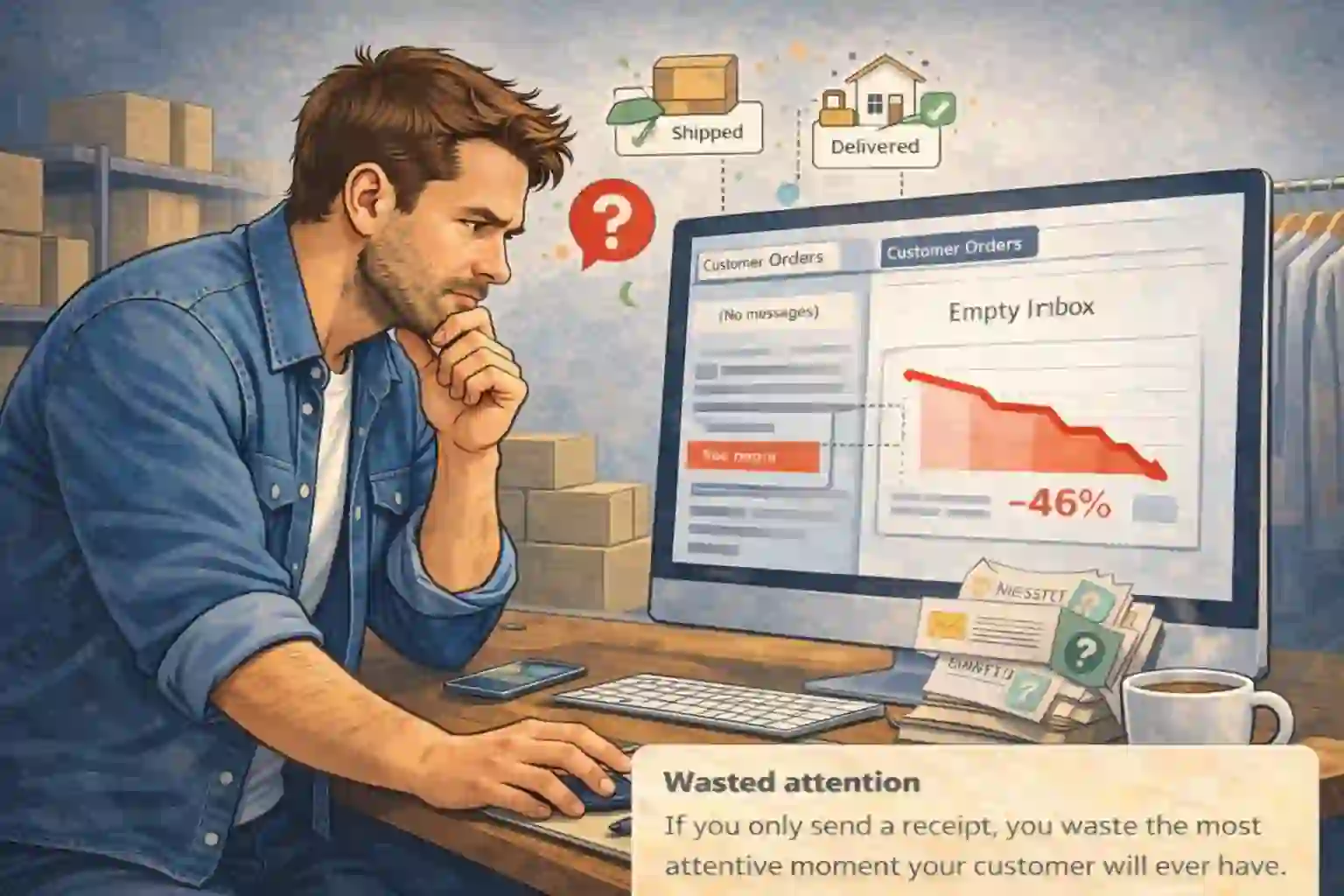
Right after payment, uncertainty is the enemy
After checkout, customers feel relief (“done”) and uncertainty (“what now?”). If the inbox stays quiet, or the email looks generic, the brain flags risk — and trust drops without a single complaint.
Your job is to remove uncertainty with clarity: confirm the order, set expectations, and show a human path to help. When the experience feels controlled, the next purchase becomes easier.
- Confirm with real details (items, totals, address)
- Set expectations (shipping, delivery windows, pickup rules)
- Link to one consistent help hub (FAQ + support)
- Keep the tone calm — not “marketing-y”
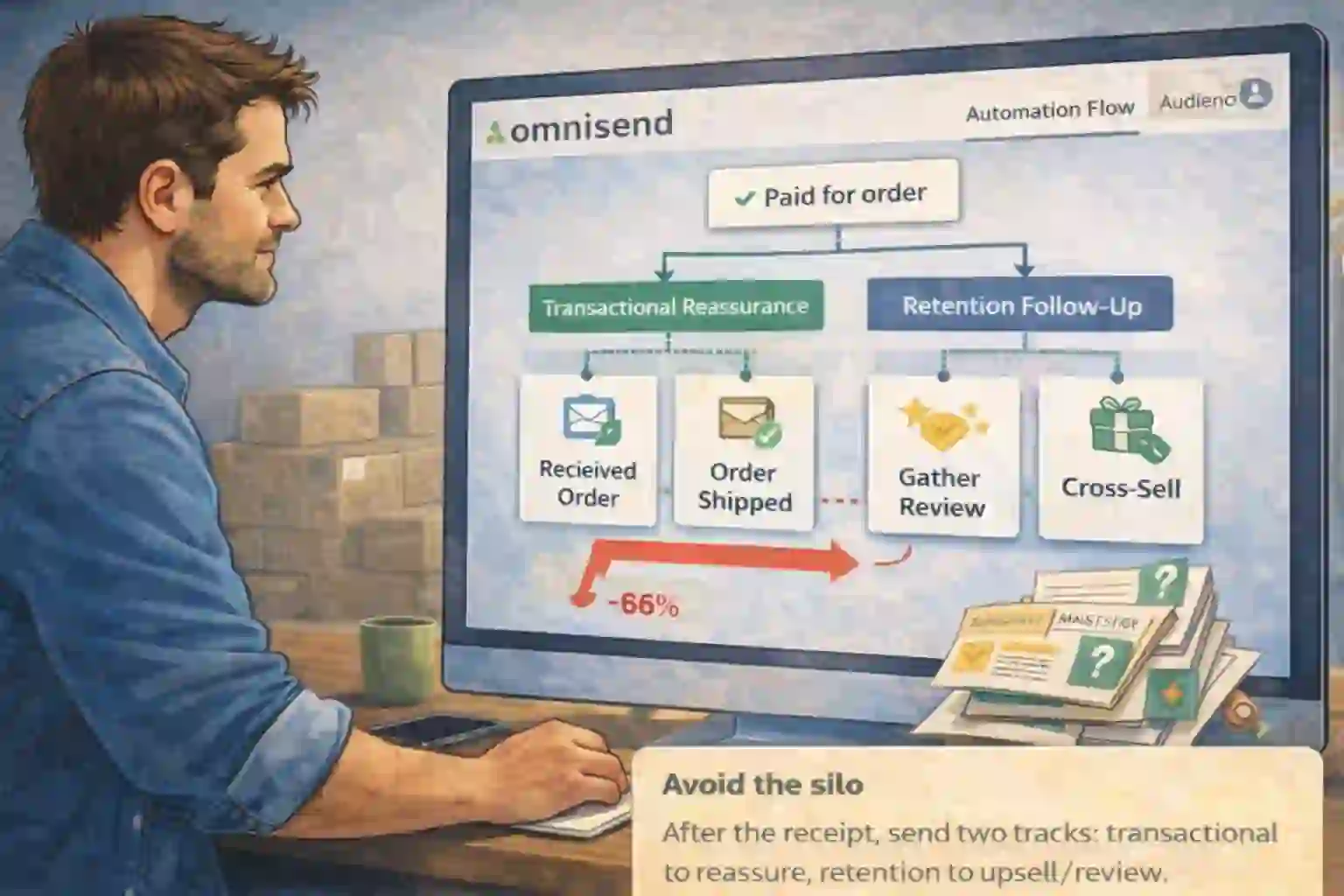
Start on “Paid for order” and split the system into two tracks
Start your automation on the moment the order is paid. That’s the clean handoff point between checkout and experience — and the moment your post-purchase flow should begin. From there, build two tracks: transactional reassurance and retention messaging.
This keeps your follow-ups helpful first, promotional second — which is why it converts and doesn’t feel spammy.
- Transactional: confirmation + shipping updates
- Retention: education + review + relevant cross-sell
- Use delays that match fulfillment reality
- Keep it one CTA per message
Official Omnisend references: Order confirmation automation • Order follow-up automation
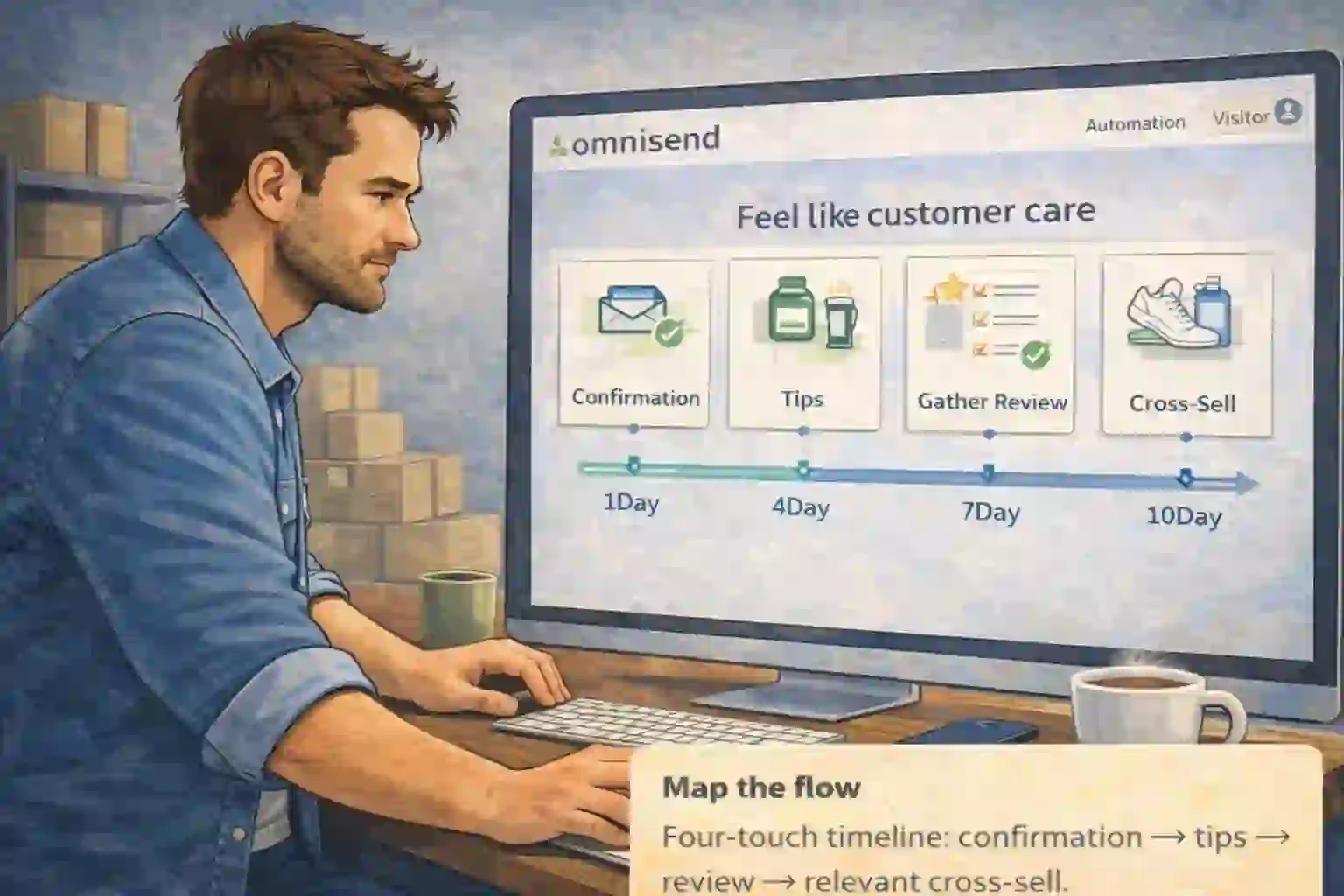
Four touches that feel human — not “drip campaign”
Here’s a simple map that fits most stores. Each message earns the right to send the next one by answering one question clearly. This is the heart of the post-purchase flow: service first, sales second.
- Touch 1 (immediate): branded order confirmation + “what happens next”
- Touch 2 (day 2–3): setup / care / how-to so the product succeeds
- Touch 3 (after delivery): review request framed as feedback
- Touch 4 (day 14–21): one relevant cross-sell based on the purchase
Keep the layout consistent. Use the same help link every time. And don’t stack three CTAs in one email — clarity wins.
Make it smarter than “everyone gets the same email”
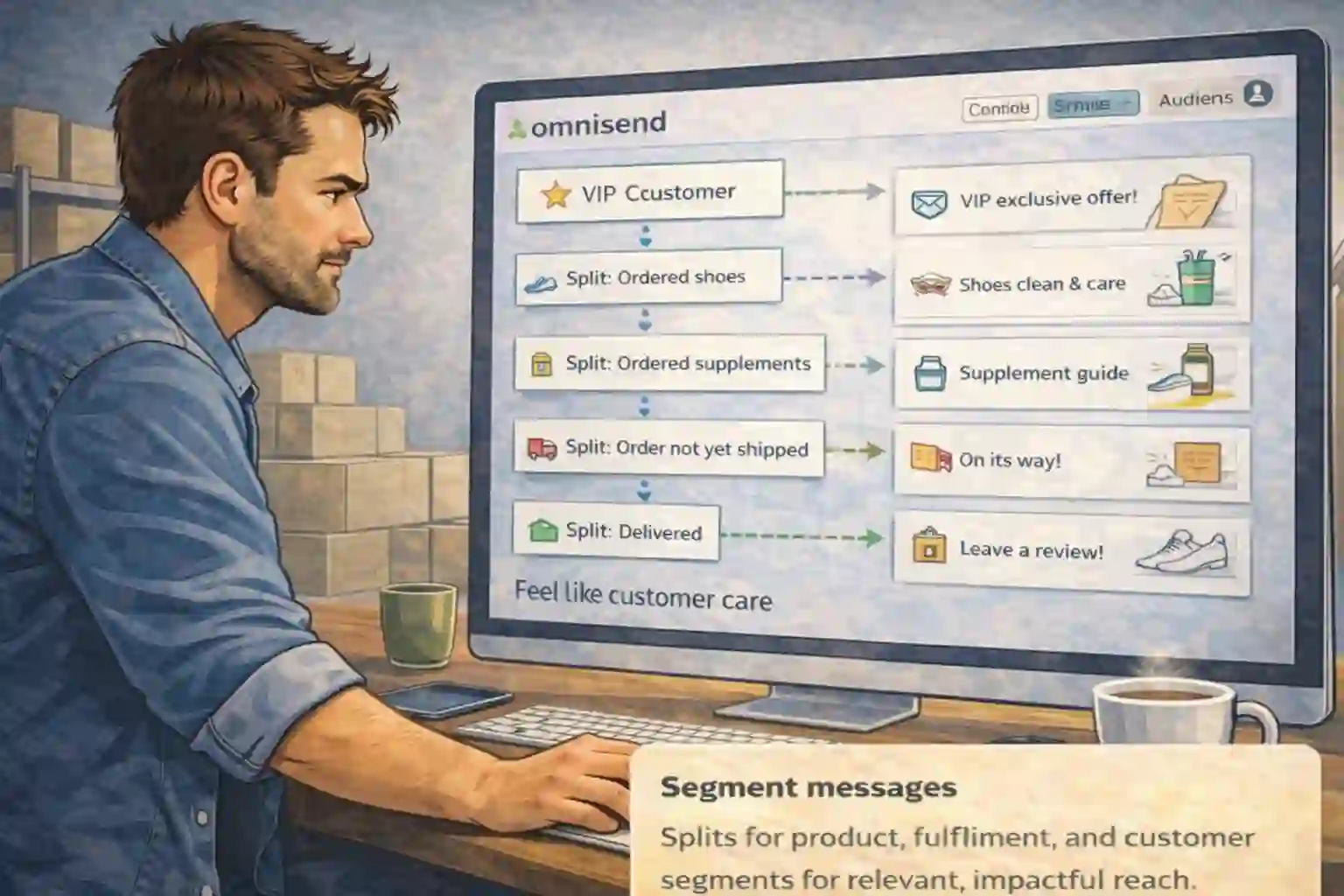
A good follow-up system adapts. Use conditional splits so customers see what fits their context, not what’s convenient for you. This is where your post-purchase flow stops being a template and becomes an asset.
- Split by product type (consumable vs durable)
- Split by fulfillment (shipped vs pickup)
- Split by customer value (first-time vs VIP)
- Suppress contacts who already purchased again
Want to go deeper? Omnisend’s lifecycle segments can help you tailor retention messages by customer stage: Analyze your customer lifecycle stages.
Remove discount addiction before it starts
Discounts are a tool, not a default. If every follow-up offers a coupon, you train customers to wait. Lead with value instead: education, trust, and convenience.
- Education: quick tips that help the product succeed
- Trust: warranty, returns, support access
- Convenience: reorder links, bundles, recommendations
- If you use an offer, gate it with logic (only if no second order yet)
Prove it works with a simple scenario model + a few key metrics
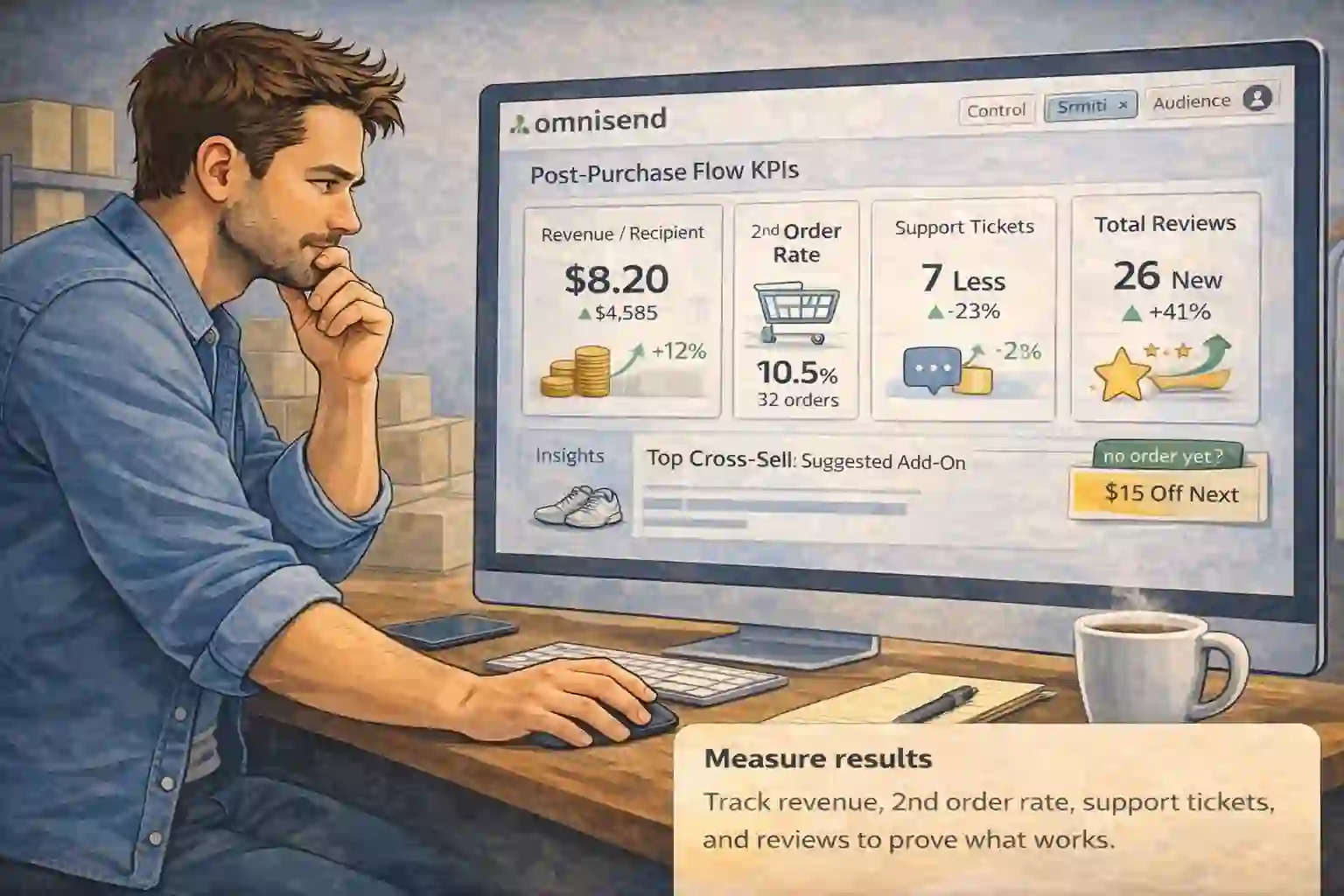
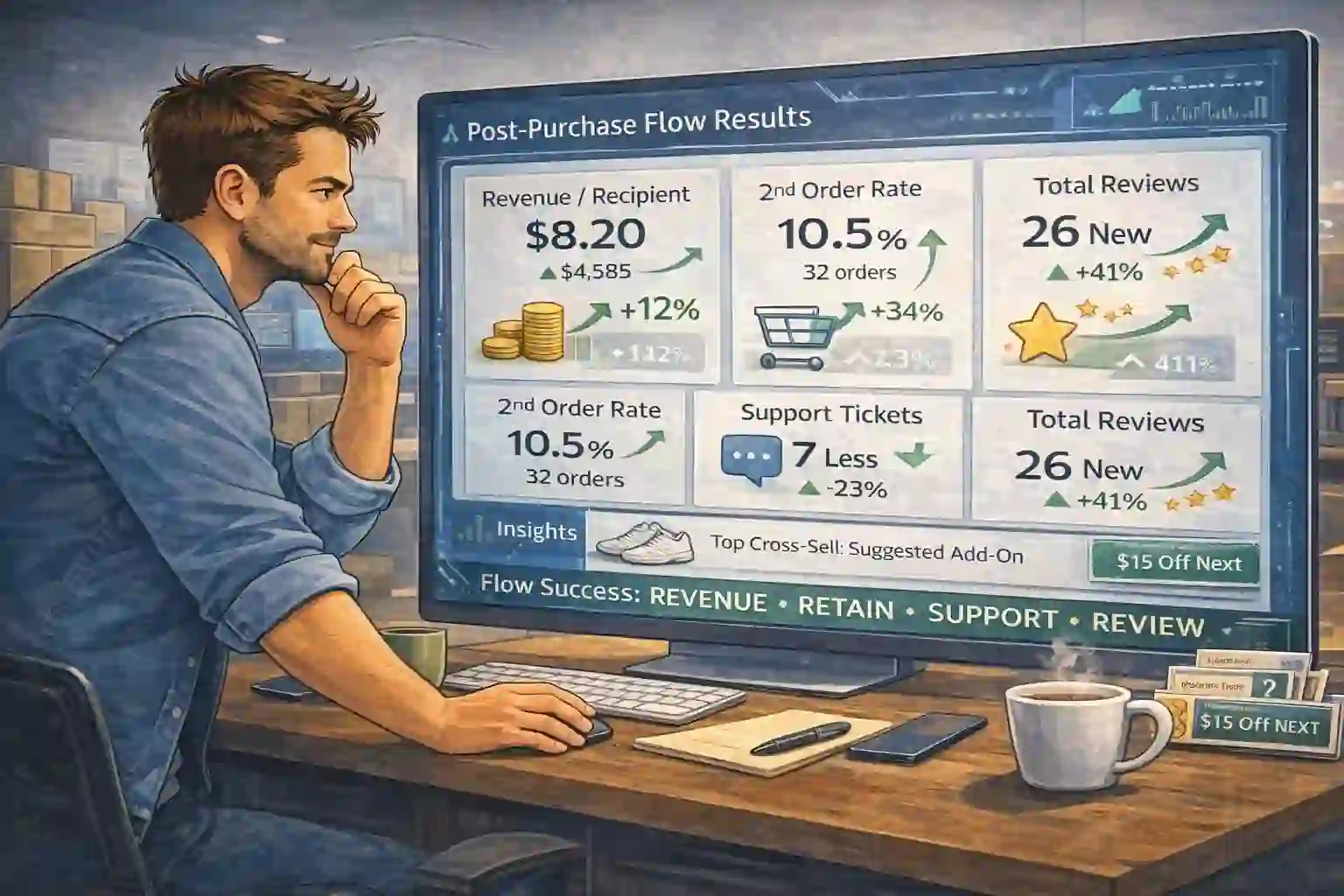
Treat your automation like a mini product and track outcomes that matter — not vanity stats. If your post-purchase flow isn’t measured, it can’t be improved. Start with a simple scenario: “What if retention adds just 1%?” On €57,000 monthly revenue, that’s €570/month before you touch ads. Then measure reality.
- Revenue per recipient (flow level)
- Second-order rate within 30 days
- Support volume (“Where is my order?”)
- Review rate and average rating
Run one A/B test at a time (subject line, send delay, or cross-sell angle). Small changes compound when the system runs 24/7.
Calm inbox, fewer tickets, and a second purchase that feels natural
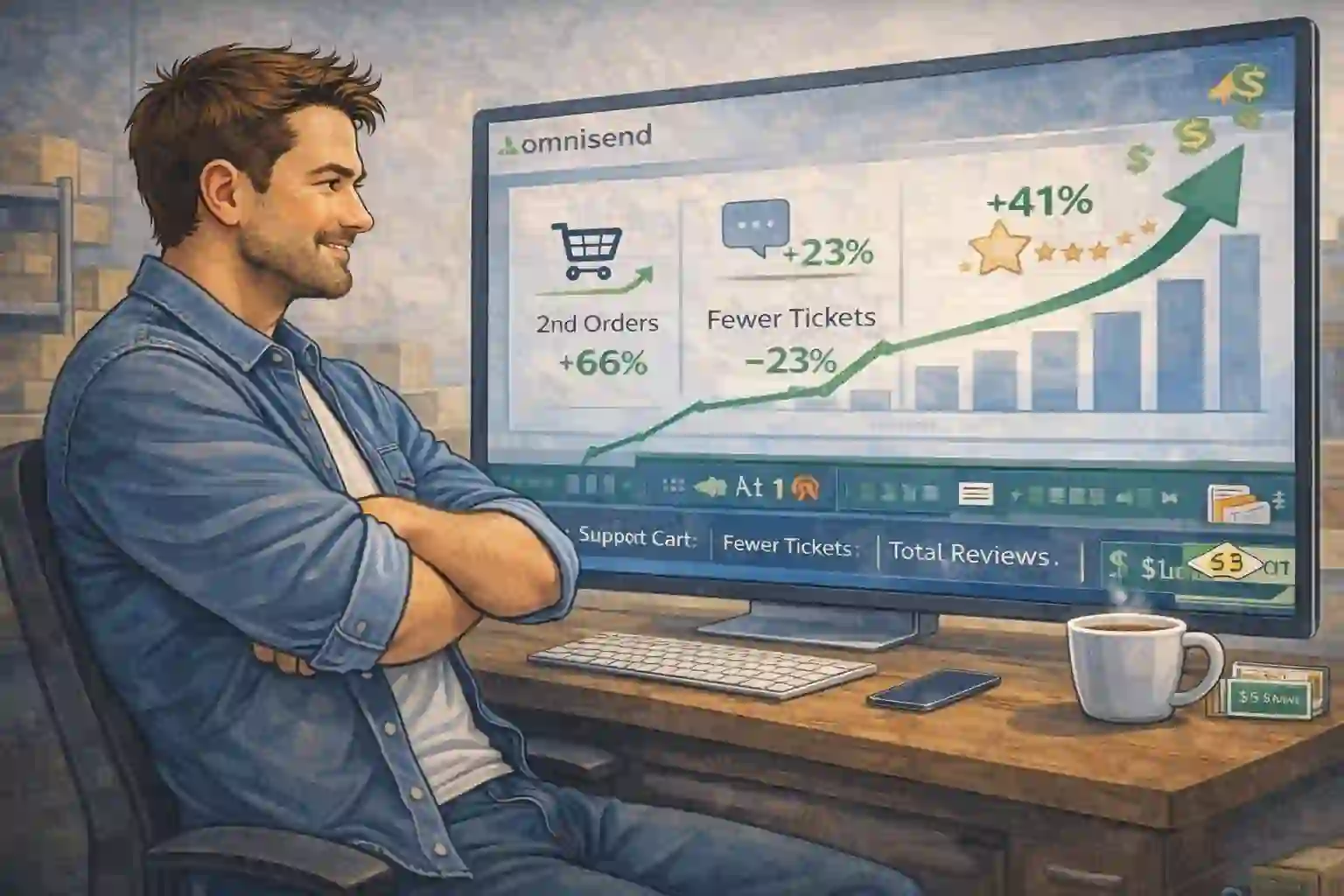
When the system runs, the store owner stops chasing customers with constant newsletters. Customers feel taken care of, support quiets down, reviews come in, and the second purchase becomes normal.
That’s the real win: a clean experience creates the next order automatically — without aggressive selling.
Done-for-you build — you don’t need to touch the Flow Builder
Want it live without tinkering? We audit your current transactional emails, map the sequence, and build your post-purchase flow templates, add conditional splits, and set tracking so it runs cleanly from day one.
- Flow map + timing plan matched to your shipping reality
- Branded templates (email + optional SMS) with clear CTAs
- Splits for product type, fulfillment, and VIP customers
- Tracking + a “what to watch weekly” KPI checklist
Fast start: Start Omnisend, then choose your package.
Post-purchase FAQ
Do I need discounts for this to work?
No. In most stores, education + trust + convenience outperform blanket coupons. Use offers selectively (and only when logic says it’s needed).
When should I ask for a review?
After delivery. If you’re not sure, delay it a bit — it’s better to be late than to ask before the product arrived.
How many messages is “too many”?
If each email has one clear job and matches the customer timeline, four touches is usually safe. If you’re adding messages, add them for clarity — not because you “need to send more.”
Start Omnisend free — then turn buyers into repeat buyers
Build the flow yourself today, or let us install it so you can focus on products and traffic. Either way, the fastest retention win is the one you launch now.