
Email Marketing Tools (Free)
This is your free ecommerce toolkit — calculators, checklists, and decision helpers for email & SMS. Use a tool, then jump straight into playbooks or templates to implement.
Building with Omnisend? Start here: Omnisend free account · pricing · SMS calculator.
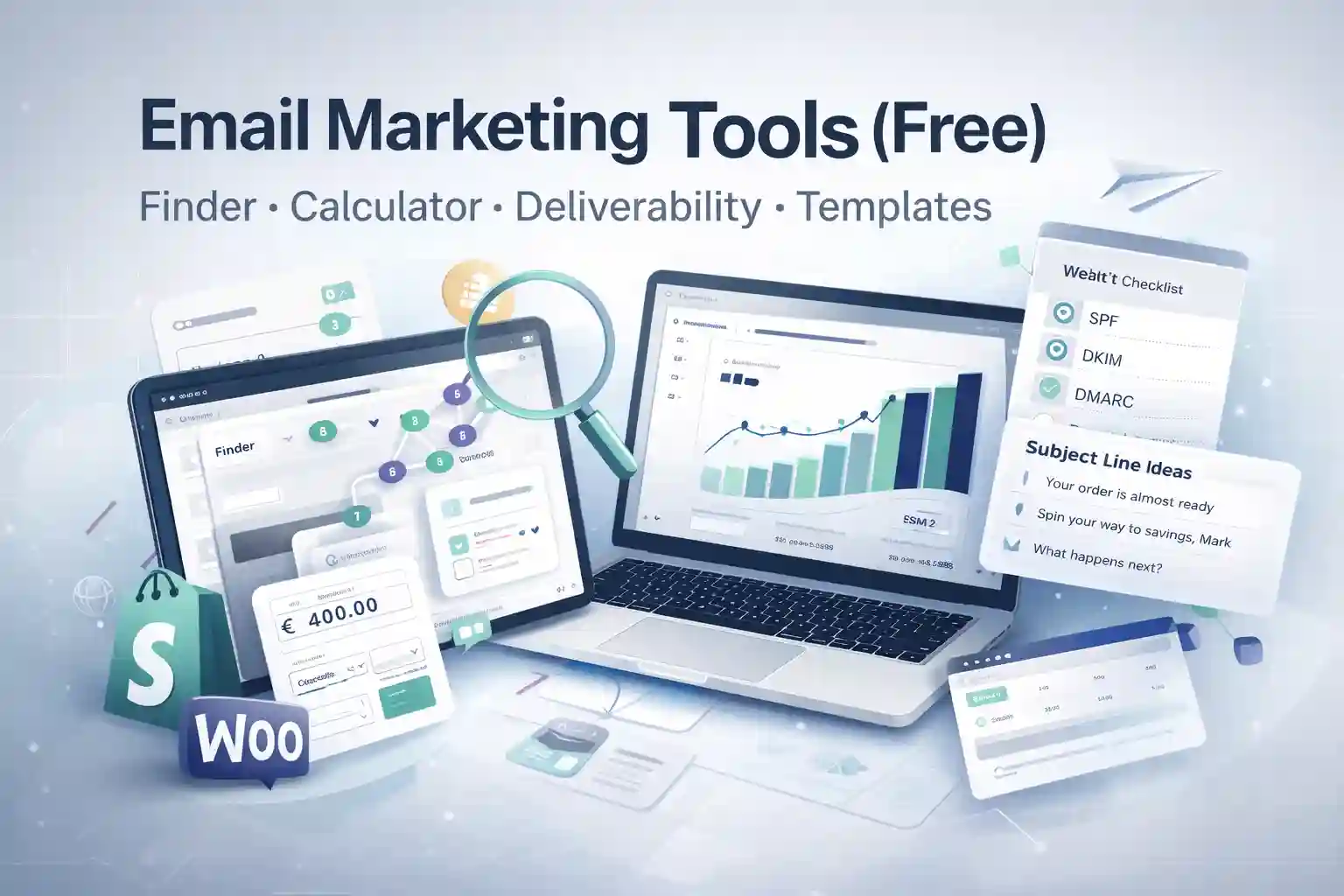
Choose a tool and get a result in minutes
The best email marketing tools are the ones you actually use. So this hub is built for speed: pick a category (deliverability, copy, SMS, analytics), search by keyword, then open a tool. Each one gives you a clear outcome (a decision, a number, or a checklist) — not “blog fluff”. If you’re new, start with the Finder. If you already chose Omnisend, go straight to the playbooks and publish your core flows.
Email Platform Finder (60 seconds)
Answer a few questions → get a “best match” (and a practical next step). Built for ecommerce: event tracking, core flows, deliverability basics, and speed to launch.
Open Finder →Omnisend SMS Calculator
Estimate monthly SMS costs based on sends, segments, and flow volume. Useful before you scale cart + post-purchase SMS.
Open calculator →SMS Credits: what you actually pay
Quick explanation of how SMS credits work (so you don’t get surprised when you add SMS to your automations).
See SMS credits →SPF + DKIM + DMARC setup (playbook)
If your emails aren’t landing in the inbox, fancy copy won’t matter. Use this step-by-step checklist to authenticate your domain properly.
Open deliverability checklist →Omnisend Pricing (fast overview)
When “free” stops being free: limits, plan differences, and how to pick the plan that fits your list size.
See pricing →Omnisend UTM & CTA Link Builder
Build clean UTM links for campaigns + automations, so you can track trials and conversions properly. Great if you care about attribution and clean reporting in email automation.
Open link builder →Ecommerce Email Benchmarks Dashboard
Compare your Open / Click / Revenue metrics against practical benchmark ranges — and see what to fix next. Pairs well with benchmarks and automation basics.
Open dashboard →Ecommerce Segmentation Recipes (RFM + Behavior)
Ready-to-use audience ideas you can copy: RFM segments + behavior segments (browse, cart, repeat buyers). Plug them into your CRM automations and winback flow.
Open recipes →Omnisend Comparisons hub
Quick verdicts built for decisions (who should choose what) — then a clear next step to implement.
Browse comparisons →Ecommerce Email Templates + Copy
Ready-to-use sequences for Welcome, Abandoned Cart, Post-purchase, Winback — written to be short, premium, and conversion-focused.
Browse templates →Extra utility we sometimes reference: Google Postmaster Tools (dofollow) for monitoring sender reputation.
How to use this hub without overthinking
Here’s the simplest workflow for ecommerce: (1) decide, (2) implement, (3) measure. Most stores get stuck researching forever. Use the Finder if you’re choosing a platform. If you already chose Omnisend, go to the playbooks and publish your core flows: Welcome + Abandoned Cart + Post-purchase. Then use the SMS calculator to safely add SMS where it makes sense.
A practical rule: don’t optimize campaigns before your automations are live and authenticated. Deliverability is a “silent lever” — if SPF/DKIM/DMARC are wrong, even perfect copy won’t reach your customers. That’s why this hub links directly into the authentication checklist and setup guides.
Fast path: start Omnisend → run the Finder (if unsure) → follow the playbooks → then grab templates to ship faster.
Tools FAQ
Is this tools hub free?
Yes. This page is a free tools hub. Some tools link to Omnisend via our /go/ pages (affiliate). The tools themselves are free to use.
Which tool should I start with?
If you’re choosing a platform, start with the Email Platform Finder. If you already use Omnisend, start with the playbooks and publish your core flows.
Why is deliverability included here?
Because deliverability is the biggest hidden lever. If your domain isn’t authenticated (SPF/DKIM/DMARC), your emails may never reach the inbox. Use the checklist at domain authentication setup.
Do you have resources for Shopify and WooCommerce?
Yes — this hub is ecommerce-first. The Finder and most guides are built specifically for Shopify and WooCommerce workflows.
Pro tip: bookmark this page. When you hit a specific problem (low inbox placement, weak cart recovery, unclear SMS costs), open one tool, get one answer, then implement the fix the same day. Small improvements compound fast in ecommerce.