
Win-back flow: 7 effortless wins to reactivate buyers
The first purchase happened. The product was delivered. Then… silence. Weeks pass, and repeat orders don’t show up. That’s the quiet leak: customers don’t “churn loudly” — they just forget you.
This win-back flow is a calm Omnisend sequence that brings inactive customers back with relevance and timing, without blasting discounts to everyone.
- One clean trigger (no messy hacks)
- Message map that feels like customer care
- Rules that protect margins and list health
- KPIs that prove the win-back flow works
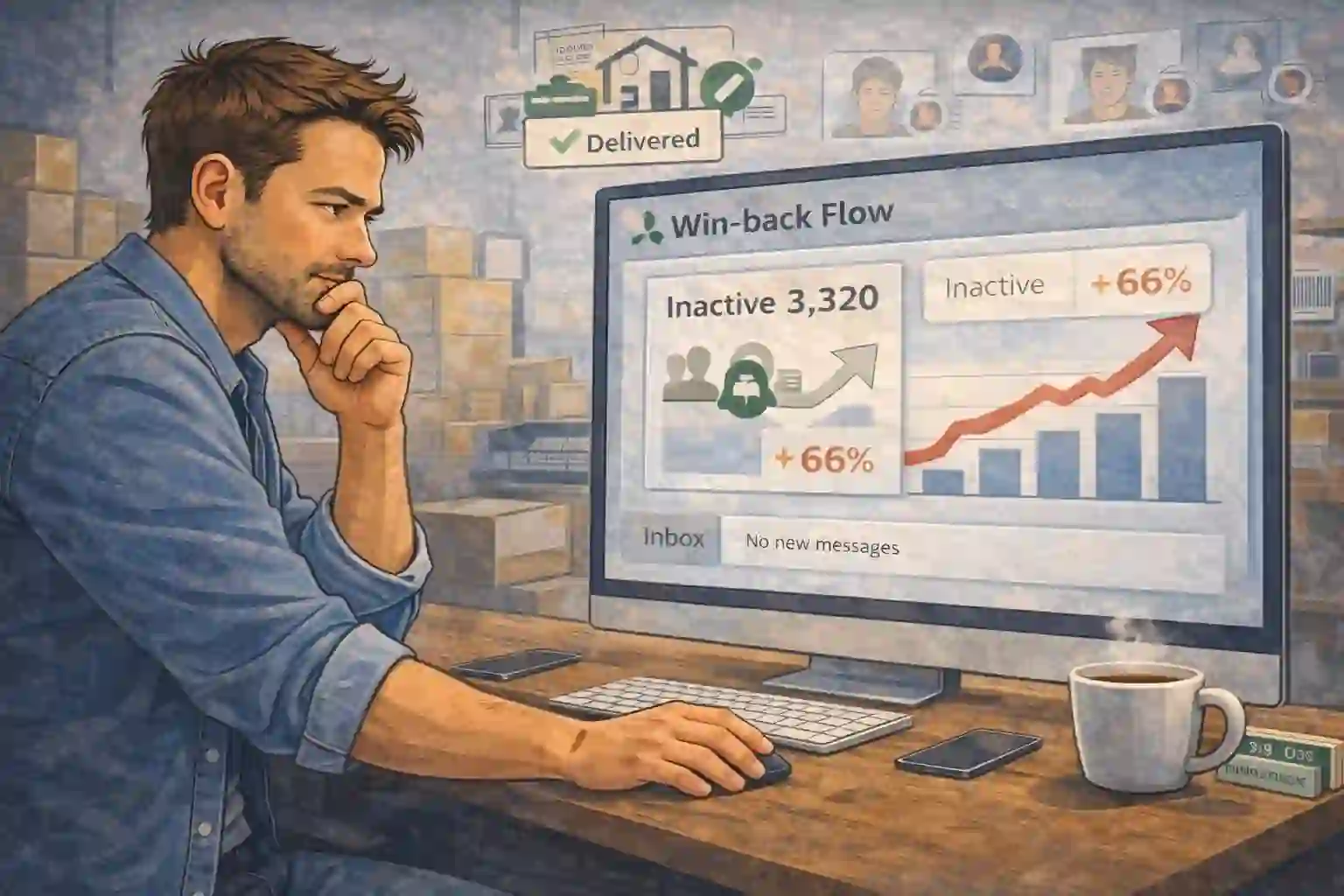
Inactive customers don’t complain — they disappear
Most stores assume “no news is good news.” But for customers, silence is a signal: the relationship ended. When they’re ready again, they buy from the brand they remember.
A win-back flow fixes memory, not motivation. It reconnects at the right moment with the right reason.
- Segment customers by time since last order
- Start with value, not a coupon
- Use one clear CTA per message
- Stop sending once they purchase again
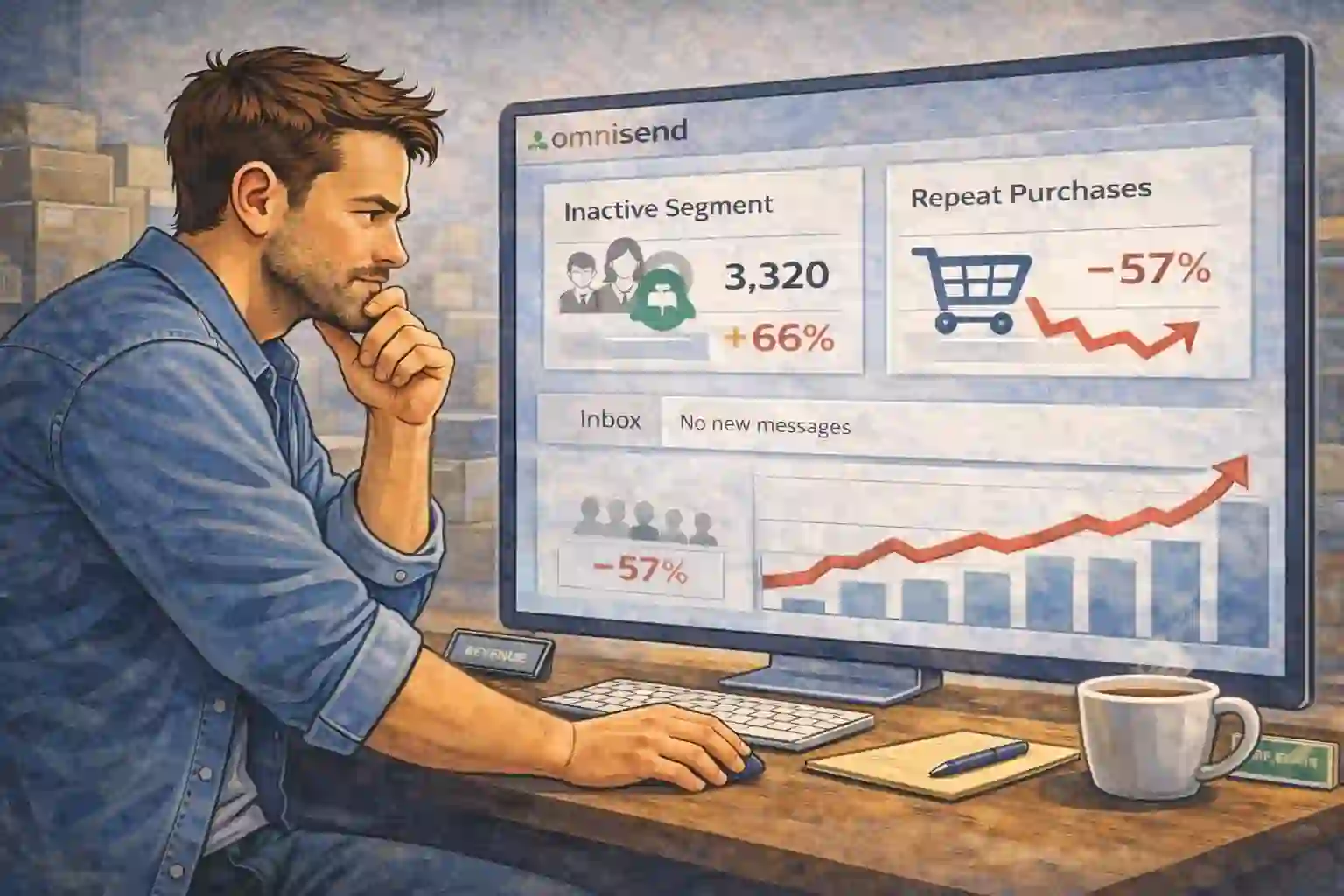
Inbox noise trains customers to ignore you
After a purchase, customers get flooded: shipping updates, promos, random newsletters, and unrelated offers. They don’t “unsubscribe” — they mentally mute the brand.
A win-back flow wins attention back by being specific, helpful, and timed to real behavior.
- Speak to their last purchase context
- Offer a “reason to return” (new arrivals, refill timing, accessories)
- Use social proof, not pressure
- Keep the sequence short
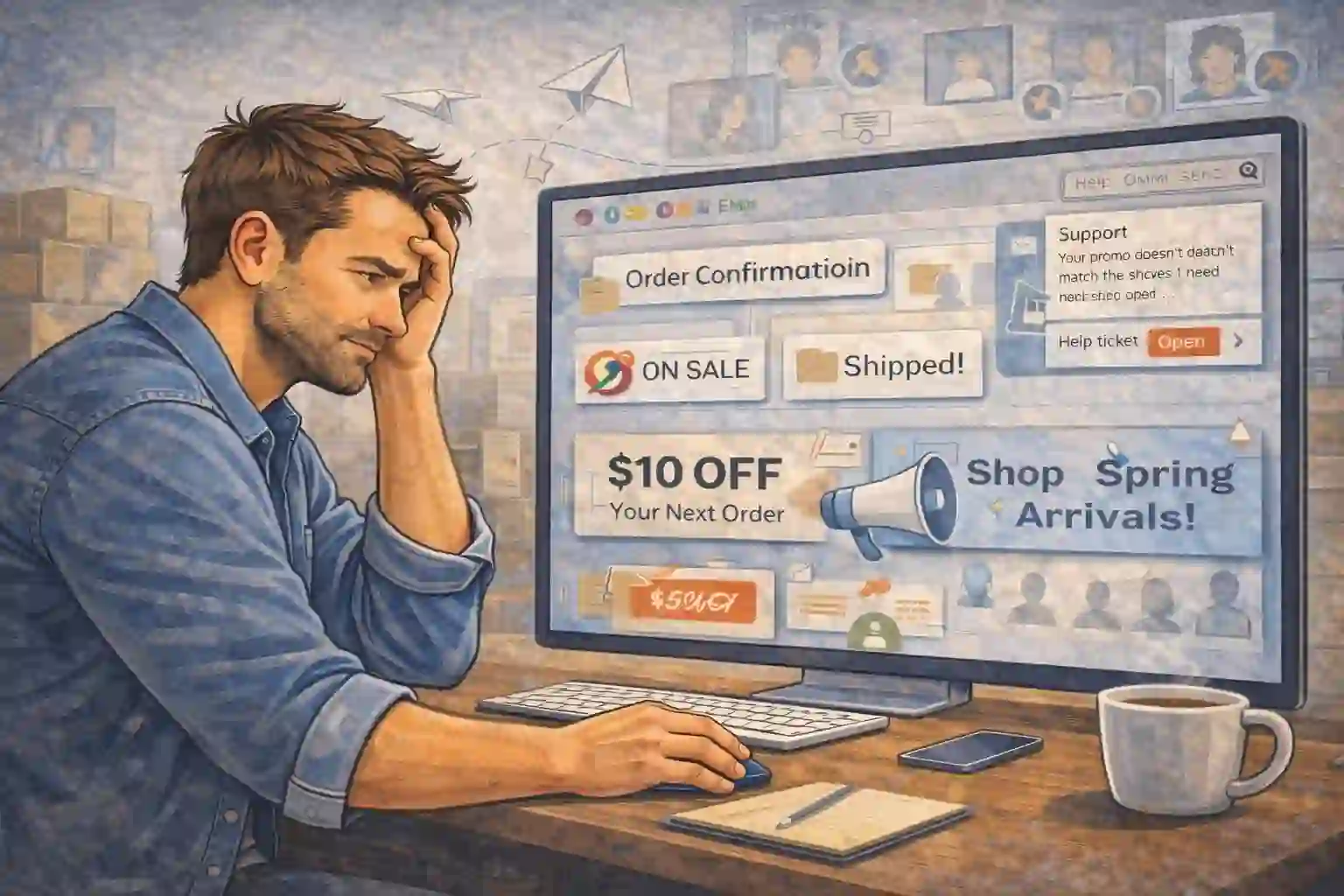
Trigger on “no order in X days” and exclude recent buyers
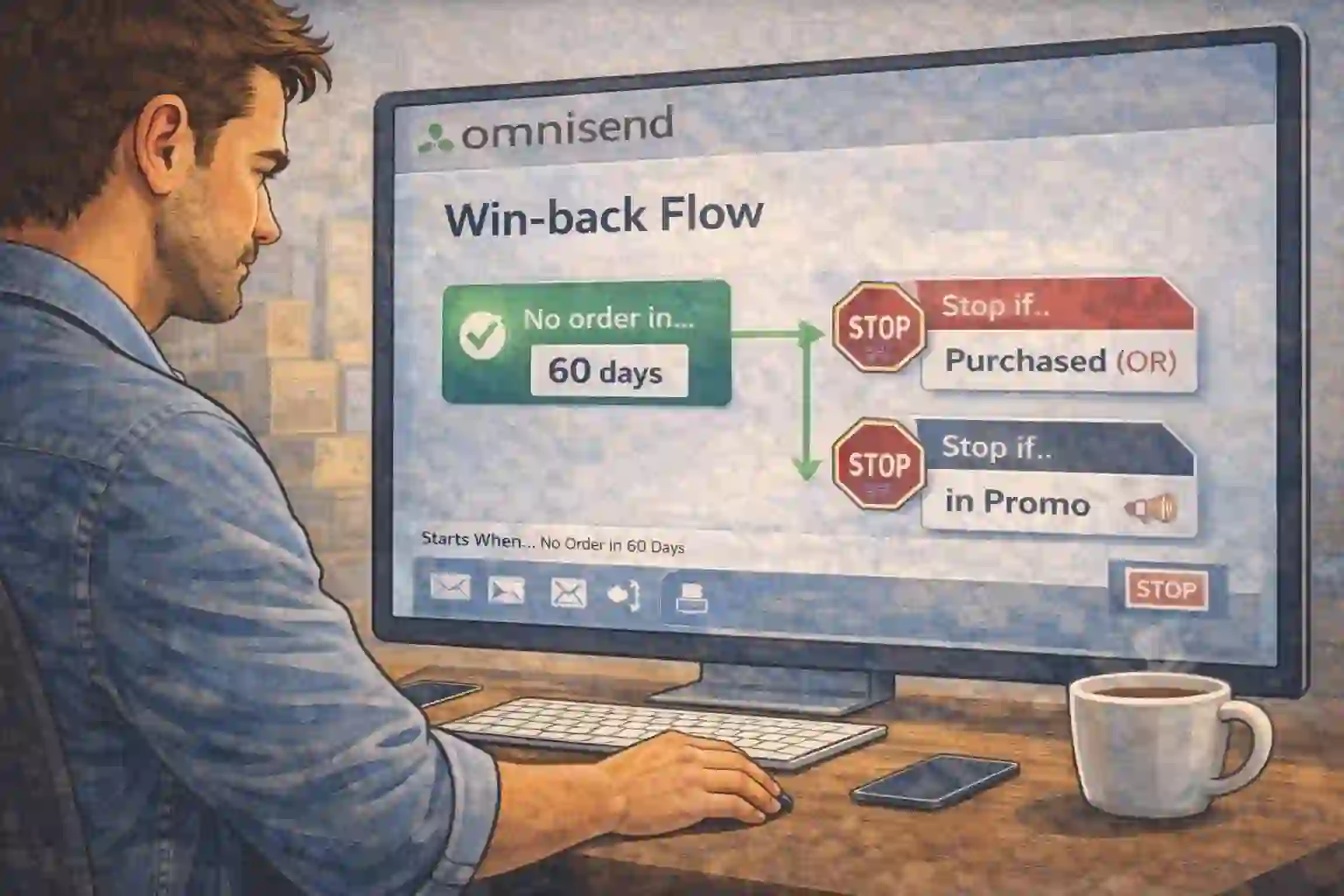
A clean win-back flow begins with one condition: the customer hasn’t ordered in a defined window (e.g. 45/60/90 days depending on your category).
Then add a safety rule: suppress anyone who purchased again — instantly. This is how you stay helpful and avoid annoying active customers.
- Choose a day-window that matches product lifecycle
- Exclude customers who are currently in other promos
- Stop the flow on purchase
- Use one channel first (email), then add SMS if needed
Official Omnisend resources: Omnisend Help Center • Omnisend platform
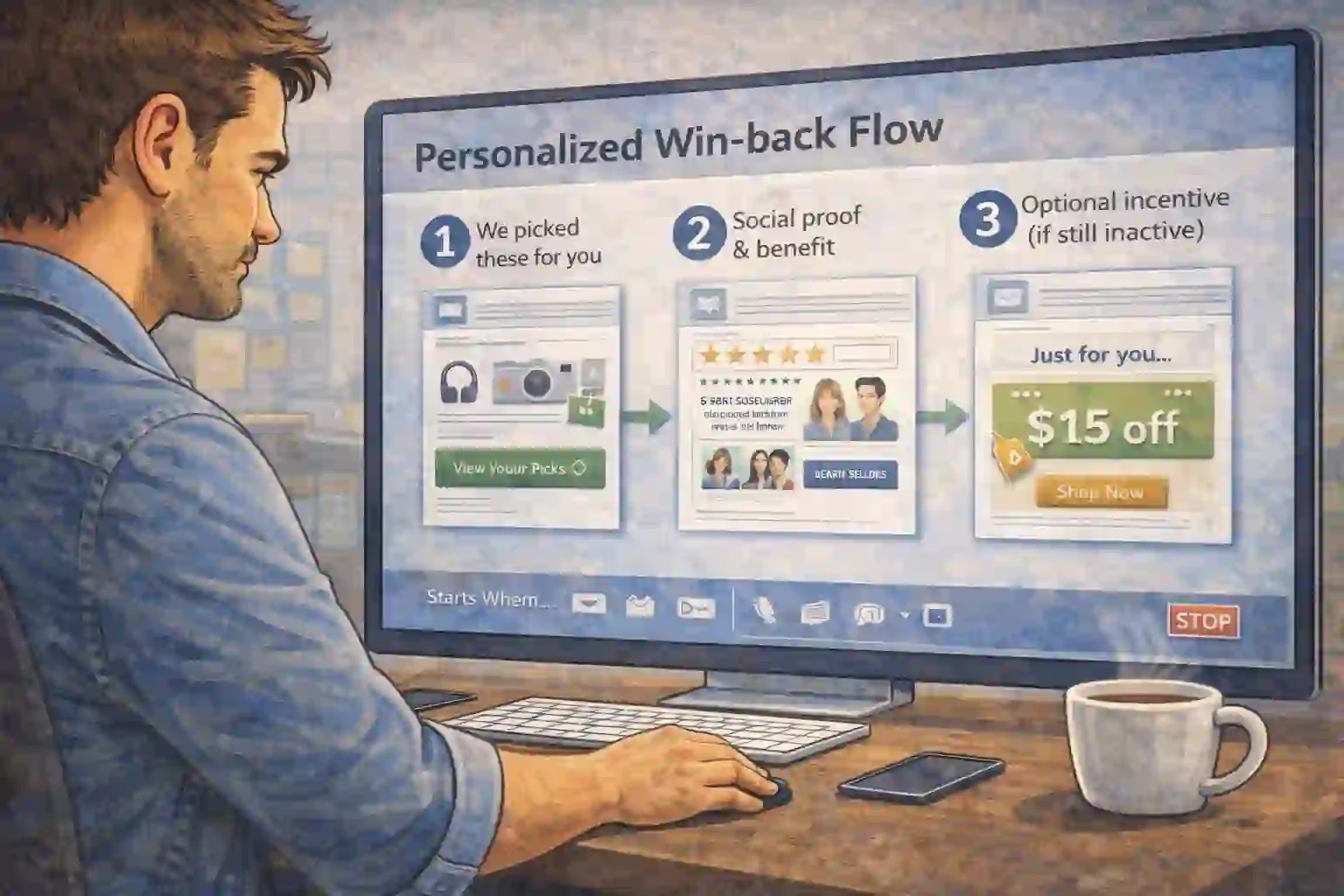
Three touches that feel personal — not desperate
Keep your win-back flow short. The goal is a “clean reconnection,” not a 12-email marathon. Each message earns the right to send the next.
- Email 1: “We picked a few things you’d like” (based on last category)
- Email 2: proof + benefit (reviews, UGC, best-sellers)
- Email 3: optional incentive (only if still inactive)
Split by last purchase so the offer makes sense
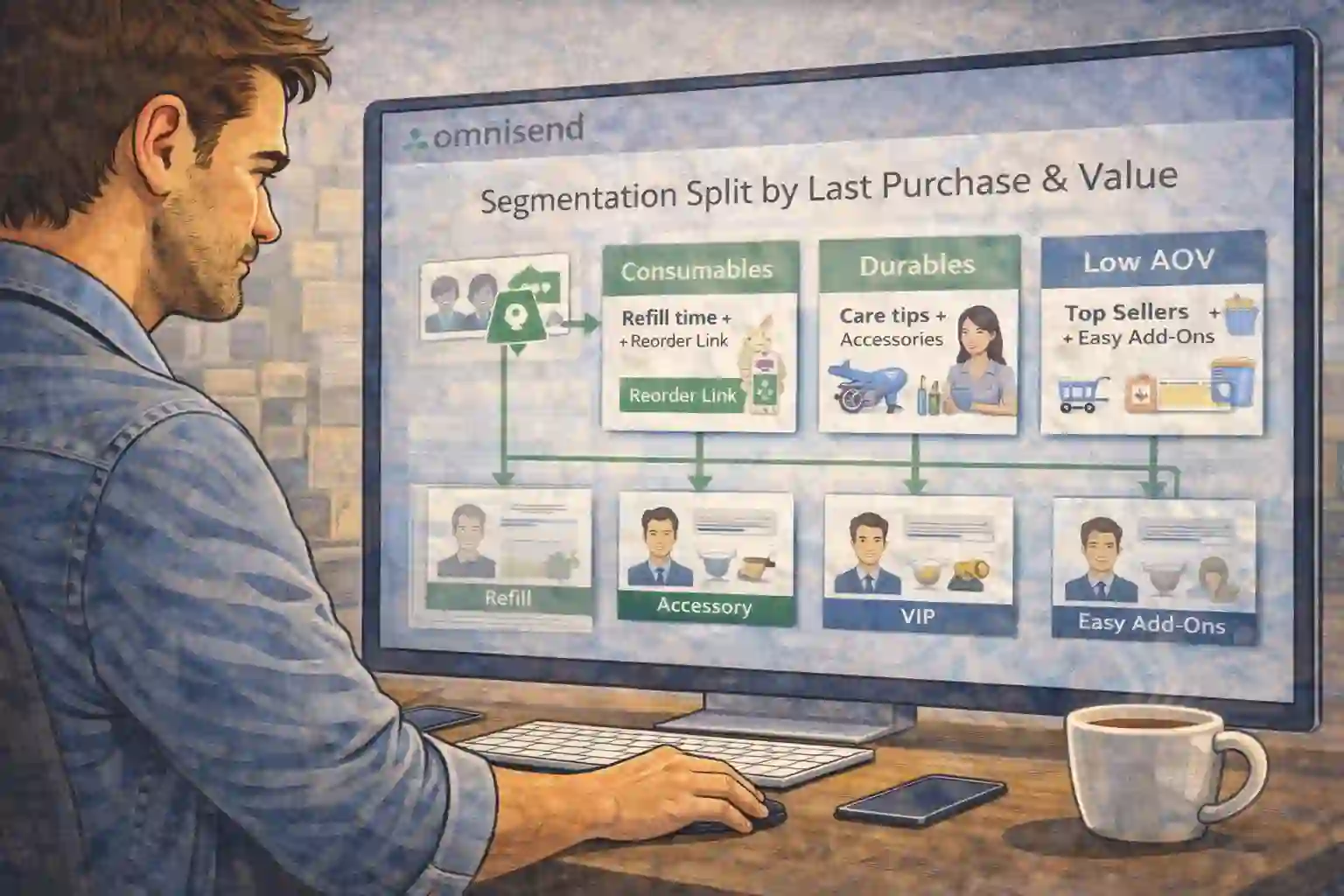
The fastest way to kill a win-back flow is sending one generic message to everyone. Segment by last purchase category and intent: refill vs accessory vs upgrade.
- Consumables: “refill timing” + reorder link
- Durables: care tips + accessories bundle
- High AOV: VIP angle + concierge tone
- Low AOV: best-sellers + “easy add-ons”
Protect margins with gated incentives (only if needed)
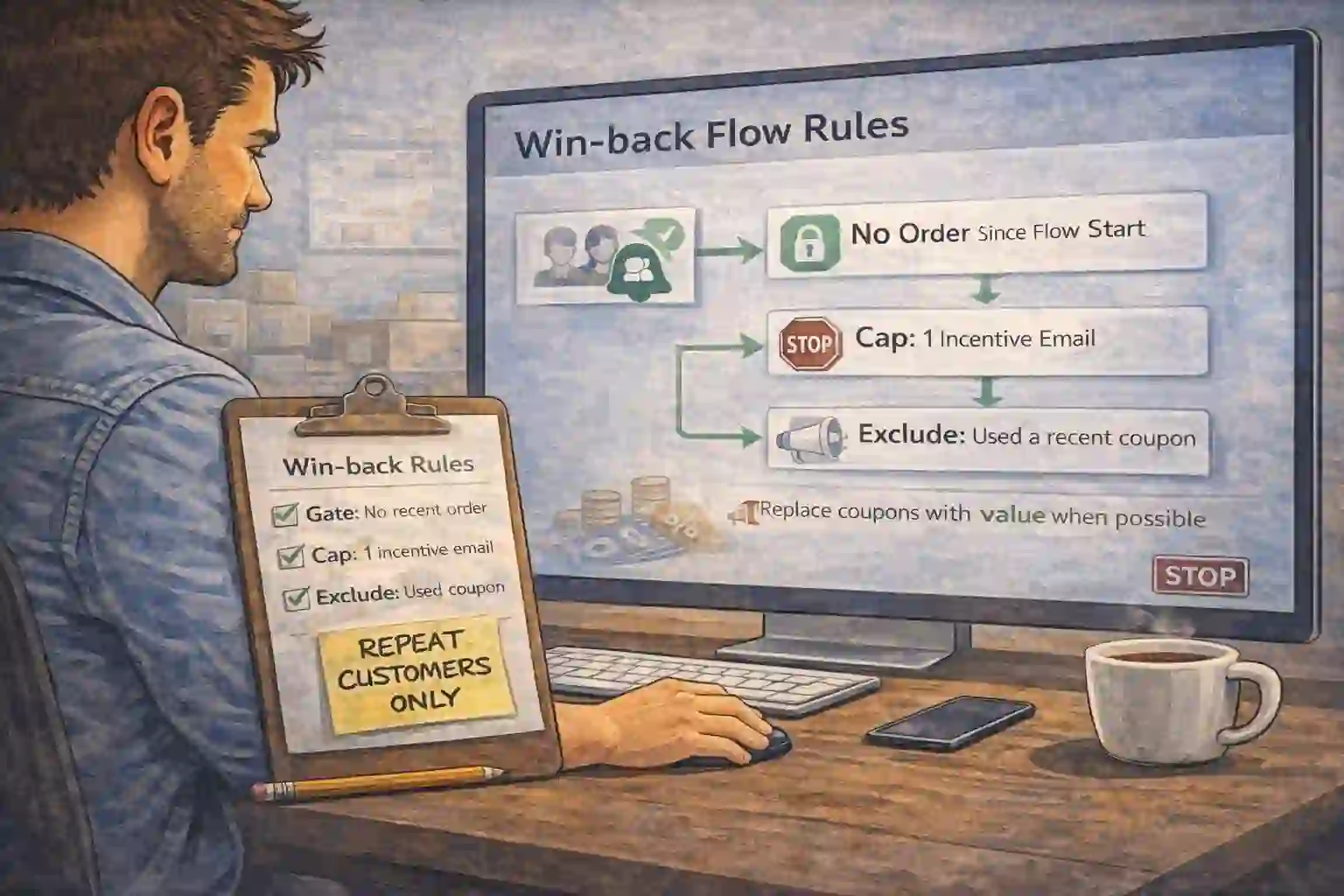
Discounts are the last step, not the first step. In a healthy win-back flow, incentives are gated behind inactivity and only shown if the first messages didn’t work.
- Gate: “no order since flow start”
- Cap: one incentive message max
- Exclude: customers who used a recent coupon
- Replace coupons with value when possible
Prove it with three numbers (and improve one thing at a time)
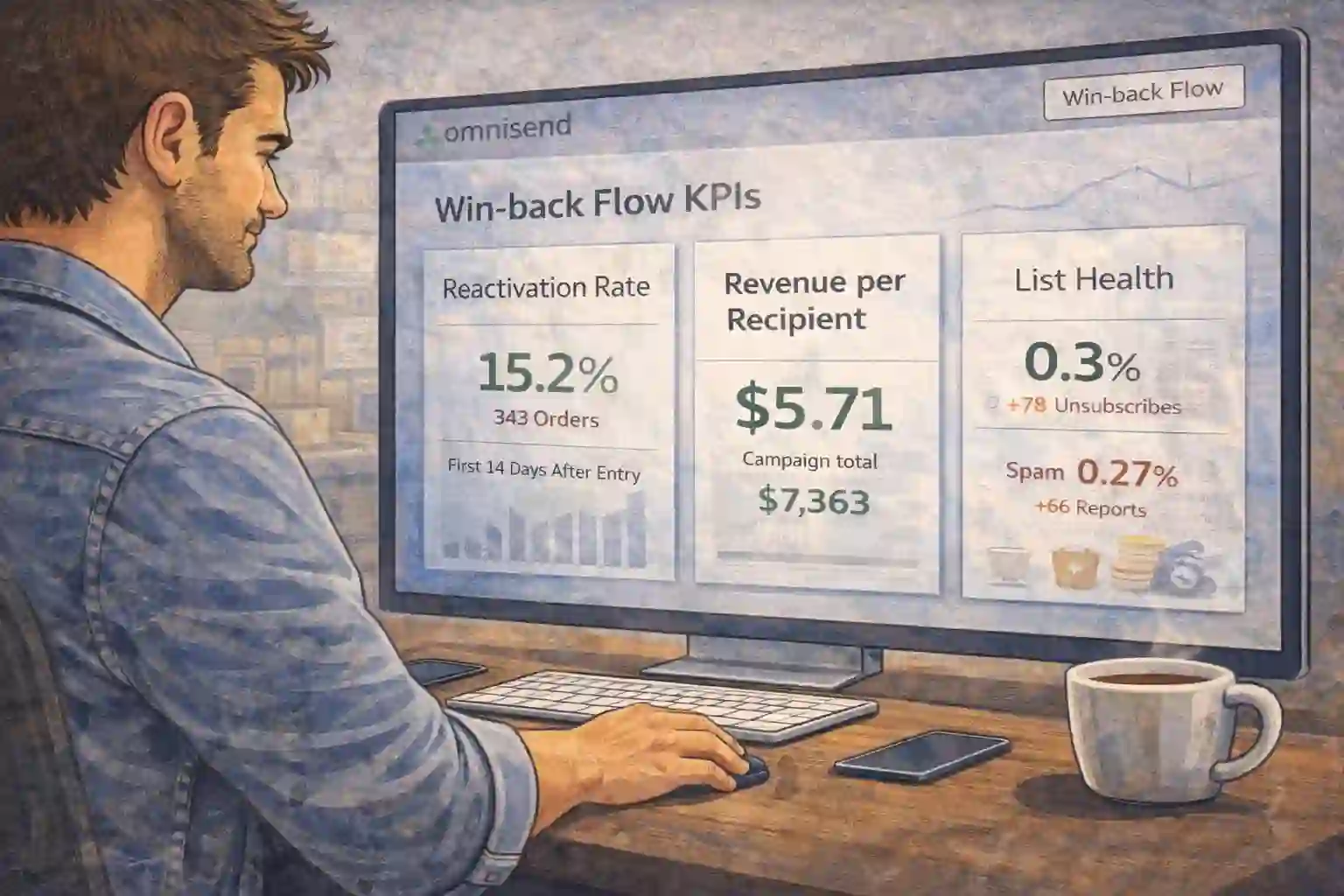
You don’t need a complex dashboard to validate a win-back flow. Track: reactivation rate, revenue per recipient, and unsubscribe/spam signals.
- Reactivation rate: purchases within 7–14 days of entering
- Revenue per recipient: flow-level profitability
- List health: unsubscribes + spam complaints
Then test one variable: subject line, first offer angle, or delay timing. Don’t change everything at once.
Done-for-you build — your win-back flow installed end-to-end
We map your inactivity windows, build segments, write the sequence, add gated incentives, and implement stop rules so the win-back flow reactivates customers without hurting deliverability.
- Flow map + inactivity windows (45/60/90 days)
- Segments by last purchase + customer value
- Templates + copy that feels like customer care
- Tracking + KPI checklist
Fast start: Start Omnisend, then choose your package.
Win-back flow FAQ
What “inactive window” should I use?
It depends on your product lifecycle. Start with 60 days for general ecommerce, then adjust (shorter for consumables, longer for high-consideration items).
Do I need a discount to reactivate customers?
Not always. In many stores, relevance + proof reactivates plenty of buyers. Use a gated incentive only as the final step in the win-back flow.
How do I stop annoying active customers?
Add “stop on purchase” and exclude anyone who ordered in the last X days. That’s non-negotiable for a clean win-back flow.
Start Omnisend free — launch your win-back flow today
Bring inactive customers back with relevance and timing, not random discounts. Build it yourself now, or let us install the win-back flow for you.