
When you look at Omnisend integrations 2026, you’re really asking one question: “How fast can I connect my store, send my first automated flows, and see real revenue on the dashboard?”Most ecommerce teams don’t need another “all-in-one” tool. They need an email & SMS engine that plugs into Shopify, WooCommerce and the rest of their stack without weeks of custom work, dev tickets, or endless Zapier chains.This guide walks you through how Omnisend integrations work across Shopify, Woo, BigCommerce, custom stores, paid ads, and onsite tools. We’ll focus on time to value, automation impact and ROI – not just a long feature list.
By the end, you’ll know exactly which integrations to switch on first, how they affect your automation revenue, and why Omnisend is one of the easiest platforms to wire into a modern ecommerce stack in 2026.
TL;DR – Omnisend integrations 2026 in one snapshot
- Shopify: one-click app, deep order & product sync, revenue attribution per flow.
- WooCommerce: plugin-based integration with cart, order and customer data synced automatically.
- Beyond: BigCommerce, custom stores, Facebook & Google ads, web tracking, and API/webhooks.
- Result: fewer tools, cleaner data, easier automation, faster payback.
If your main revenue engine is Shopify or WooCommerce, Omnisend integrations give you a nearly “plug and play” automation stack. You connect, pick the flows, and see revenue lines appear in the report – usually in days, not months.
Validate revenue in weeks, not months. No dev team required — ready ecommerce flows.
Takes minutes to connect Shopify/Woo. Cancel anytime.
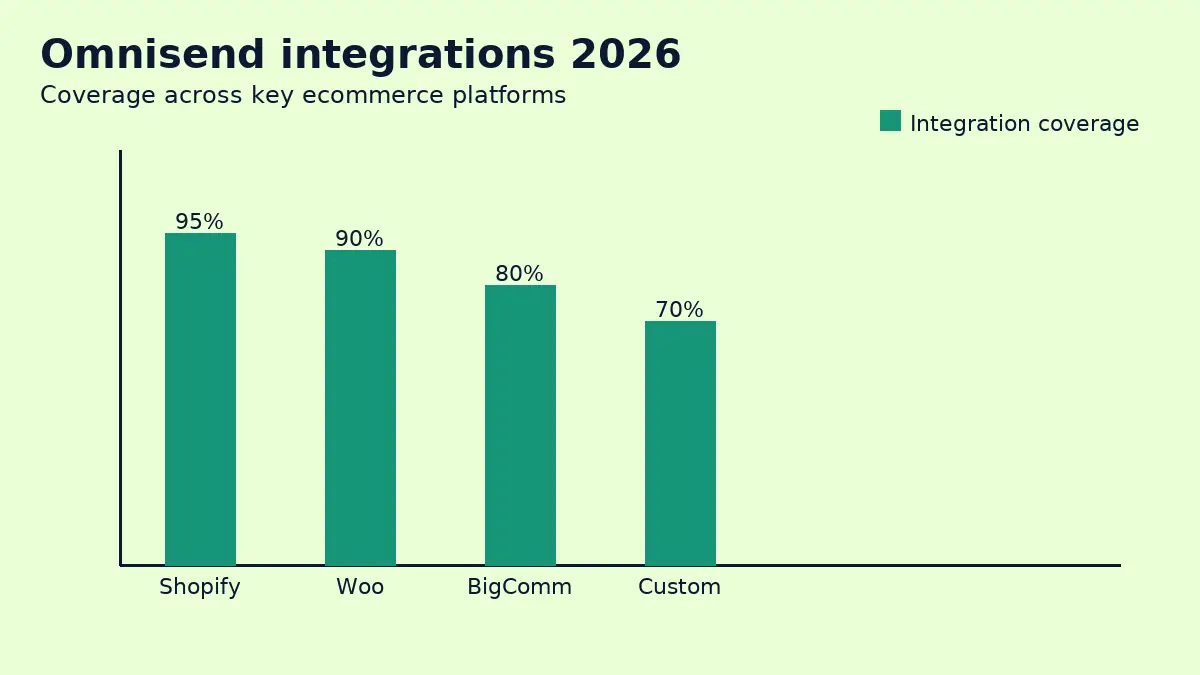
Quick comparison – Omnisend integrations across platforms
| Platform / area | Integration type | What you get in practice |
|---|---|---|
| Shopify | ✓ native app | Real-time orders, carts, product feeds, discount codes. |
| WooCommerce | ✓ plugin | Customer, order and cart data synced into Omnisend. |
| BigCommerce | ✓ direct integration | Product and order data powering ecommerce workflows. |
| Custom stores | API + webhooks | Send events (orders, carts) into Omnisend in real time. |
| Facebook & Instagram ads | ✓ audience sync | Sync segments into Custom Audiences for retargeting. |
| Google Ads | ✓ audience sync | Push high-intent segments into Google remarketing lists. |
| Onsite popups & forms | ✓ native builders | Capture email & SMS and drop straight into flows. |
| Web tracking | JS snippet | Browse, product-view, and site activity events. |
| Helpdesk / CRM | Integrations & API | Push customer tags and events between tools. |
| Overall setup time | Hours, not weeks | Most stores launch key flows inside week one. |
Pricing pages and integration catalogs change often — always confirm live before committing to a stack.
Feature matrix – what Omnisend integrations unlock
| Integration feature | Supported in Omnisend | Notes |
|---|---|---|
| Shopify real-time order sync | ✓ | Used for order confirmation, post-purchase and winback flows. |
| Shopify cart abandonment events | ✓ | Drives email + SMS cart recovery sequences. |
| WooCommerce order sync | ✓ | Orders, products and customers flow into Omnisend automatically. |
| Product feed for recommendations | ✓ | Dynamic product blocks in campaigns and automations. |
| Multi-store / multi-language support | ✓ | Handle several storefronts under one Omnisend account. |
| Facebook Custom Audiences | ✓ | Sync high-value segments to Meta for paid retargeting. |
| Google Ads remarketing lists | ✓ | Use Omnisend segments inside Google Ads campaigns. |
| Native popups & signup forms | ✓ | No extra form tool needed for basic onsite lead capture. |
| 3rd-party popup tools (e.g. OptiMonk) | ✓ | Send leads and attributes into Omnisend lists and segments. |
| Web tracking & browse events | ✓ | Trigger browse abandonment flows with 1–2 lines of code. |
| Native SMS in key countries | ✓ | Run email + SMS in a single Omnisend automation. |
| Zapier / Make integrations | ✓ | Connect niche tools without custom code. |
| Public REST API | ✓ | Developers can push any event or property into Omnisend. |
| Webhooks | ✓ | Send Omnisend events back into your backend or data warehouse. |
| In-app product recommendations | ✓ | Use ecommerce data to tailor every message. |
| Multiple warehouses / inventory feeds | ✗ | Handled by your ecommerce platform, not Omnisend. |
| Call center / voice integration | ✗ | Use CRM integrations or API if voice is critical. |
| Overall integration value | ✓ ecommerce-first | All key revenue events flow into Omnisend automatically. |
How Omnisend integrations work in 2026
At a high level, Omnisend integrations follow a simple pattern:
- Install an app or plugin (Shopify, WooCommerce, BigCommerce).
- Authorize access and pick what to sync (orders, customers, products).
- Turn on recommended automations that use this data.
- Watch revenue attribution for each automation in your dashboard.
Instead of building your own event-tracking layer, Omnisend taps directly into your ecommerce platform’s order and product data. That’s why Omnisend integrations 2026 are so attractive for lean ecommerce teams: you don’t need a dev-heavy CDP to get started.
For the latest list of native integrations and apps, you can always check the
official Omnisend integrations page
before you finalize your stack.
Shopify + Omnisend: the fastest path to value
If your store runs on Shopify, Omnisend is one of the lowest-friction ways to launch a serious email + SMS stack. The Shopify app automatically syncs:
- customers, email & phone fields
- orders, line items, and revenue data
- discount codes and coupon usage
- cart events and product views (with tracking enabled)
Key automations unlocked by the Shopify integration
- Welcome series with coupon: triggered as soon as Shopify records a new signup.
- Cart abandonment (email + SMS): pulls product data straight from the cart.
- Post-purchase upsell: shows related products based on last order.
- Winback series: segments customers by last purchase date and AOV.
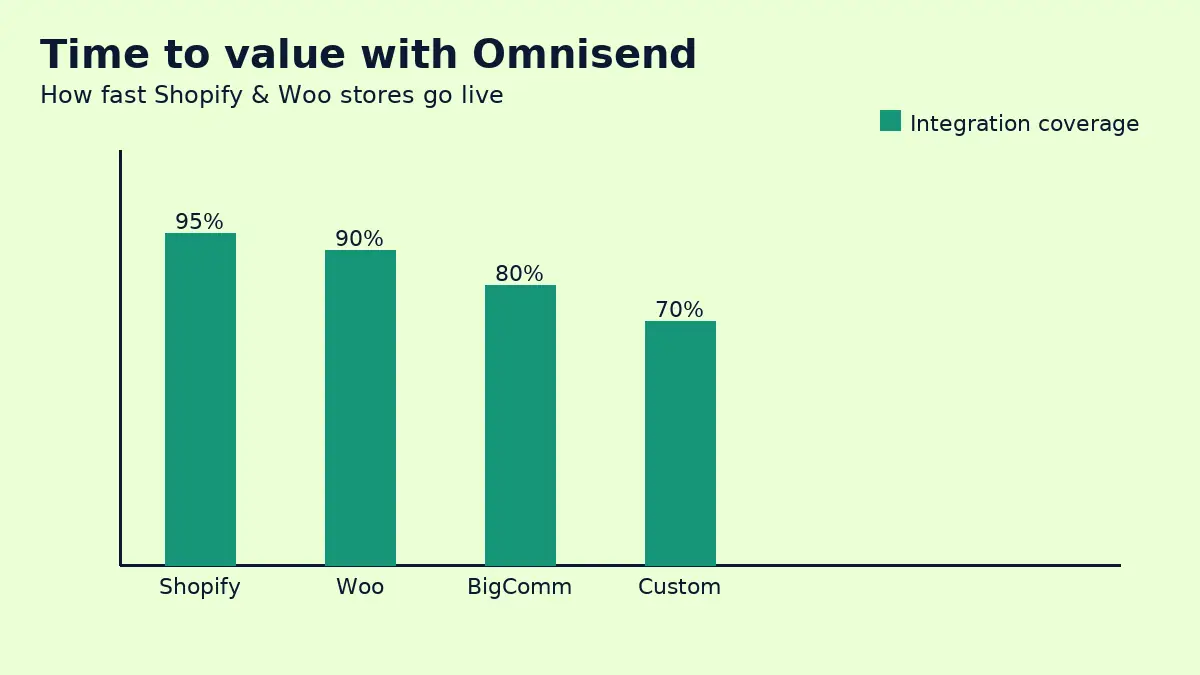
Because Omnisend ships with ready-made Shopify workflows, you can go from “install app” to “first revenue from automation” in a few days – sometimes even the same day if you use their plug-and-play templates.
WooCommerce + Omnisend: plugin-based, but just as powerful
WooCommerce stores often fight with add-ons and inconsistent data between plugins. Omnisend integrations 2026 reduces that friction by:
- syncing orders and customers into clear profiles,
- tracking product interest and categories,
- enabling the same cart, browse and winback flows as Shopify users.
The only real difference versus Shopify is installation (WordPress plugin vs. app store install). In practice, the automation potential is almost identical once the integration is live.
Automation = revenue while you sleep. Set once, sell daily — especially when your store data and Omnisend integrations 2026 are fully connected.
Beyond Shopify & Woo: BigCommerce, custom stores, APIs
Not every ecommerce business runs on Shopify or Woo. If you’re on BigCommerce, a headless setup, or a custom stack, Omnisend integrations 2026 still give you options:
- BigCommerce app: similar to Shopify – orders, customers and products sync to Omnisend.
- Custom backend: use Omnisend’s REST API to send events like order_created, cart_updated, or customer_tagged.
- Webhooks: stream events from Omnisend into your CRM, warehouse, or analytics tools.
For advanced teams, the API + webhooks combo effectively turns Omnisend into an automation layer over your existing data infrastructure, without forcing you to migrate the entire stack.
Ad platforms, onsite tools, and customer data
Once your store is connected, next up are the tools that amplify Omnisend:
- Meta (Facebook & Instagram) integrations: sync Omnisend segments like “high LTV buyers” or “recent abandoners” into Custom Audiences.
- Google Ads: build remarketing lists directly from Omnisend segments.
- Onsite tools: use Omnisend forms or connect third-party popups to collect leads into your flows.
- Helpdesk / CRM: pass tags or events from your support tools into Omnisend for better segmentation.
This is where Omnisend integrations start multiplying ROI: email & SMS don’t live in a silo, they drive and support your paid campaigns and support workflows.
Implementation steps: from install to live automations
Here’s a simple rollout plan you can use for any store:
- Connect your ecommerce platform (Shopify, Woo, BigCommerce, or custom API).
- Turn on tracking so Omnisend can see product views and onsite behavior.
- Connect your main popup or form tool and start collecting email + SMS.
- Enable the core flows: welcome, cart abandonment, post-purchase, winback.
- Connect ad platforms (Meta, Google) for synced audiences.
- Review attribution reports and iteratively tweak timing, discounts and segmentation.
Validate revenue in weeks, not months. No dev team required — ready ecommerce flows.
Takes minutes to connect Shopify/Woo. Cancel anytime.
Pricing & limits: what integrations change (and what they don’t)
Integrations themselves usually don’t add extra line items to your bill. What does change pricing is:
- how many contacts you sync into Omnisend,
- how many emails and SMS you send each month,
- whether you enable more advanced automation flows and channels.
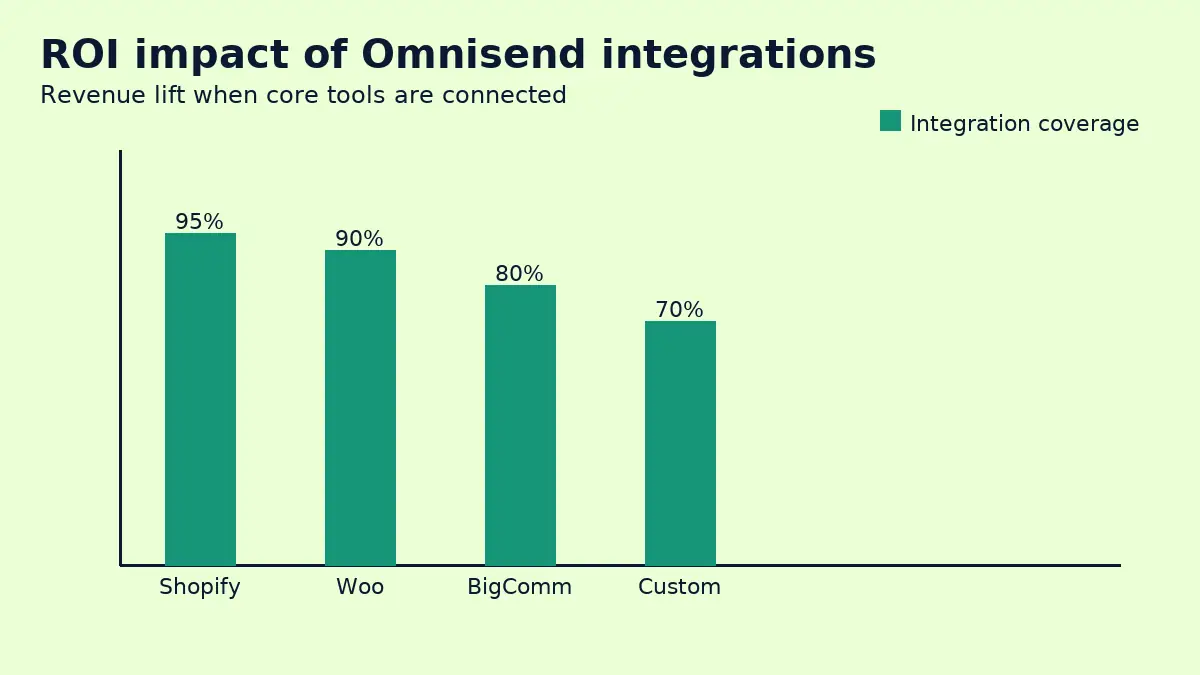
A clean integration strategy actually reduces hidden costs by removing duplicate tools (e.g. separate popup app, CDP-lite, segment sync tool). Instead of paying 3–4 vendors, Omnisend + your store + your ad accounts often covers 80–90% of what a growing ecommerce brand needs.
Real use cases for Omnisend integrations
- Shopify fashion brand: connects Shopify, Omnisend and Meta, and runs cart + browse flows plus ad retargeting using the same segments.
- WooCommerce cosmetics store: uses Omnisend forms and product recommendations to push first-time buyers into replenishment automations.
- Headless DTC brand: pushes custom events into Omnisend’s API and uses webhooks to sync campaign results back into a central data warehouse.
The common pattern: store data in, segmented audiences out, revenue from automation in the middle.
Which Omnisend integrations to set up first
If you’re short on time, prioritize like this:
- Connect your main ecommerce platform (Shopify or Woo) and enable tracking.
- Set up your core onsite capture – simple popup with email + SMS.
- Turn on welcome and cart abandonment automations.
- Connect Meta and Google Ads for synced audiences of high-intent visitors.
- Add API/webhook integrations later once the basics are printing revenue.
If you also compare email tools, you can cross-check integration depth with other providers using articles like
Omnisend vs GetResponse 2026
or
Omnisend vs Klaviyo 2026.
Those will show you how Omnisend’s ecommerce focus stacks up.
FAQs – Omnisend integrations 2026
1. Do I need a developer to connect Omnisend to Shopify or WooCommerce?
No. For most stores it’s a matter of installing the app or plugin, authorizing the connection, and turning on recommended flows. API work is only needed for custom stacks.
2. Will Omnisend slow down my store?
Omnisend’s integrations are designed to be lightweight. Most of the heavy lifting happens server-side. As with any tool, you should test performance, but ecommerce users rarely report noticeable slowdowns.
3. Can I use Omnisend if I change platforms later?
Yes. Many brands migrate from Woo to Shopify (or vice versa) and keep Omnisend as their automation layer. You simply connect the new store and re-map key flows.
4. Do I need a separate popup tool?
Not necessarily. Omnisend forms and popups cover most standard use cases. If you’re already invested in a specialist popup tool, you can still send leads into Omnisend via integrations or API.
5. What if I already use another ESP?
You can run Omnisend in parallel for a short period while you shift integrations and core flows. Many brands migrate gradually, starting with cart abandonment and welcome flows.
Final verdict – is Omnisend integrations 2026 the right integration hub for you?
For most ecommerce brands, the answer is yes. Omnisend integrations 2026 make it very easy to plug your main store, capture tools and ad platforms into a single automation engine that actually understands ecommerce.
If your priority is faster time to value, clean data from Shopify or Woo, and revenue-driven automations, Omnisend gives you more than enough integration power without forcing you into a complex, developer-heavy stack. Connect the store, turn on the right flows, and let the revenue reports tell you the rest.
Validate revenue in weeks, not months with Omnisend integrations 2026. No dev team required — ready ecommerce flows.
Takes minutes to connect Shopify/Woo. Cancel anytime.